Settings beside the file
· 2 min read
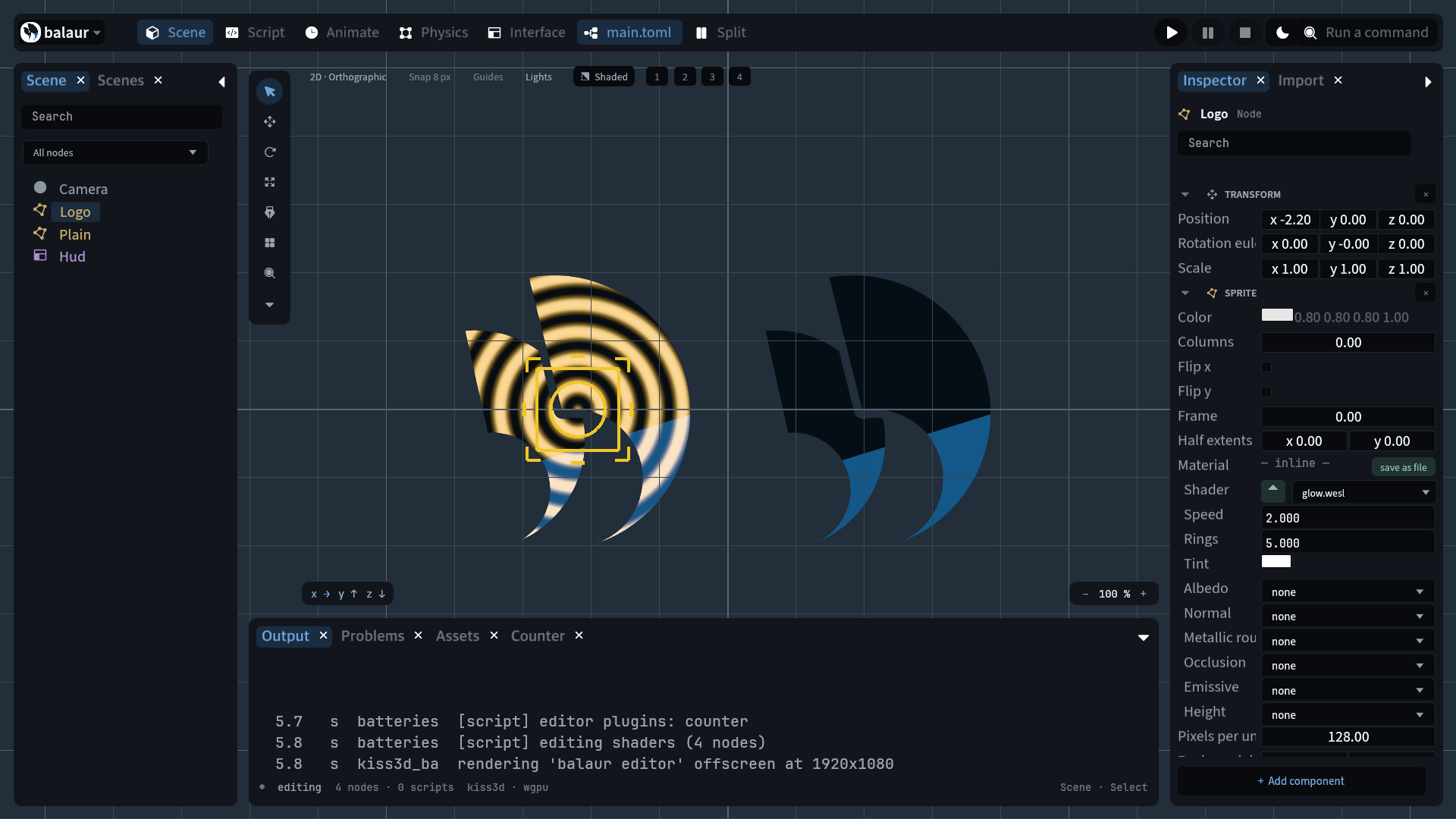
A .toml beside an asset says how the file is read: art/hero.png.toml
settles art/hero.png. [import.texture] in project.toml is the project's
default; a sidecar overrides it key by key.
What landed
- Sidecar. The double extension sorts beside its image in a listing and
cannot collide with a scene or a clip named
hero. - Project default.
[import.texture]inproject.toml; a sidecar overrides one key at a time. - Every kind. A file's kind comes from its extension: texture, audio, font or model. One resolver reads them all.
- Two keys reach the renderer.
filter:"nearest"or"linear".srgb = falsefor an image that is data, not colour: a normal map, a mask. - One re-upload. The resolved settings are part of the name a texture is uploaded under, with the file's modification time, so editing a sidecar re-decodes one image.
- Pixels, never sizes. A sprite's extent comes from the image header, so a headless run computes the same world as a windowed one and import settings stay out of the digest. Downscaling for a phone is an export key.
# art/hero.png.toml
filter = "nearest" # pixel art, drawn crisp instead of blurred
srgb = true # false for a normal map or a mask, which carry data
# project.toml
[import.texture]
filter = "nearest"
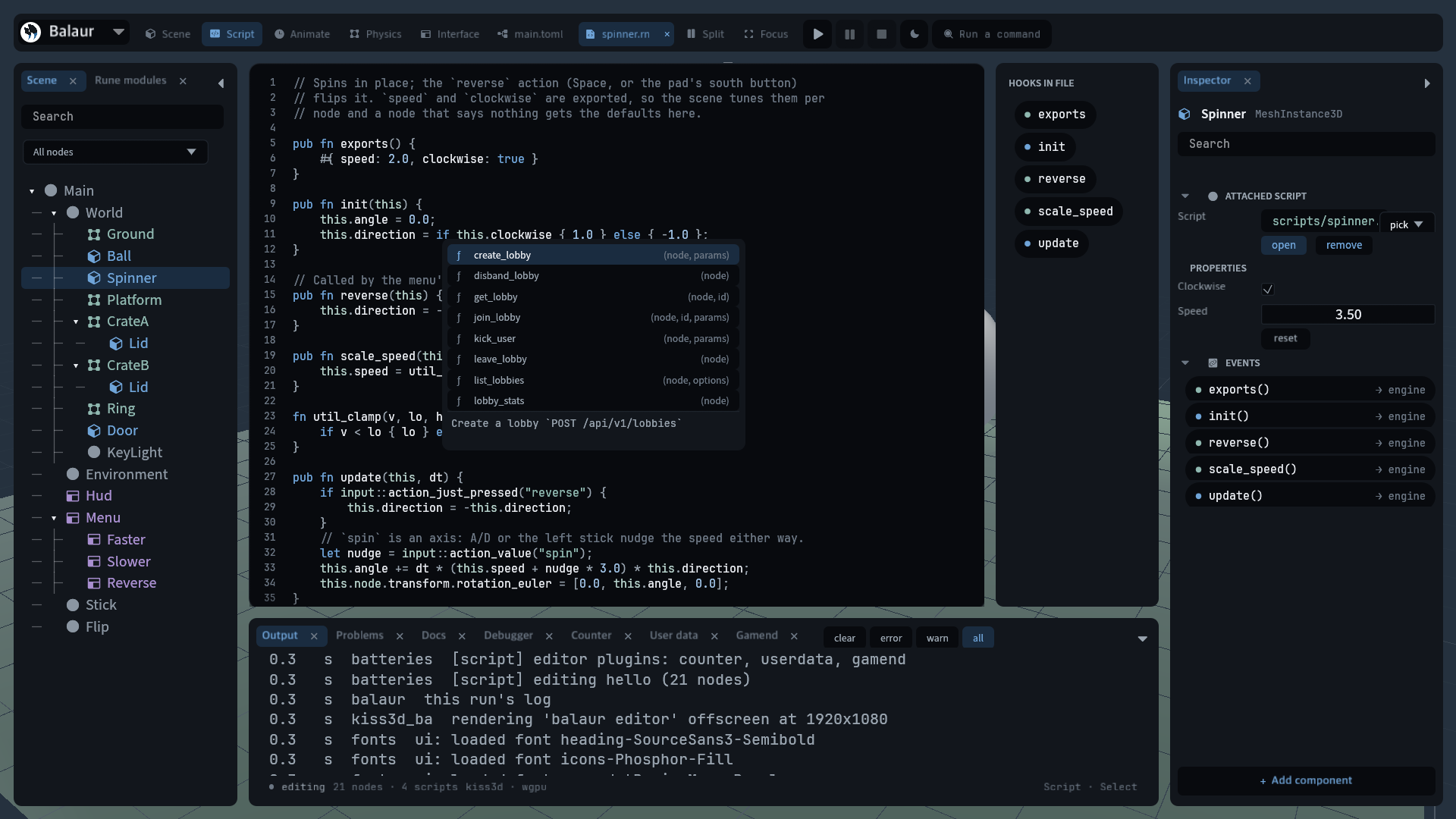
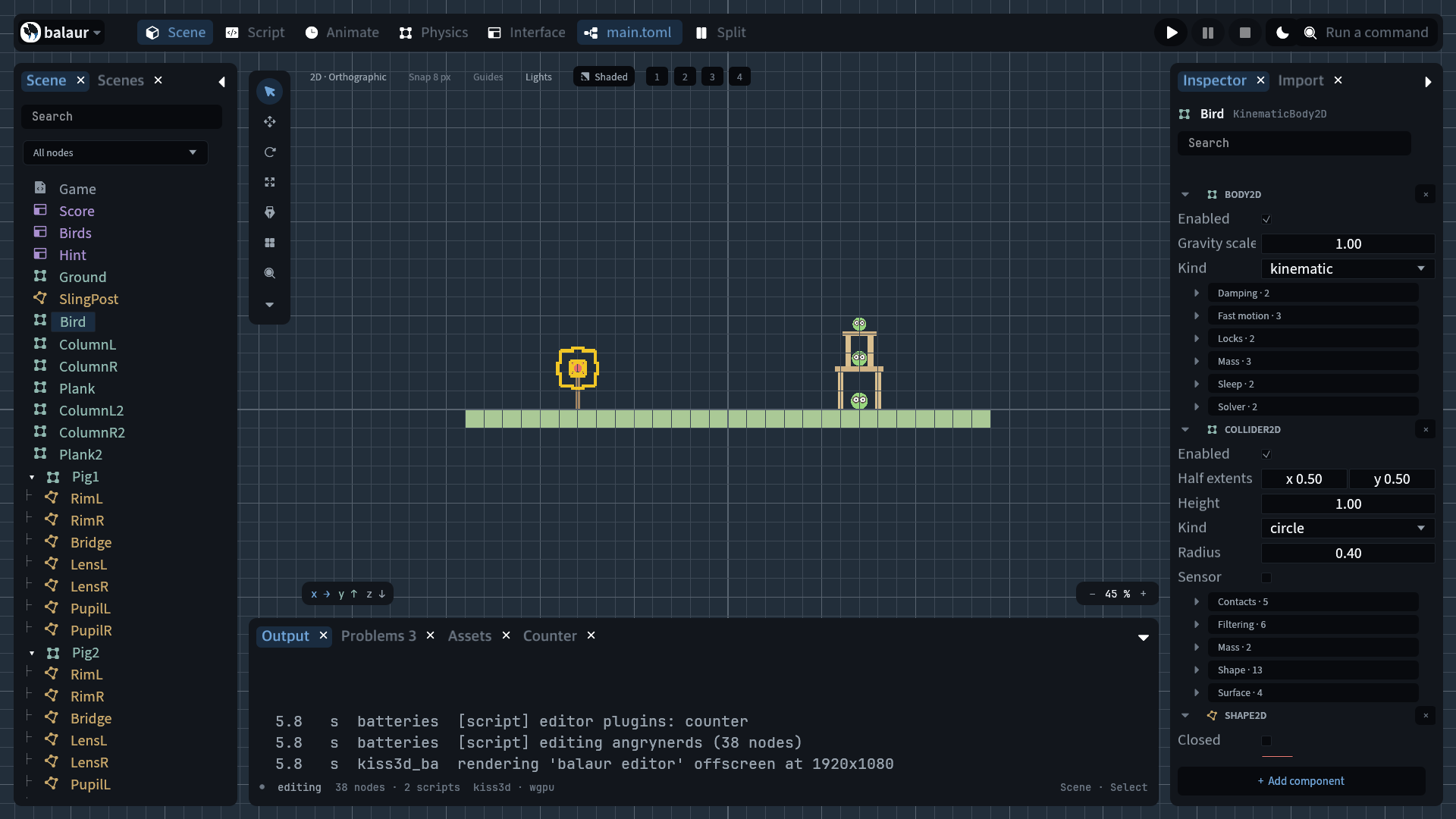
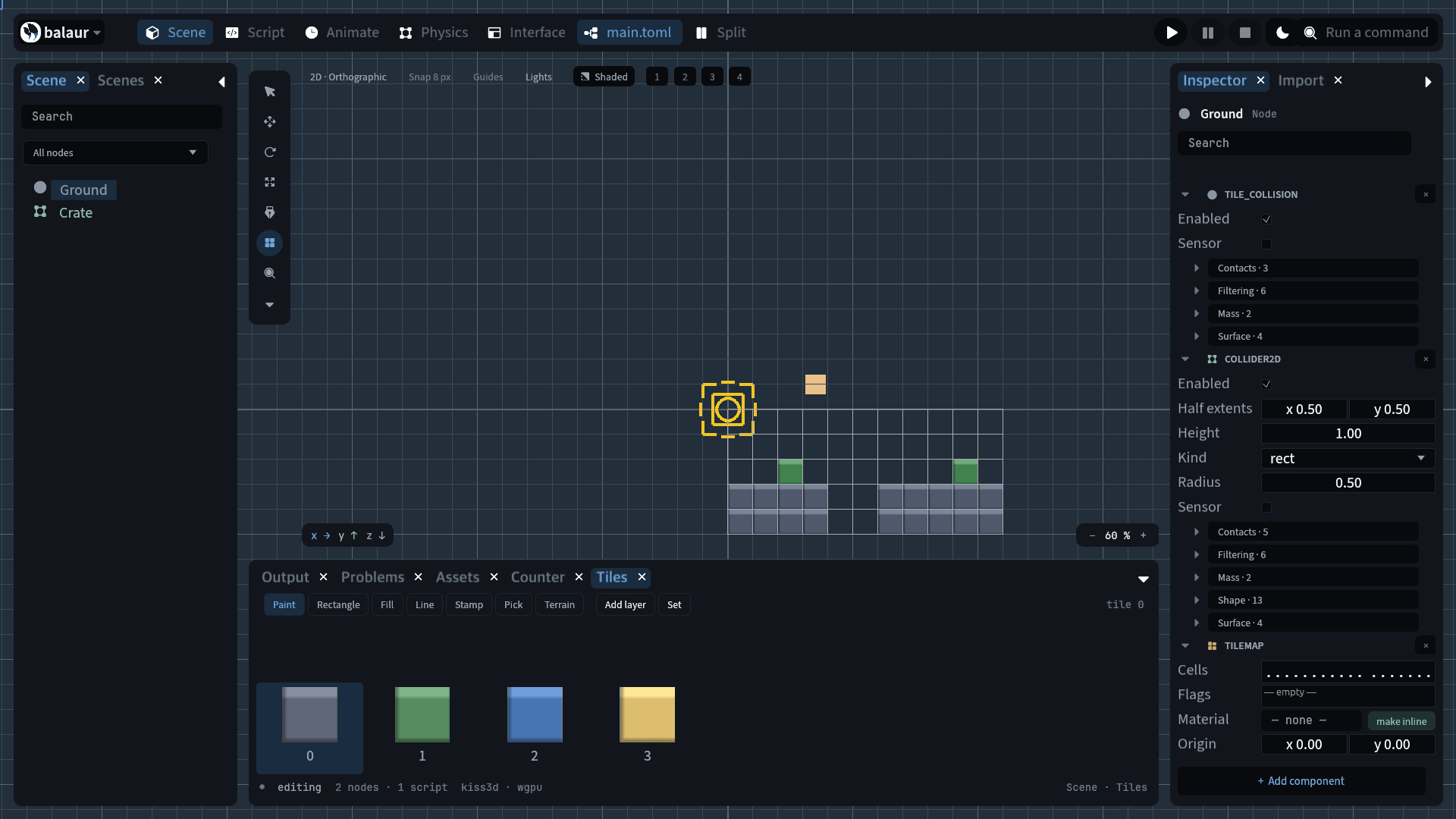
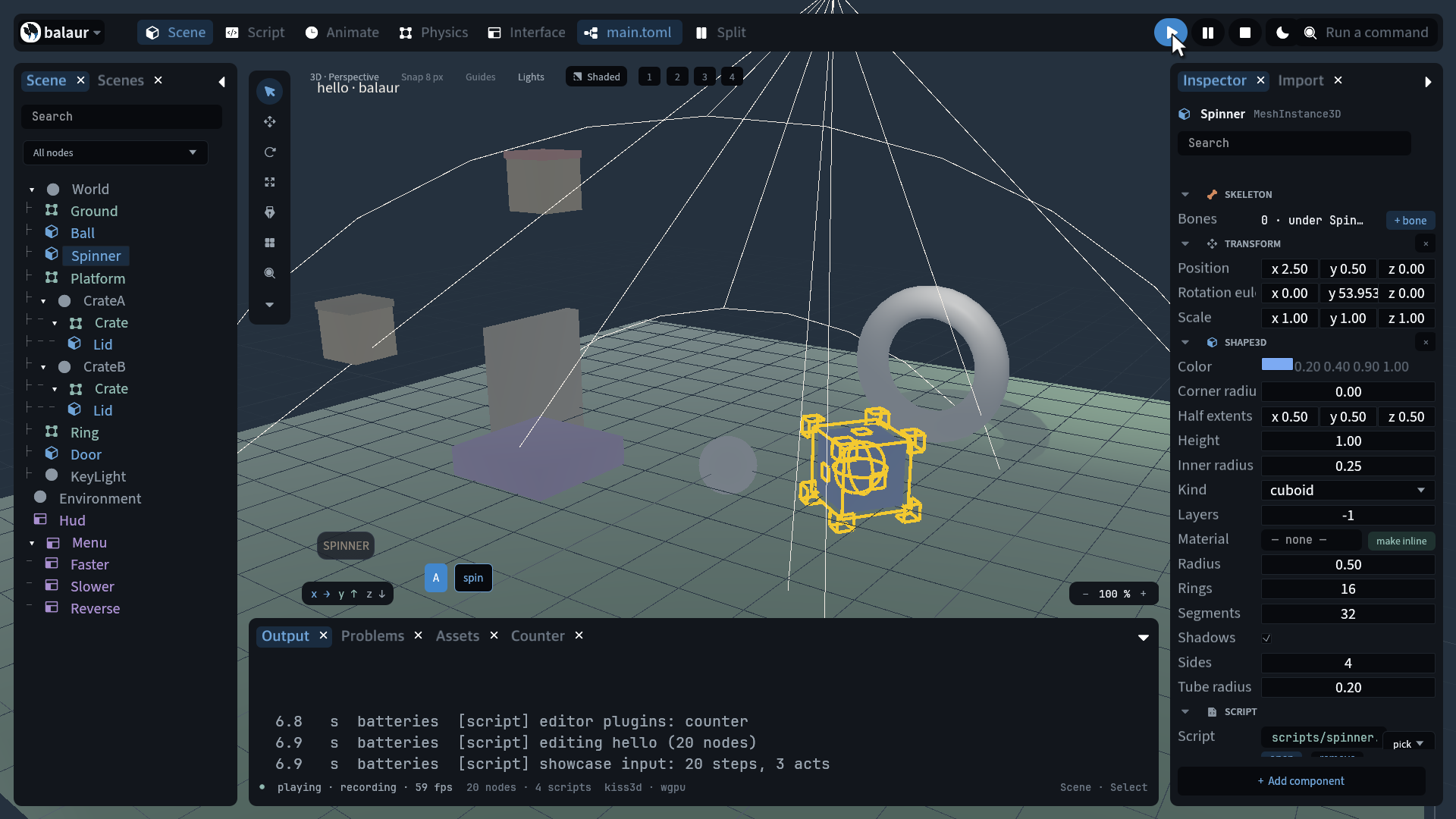
Written but not wired: repeat, mipmaps, anisotropy, premultiplied alpha,
and an Import section in the editor. On the roadmap;
Import settings is the manual.