

Back
· 2 min read
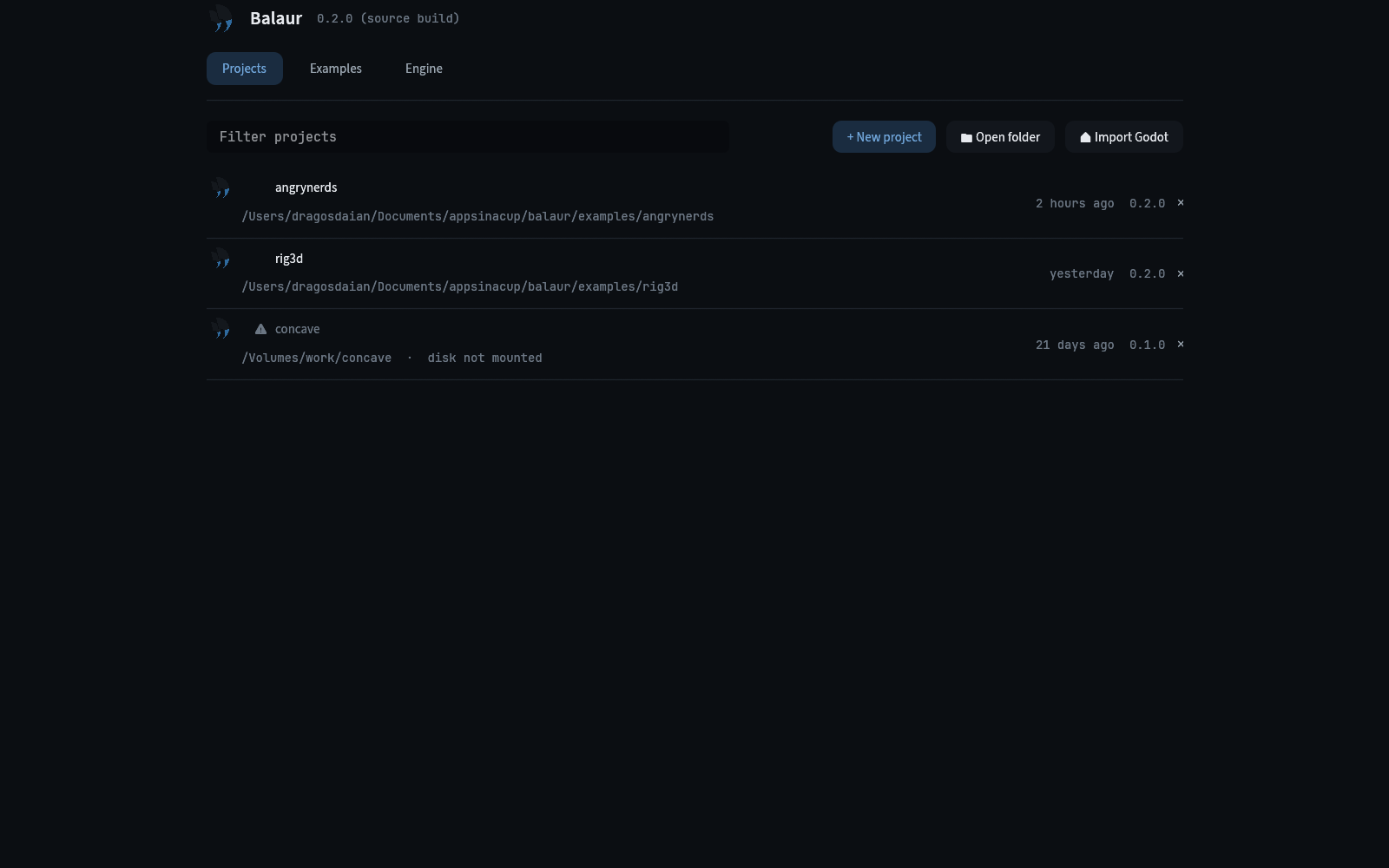
When double clicking Balaur Engine, the Project manager will now show up. You can view here your projects, the examples and manage the engine versions.
Projects list
The project manager contains a list of all your projects, what version of the engine you used to open them and a logo.
Example
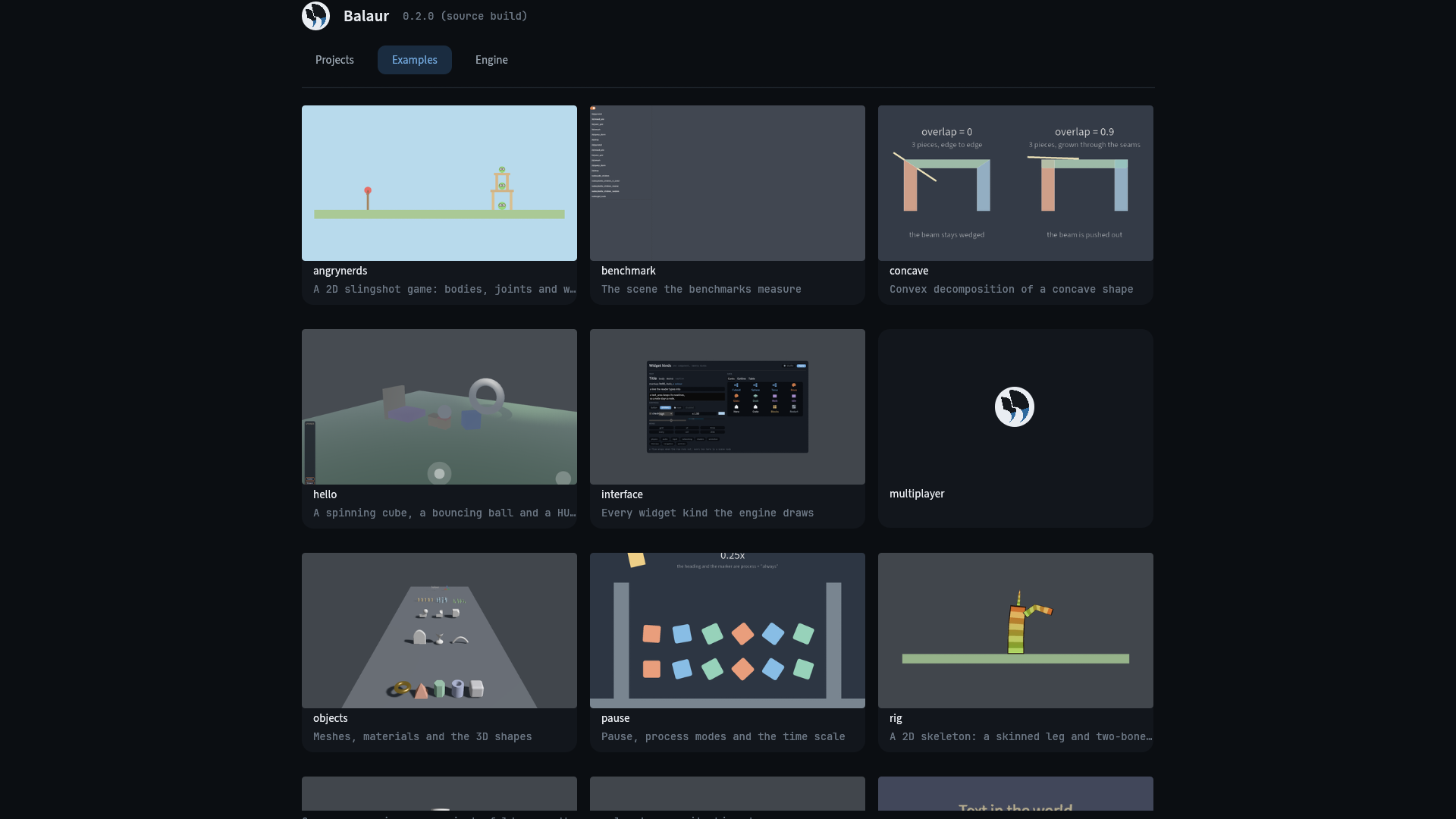
The default examples that the GitHub repo contains are also visible in the Examples tab. Each of them has a screenshot and a title. Opening it downloads it into your projects and opens the copy.
Manage Engine Version
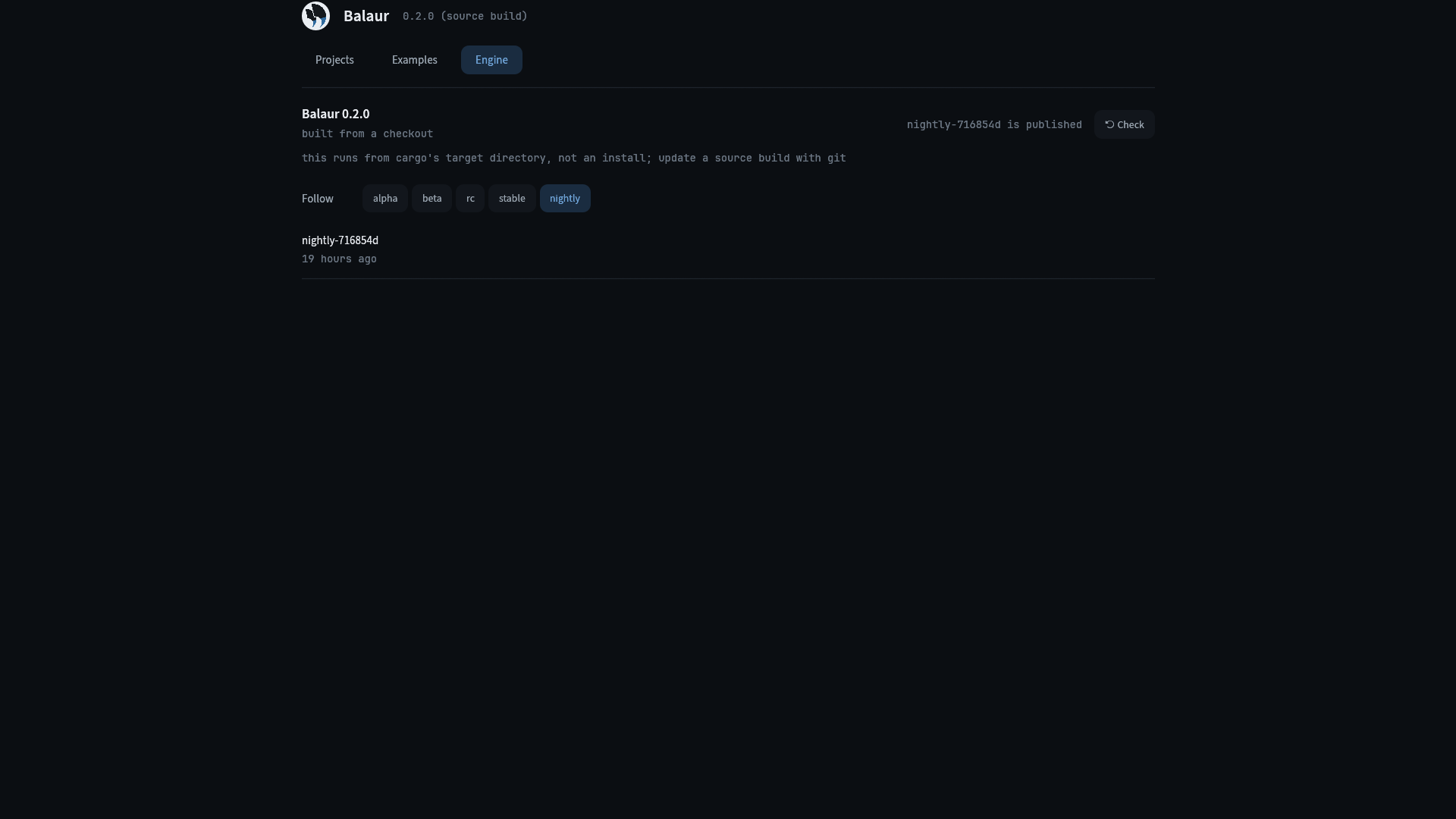
- Pick a channel:
alpha,beta,rc,stableornightly. - The latest version is checked whenever you open the tab.
- Each release says whether it is newer or older than yours, and its button says Install or Downgrade.
- An install downloads in the background with a progress bar. Restart to use it.
- The macOS app downloads the release's
.dmginstead, since it cannot replace itself. - The tab calls the same functions as
balaur update(the cli).
About Balaur
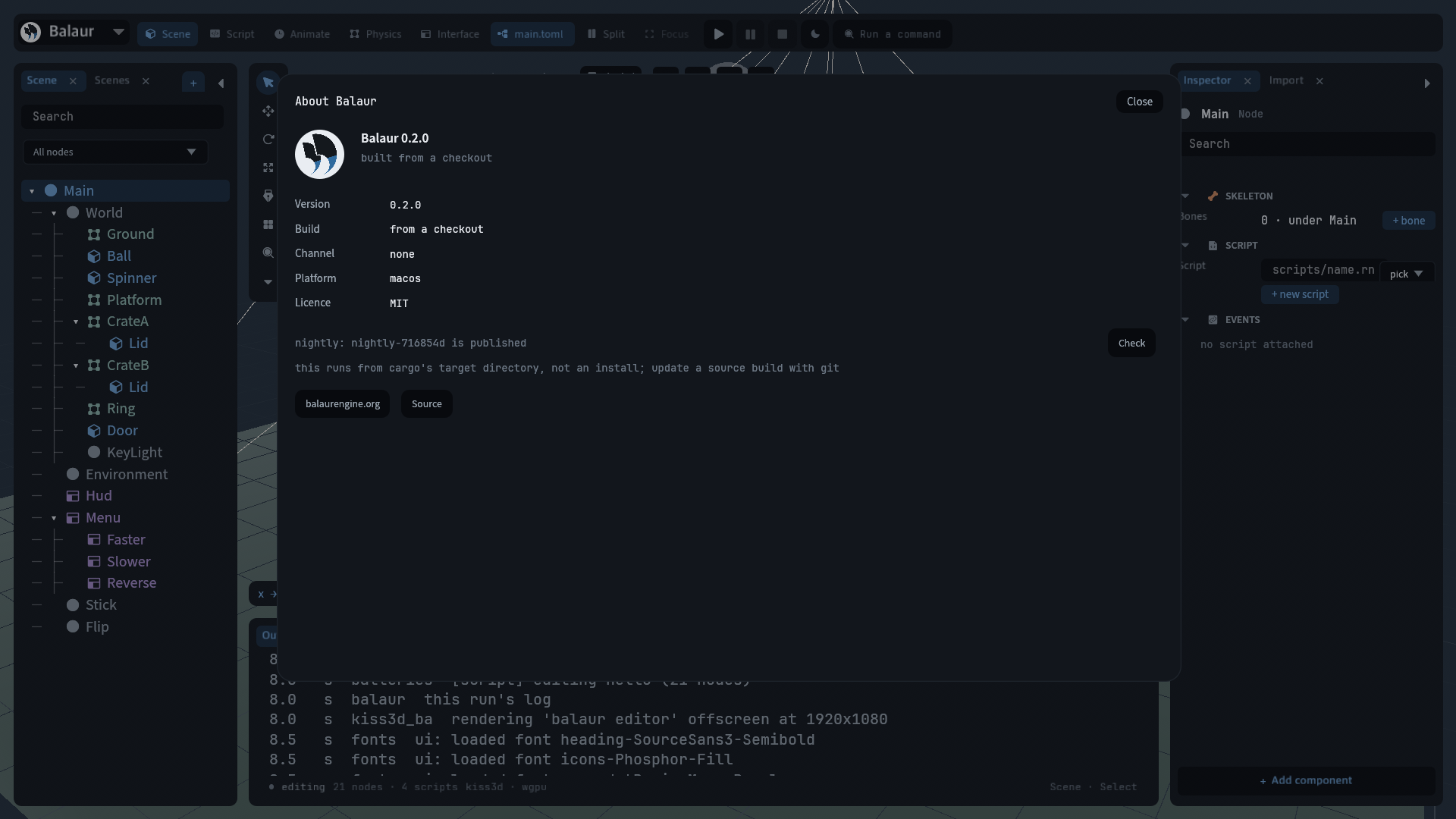
- The menu under the logo has an About Balaur entry.
- It shows the version, build, channel and platform, and whether your channel has a newer build.
Docs
Read more about it here: