Select two things and line them up

Select two things and line them up

· 2 min read
Balaur
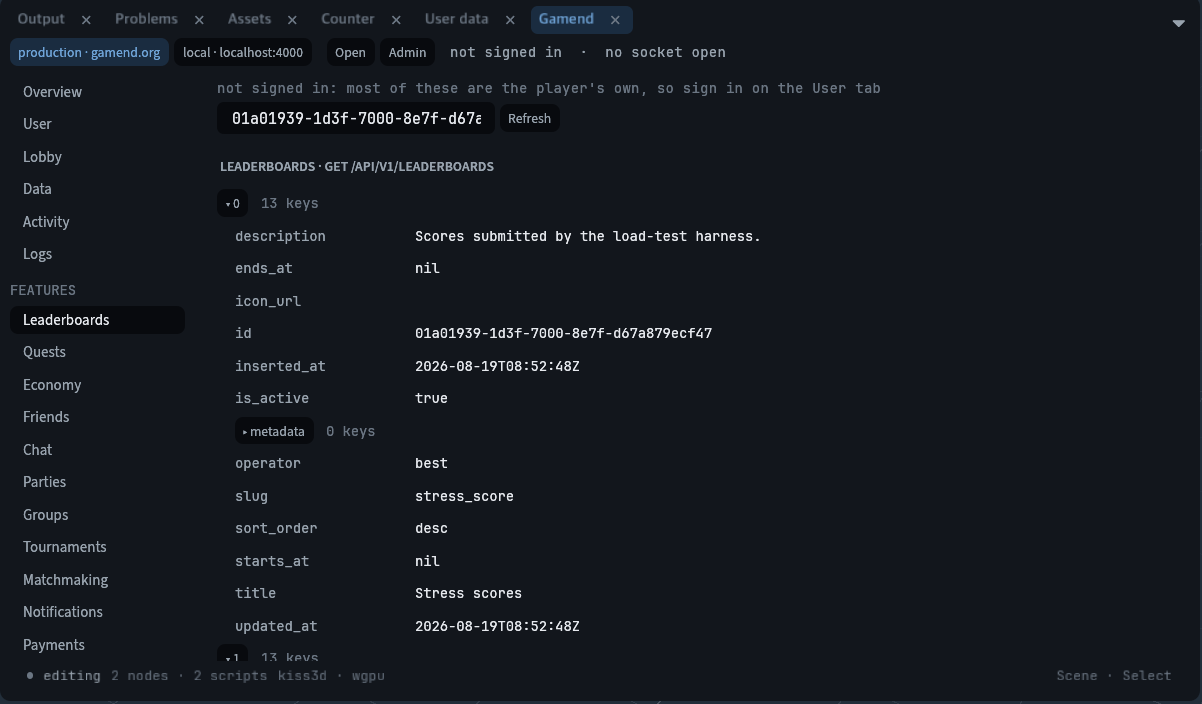
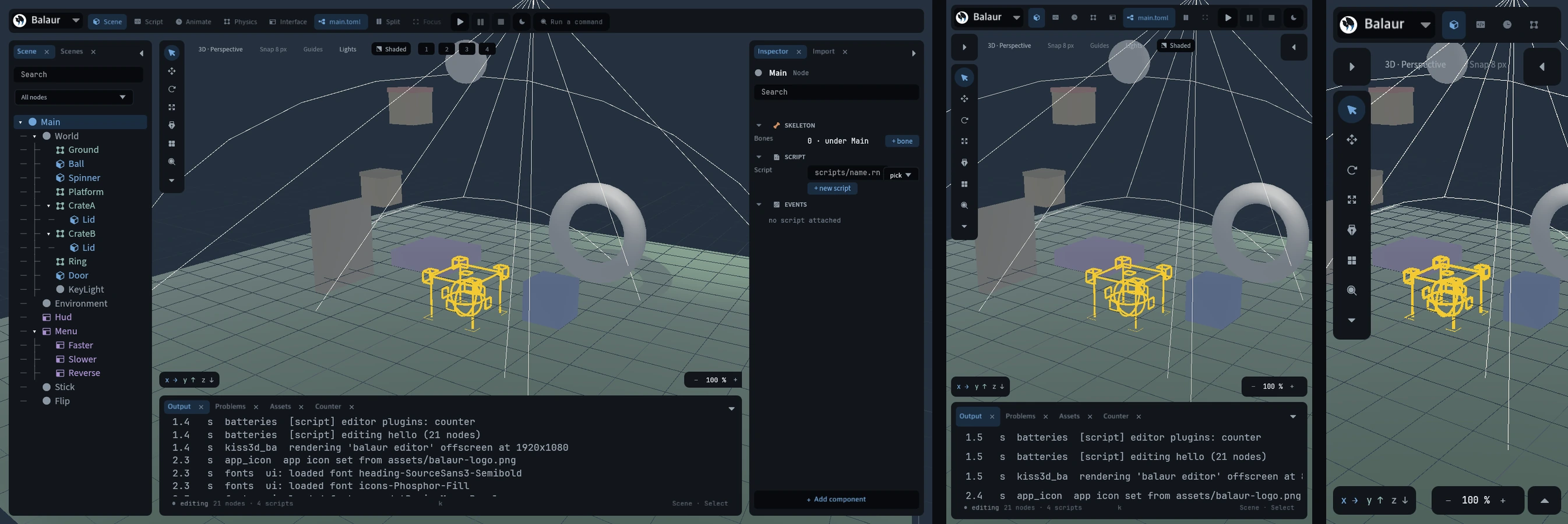
Ten minutes in a design tool: select two things, line them up, hide one, drop an image in, pick a material from a list. The editor let you do none of it. S.sel was one index.

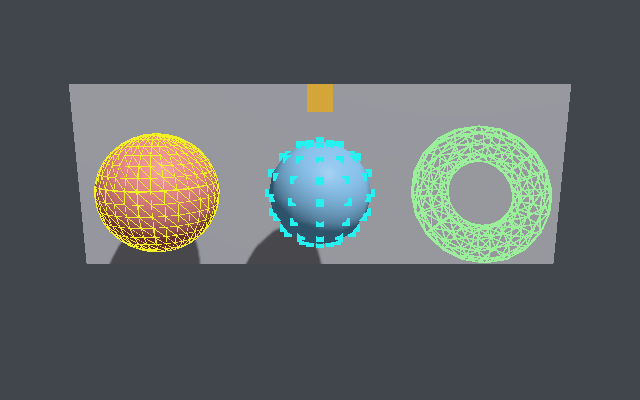
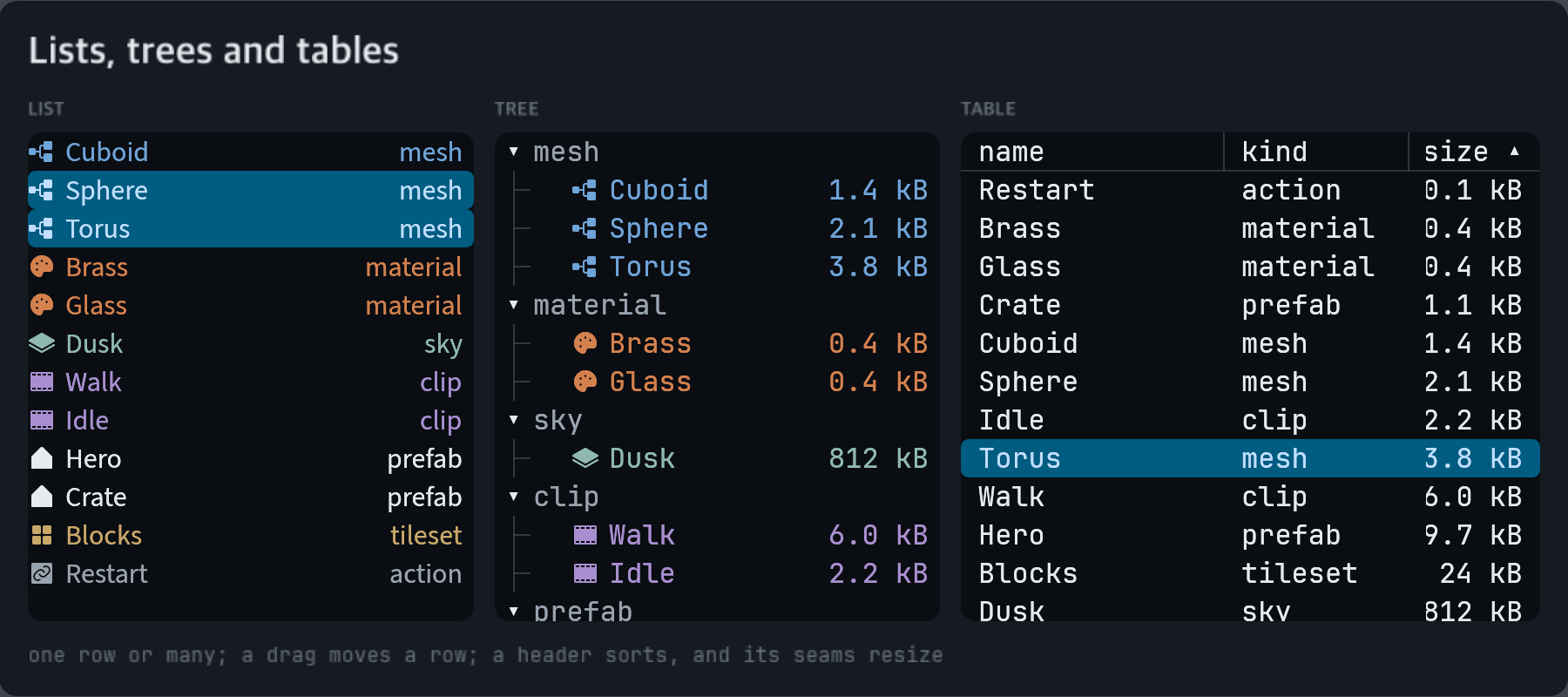
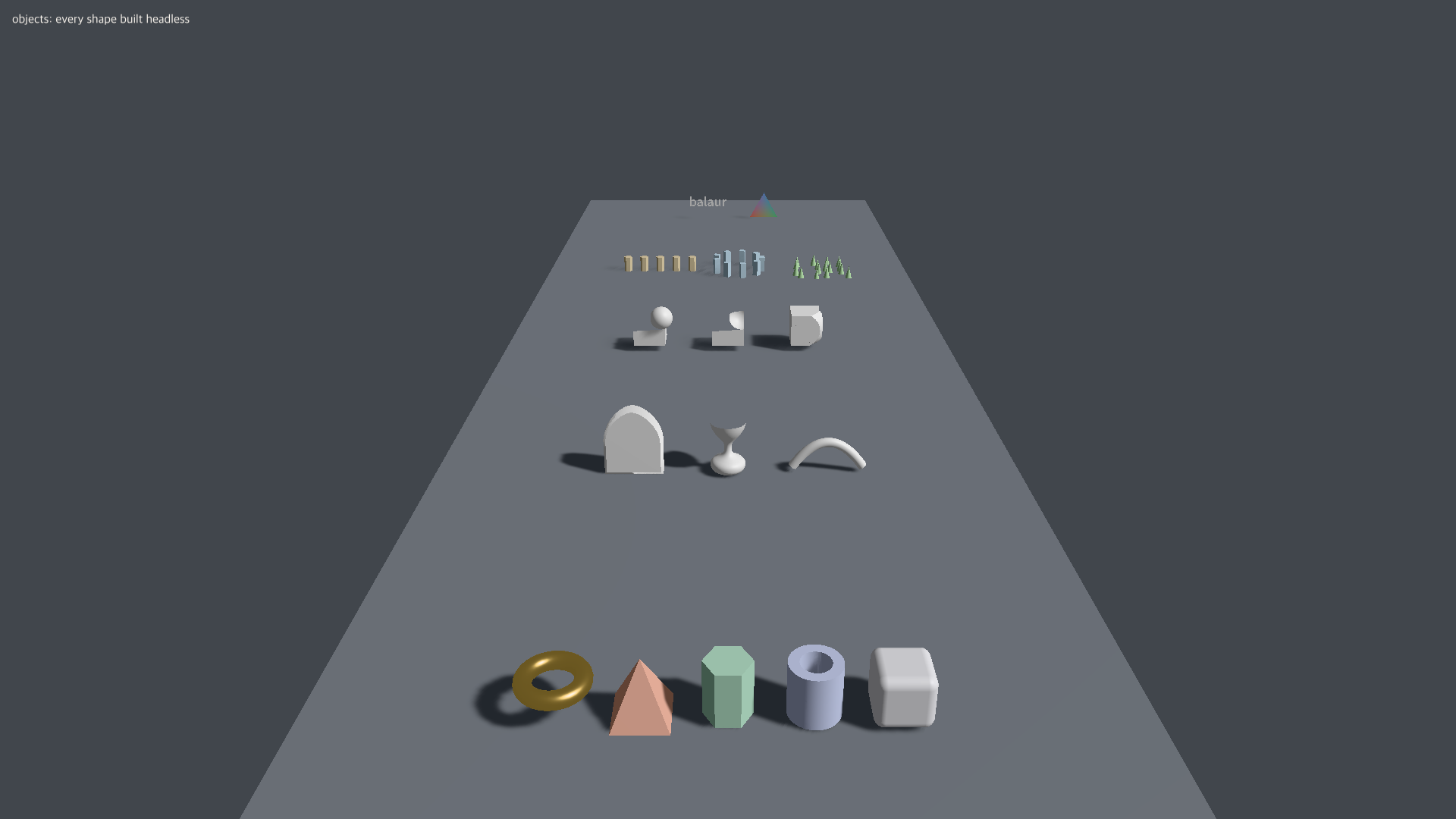
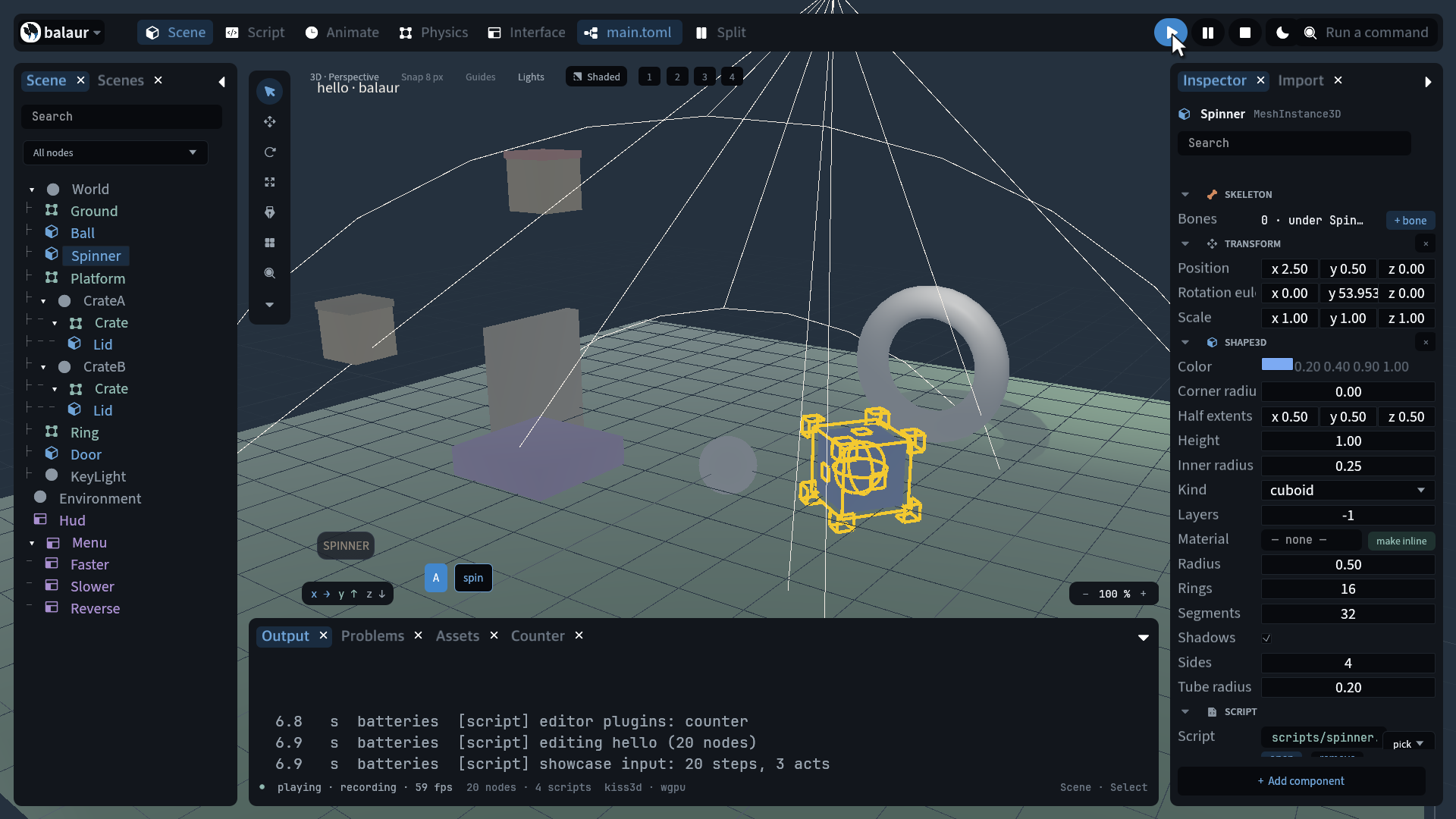
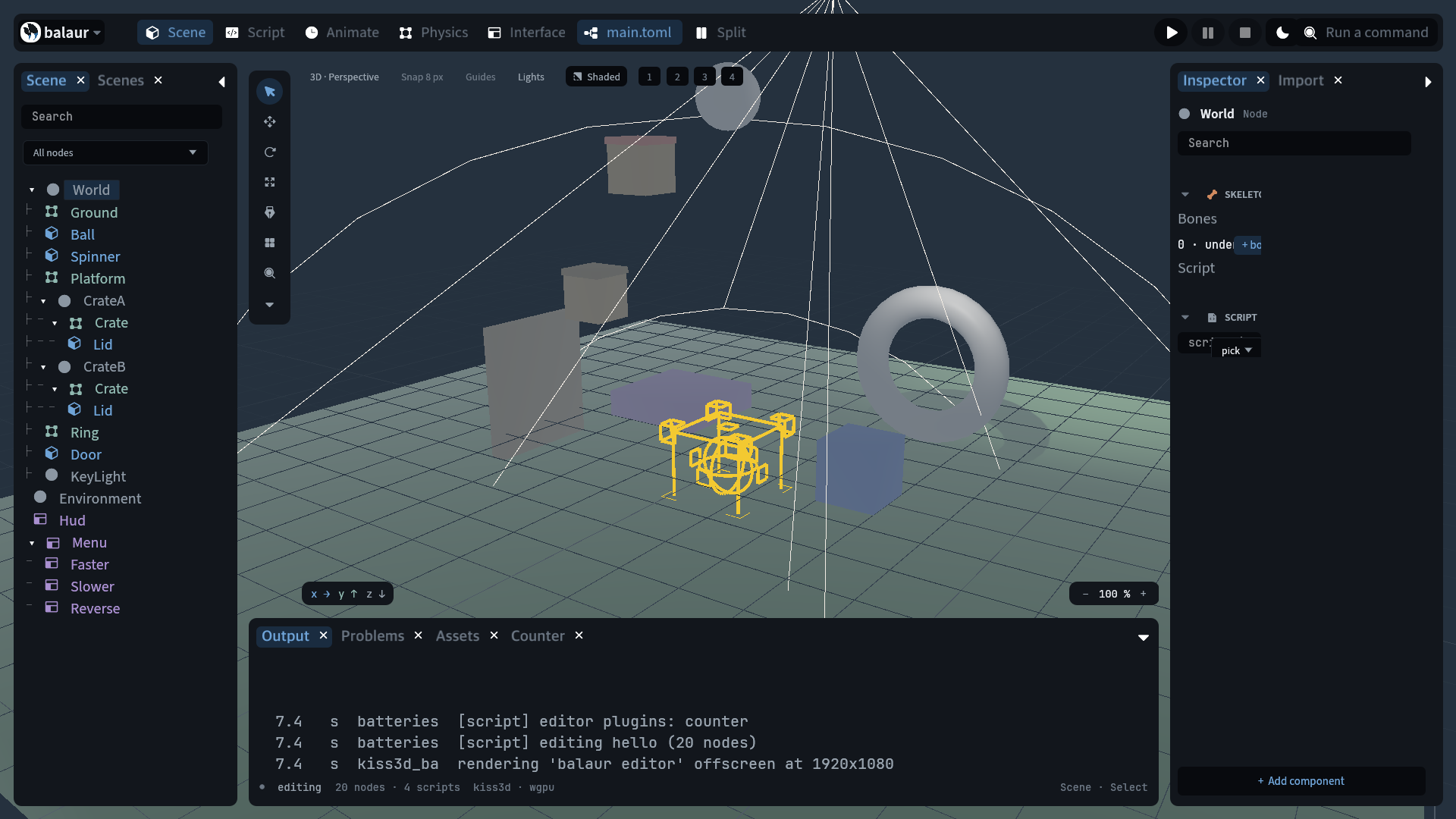
The library dock, with a torus selected in the objects example

The selection is a set

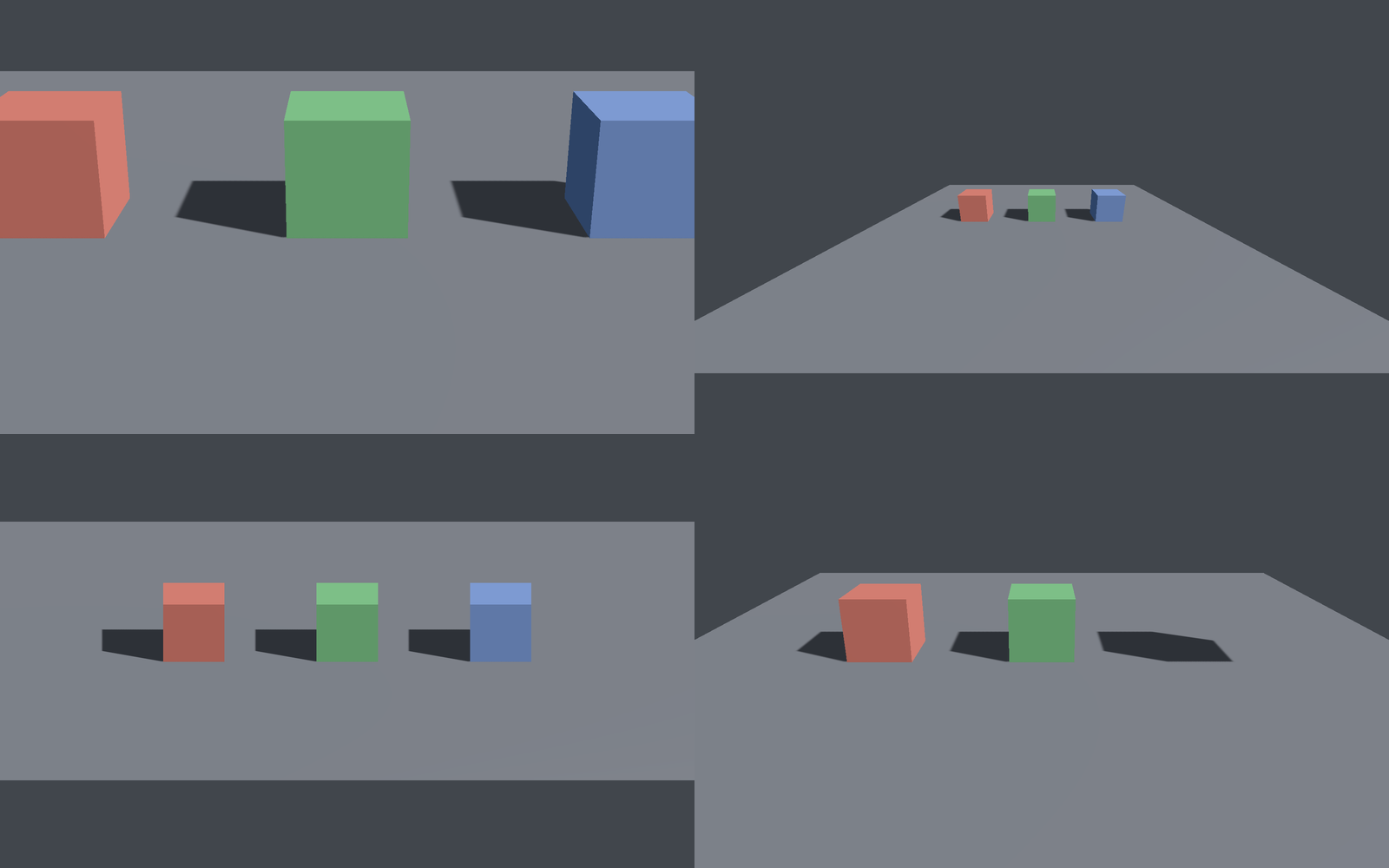
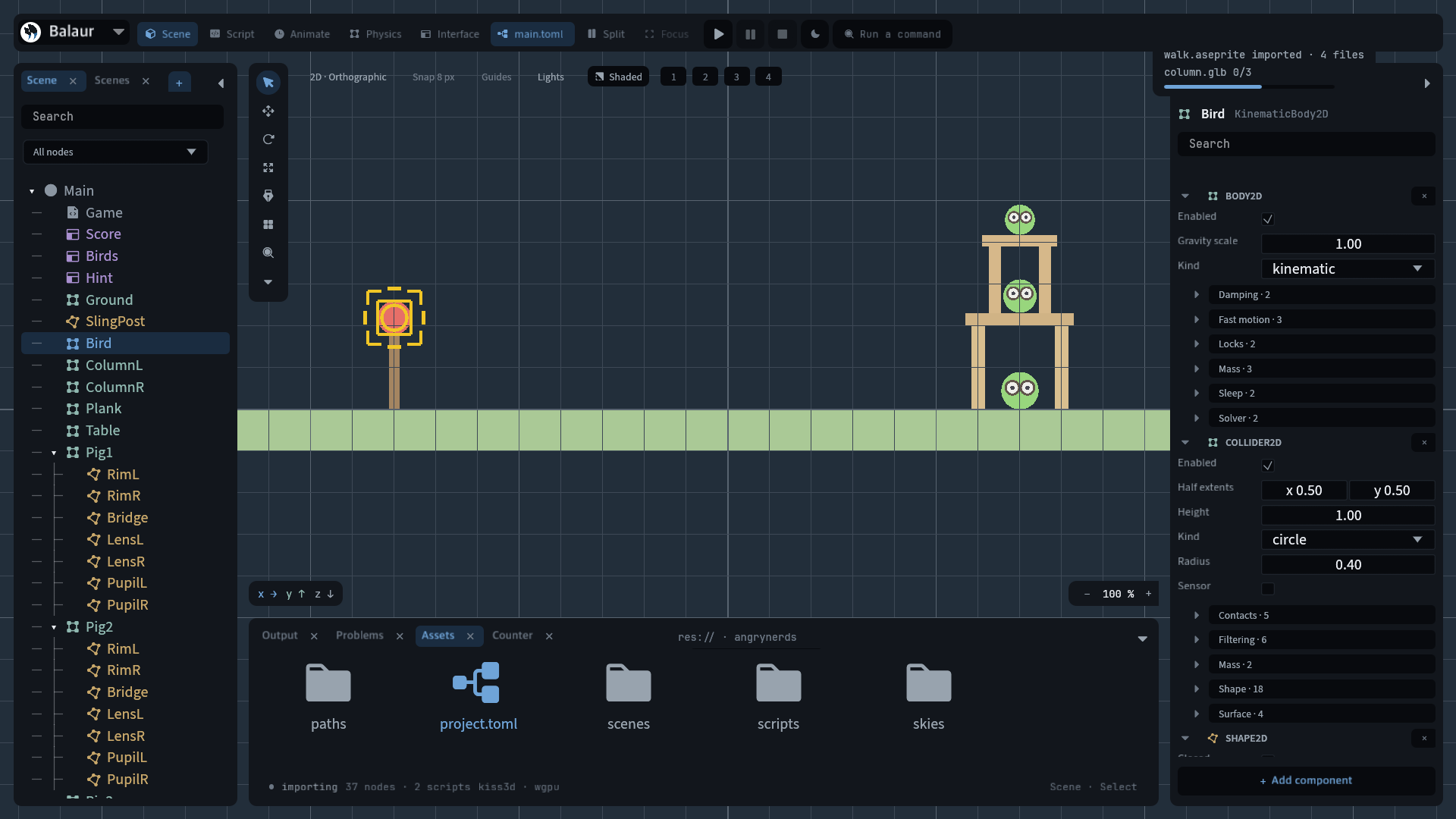
  • Box select and modifiers. Shift and ⌘ click, a marquee on empty viewport in both 2D and 3D. A gizmo drag moves, turns and scales the whole set about its own centre.
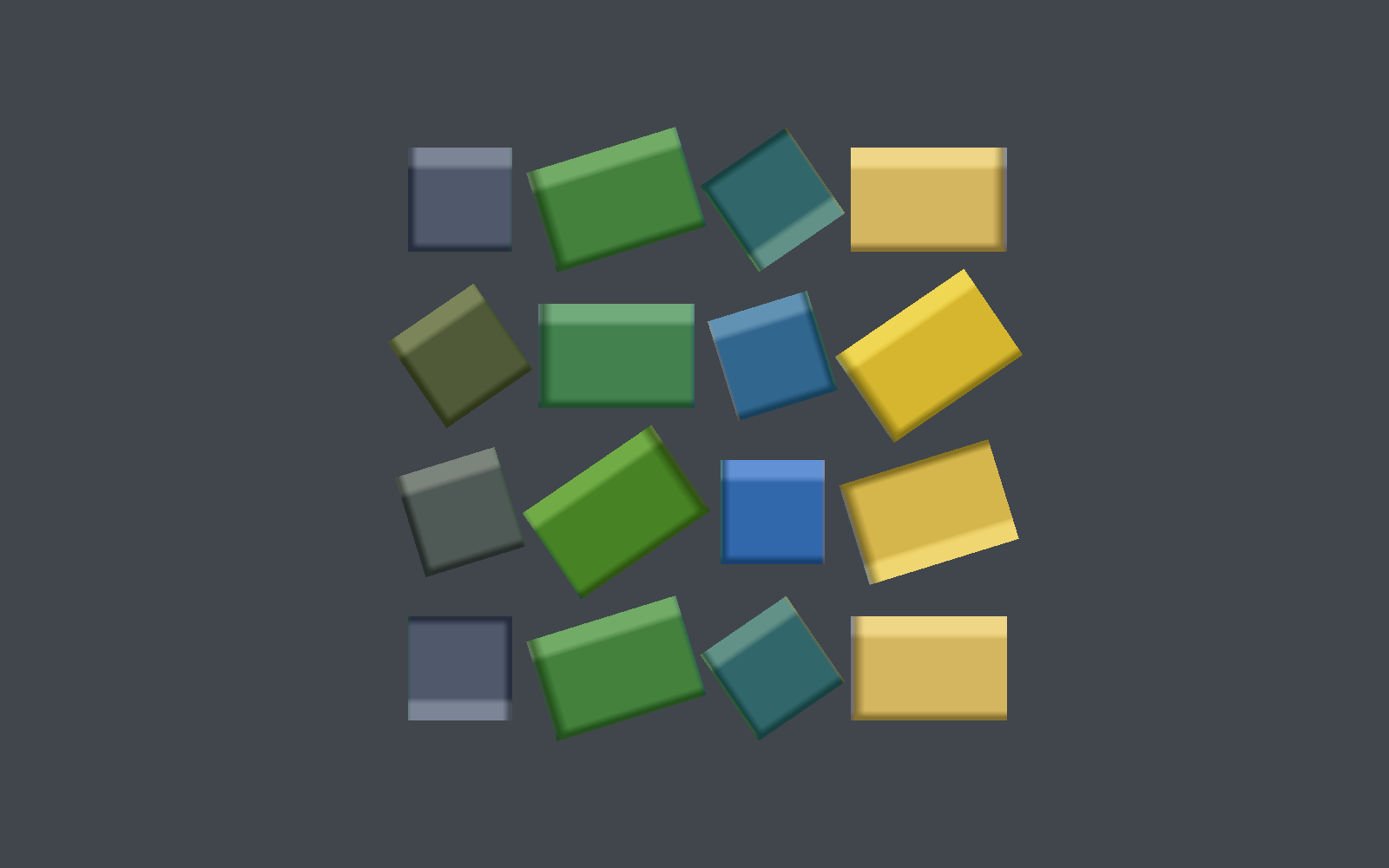
  • Group, align, distribute. Group makes a parent at the centroid and keeps every world pose. Six aligns, three distributes.
  • Hide, lock, isolate. H, ⌘L, /. Hidden writes visible; locked is editor state the gizmo and box select skip.
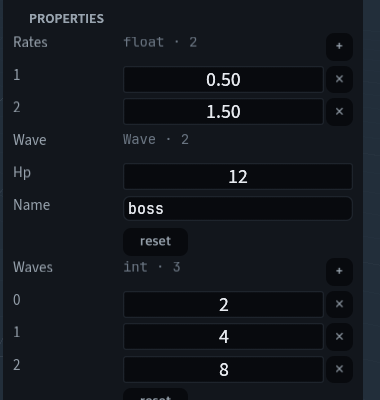
  • The inspector edits the set. A property write reaches every selected node carrying that component.

A scene lights itself

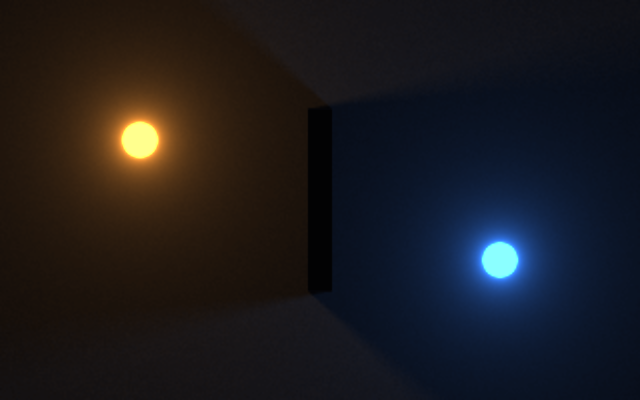
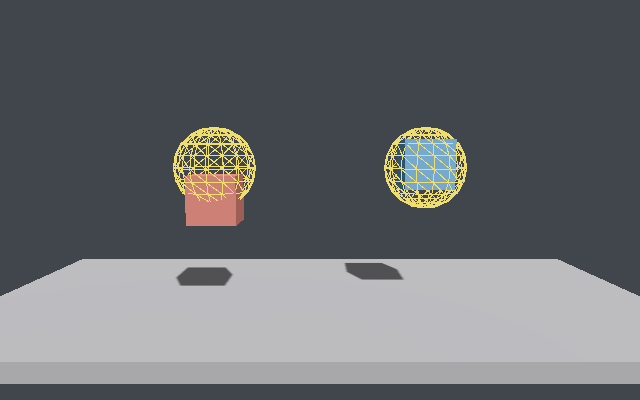
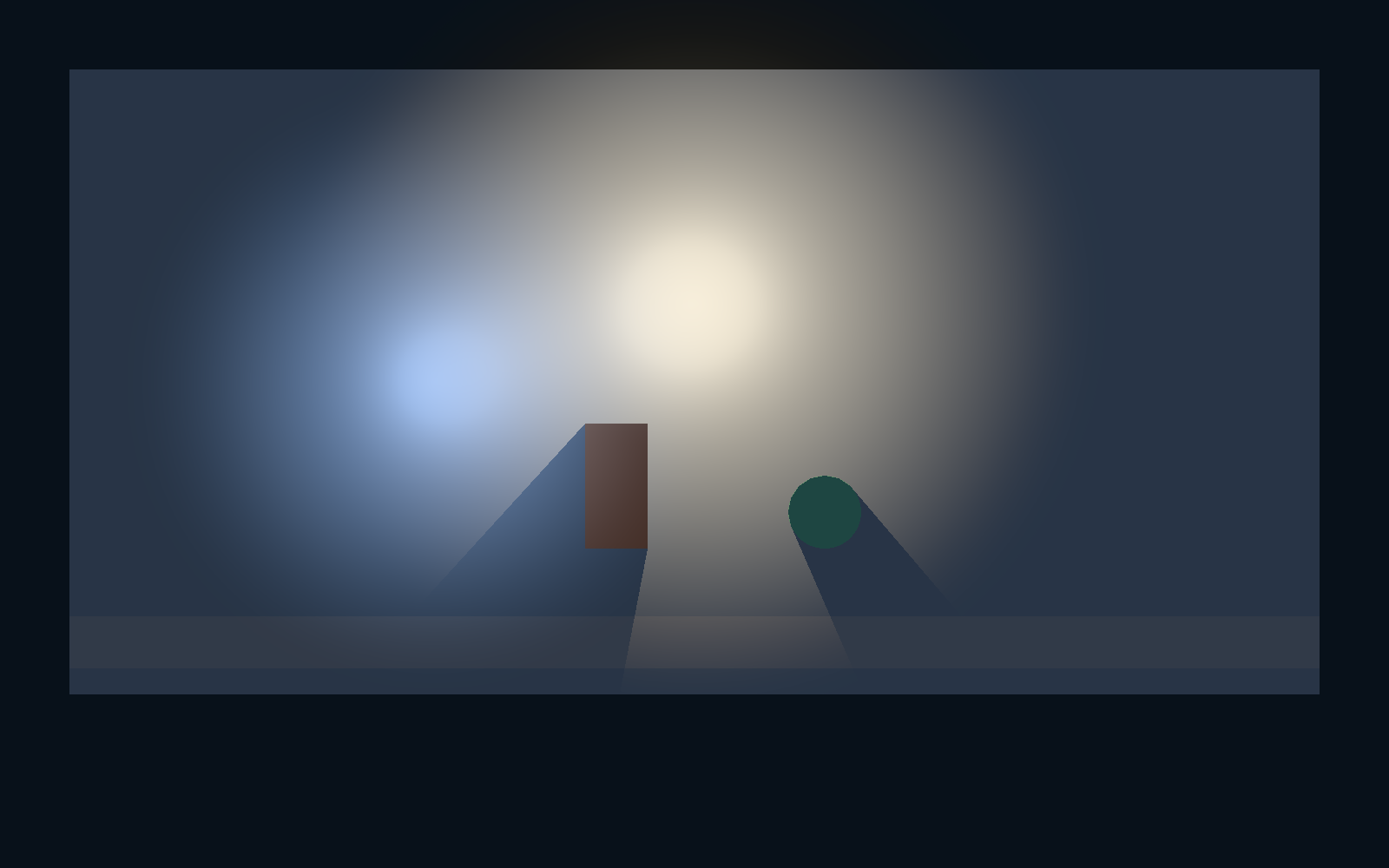
  • light3d. Point, directional and spot, with shadows and light layers. A scene with none keeps the engine's own key light; the first one retires it, so nothing already written draws differently.
  • environment. Sky, ambient, fog, exposure, tonemap, grading and the shadow budget, on one component the last current one wins.
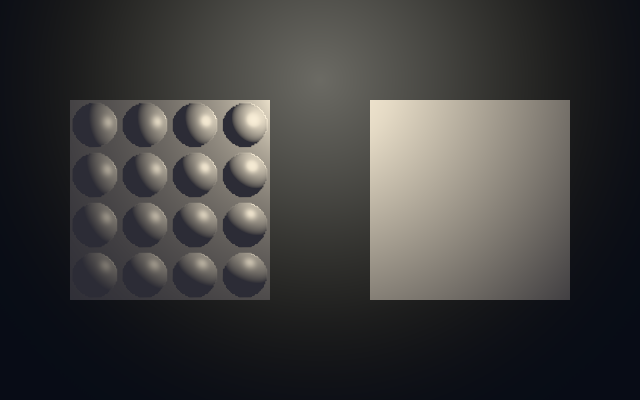
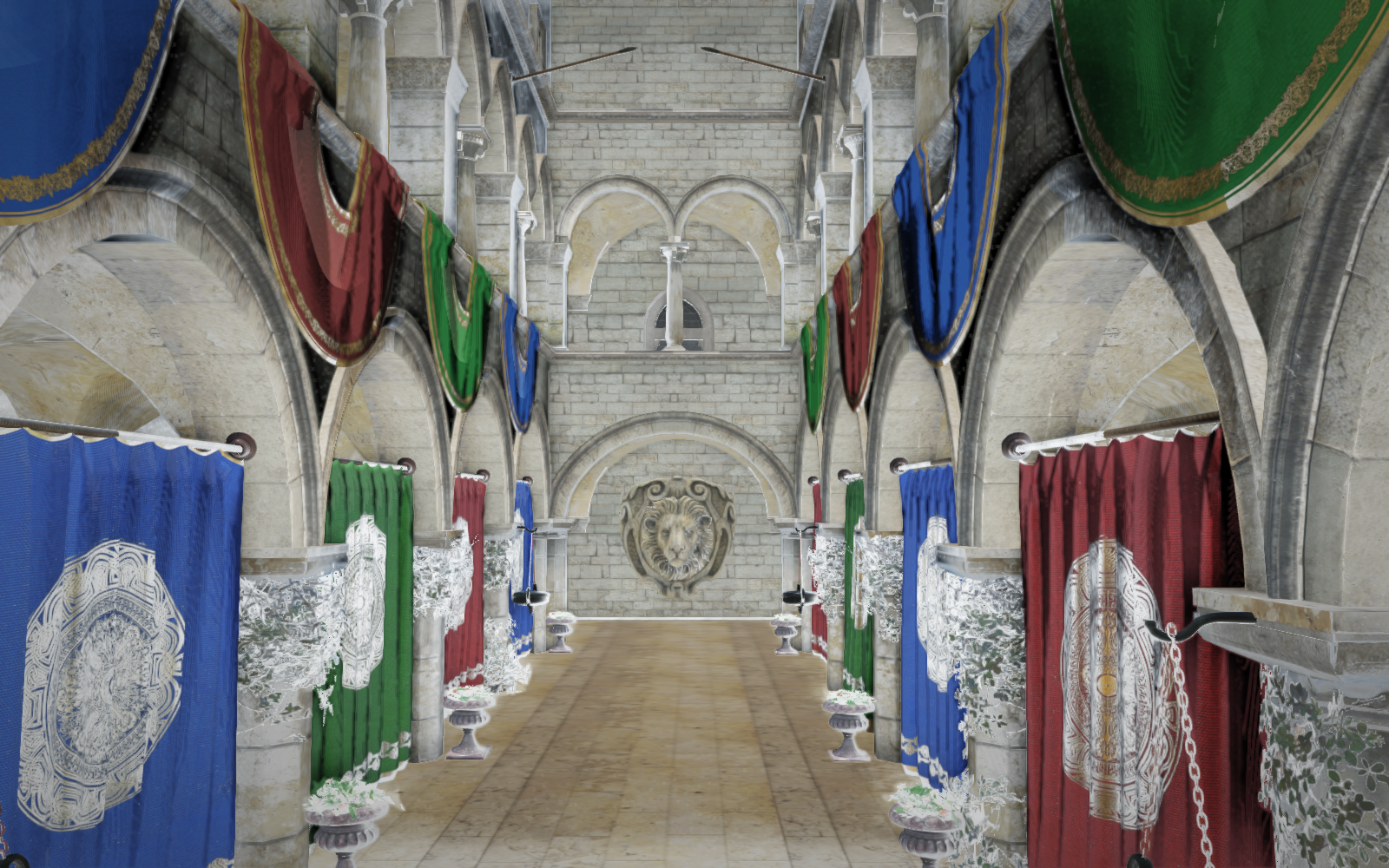
  • package::pbr. GGX, Smith and Schlick over the frame's lights. Six texture slots, and a one-pixel neutral for every slot a material omits.

A scene reacts without a script

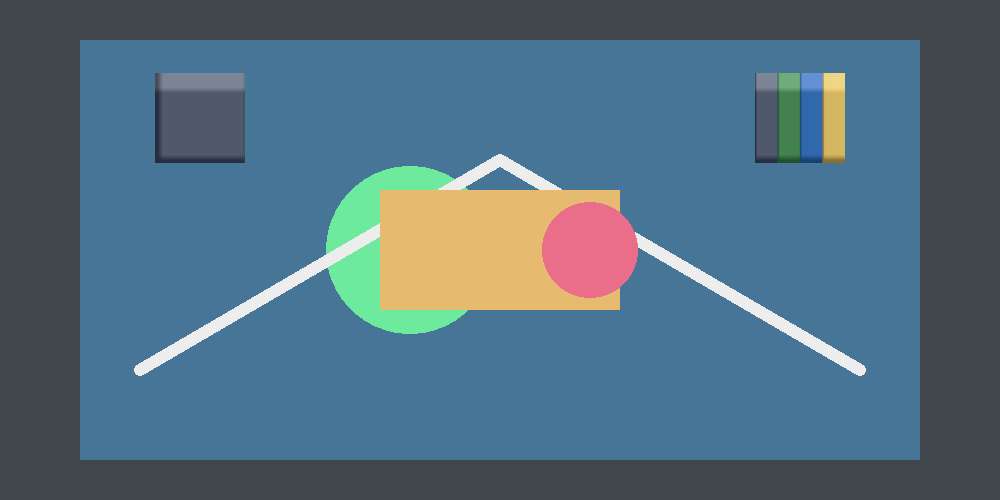
examples/hello opens a door on the third click and carries no code for it. [variables] holds the count, states names the door's two looks, and two [[nodes.bindings]] rows join them. The Events view writes those rows, and "Convert to script" writes the Rune they mean.

The Events view: two rows on the ball, one counting the click and one opening the door

Also

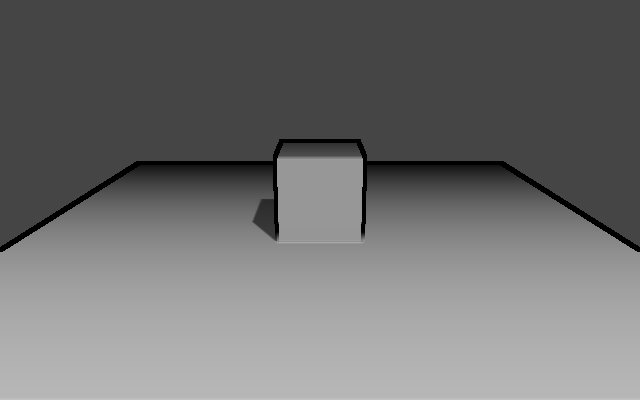
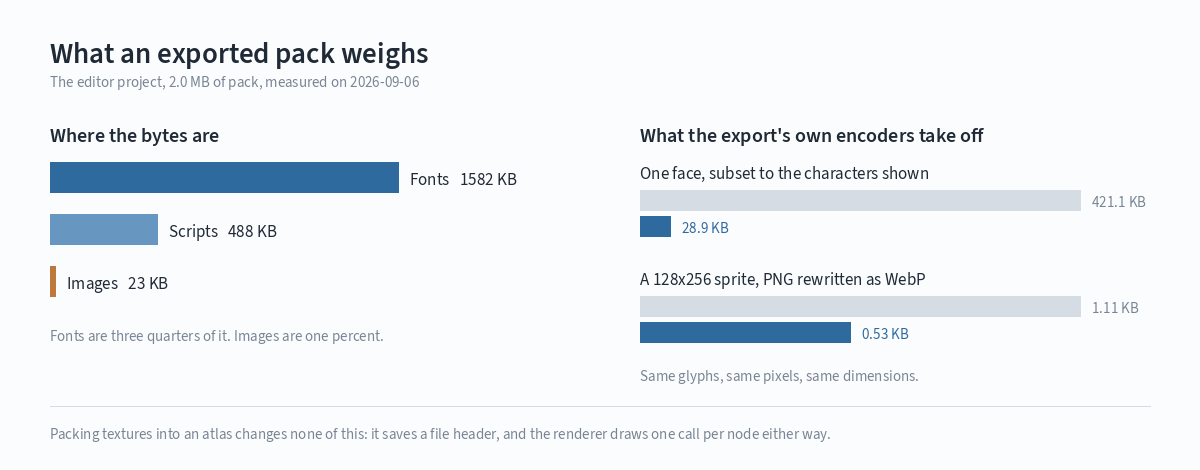
Drag a file onto the window and it becomes a node. A Pen tool over path2d. A Cost dock: draws, triangles and texture bytes per node. A Library of materials, lighting setups and templates, and balaur new --template.
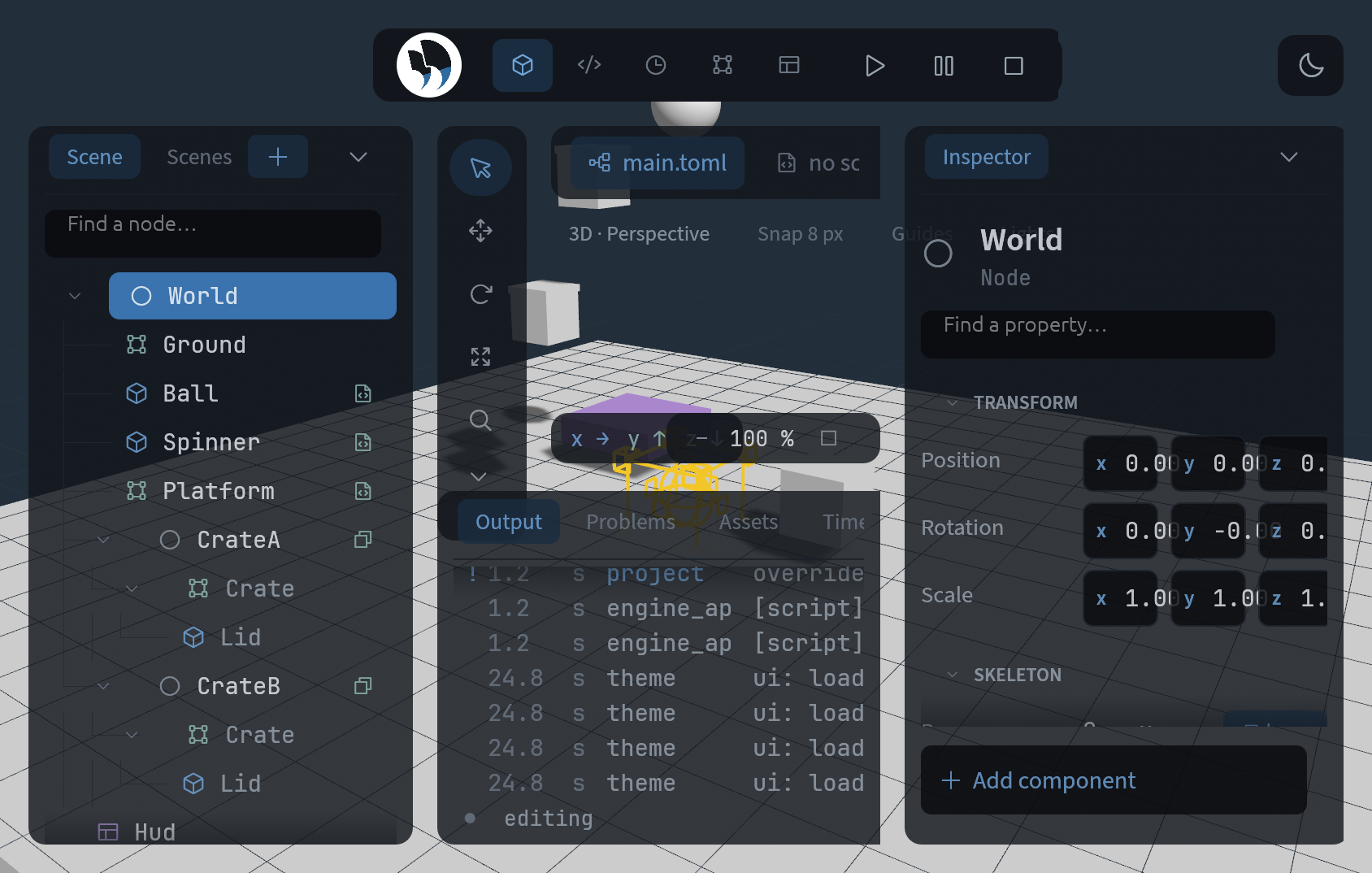
What is left is in the roadmap: image-based lighting, layer stacks, and the rigs that make a camera follow.