Focus: the code pane takes the window

Focus: the code pane takes the window

· 2 min read
Balaur
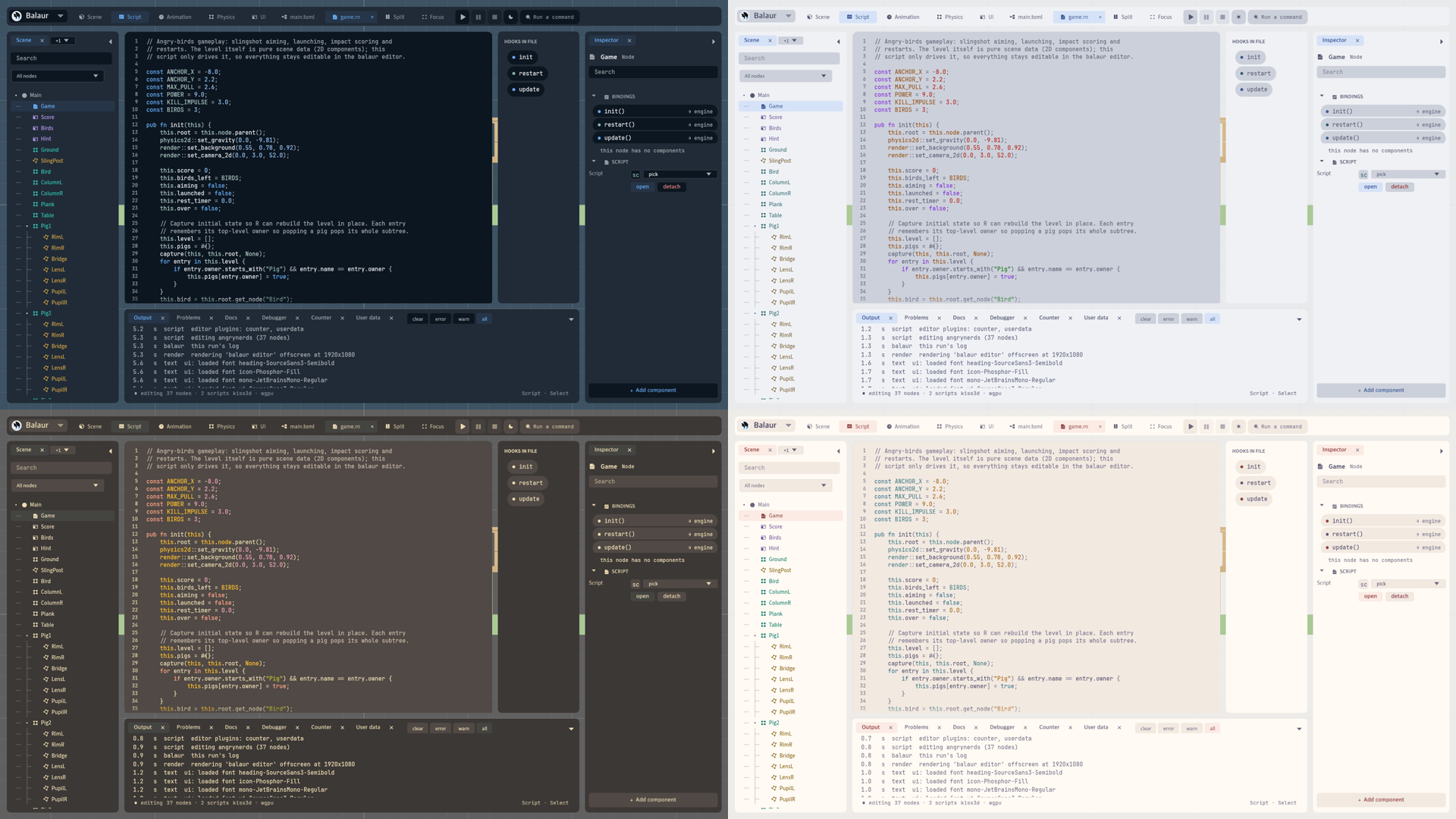
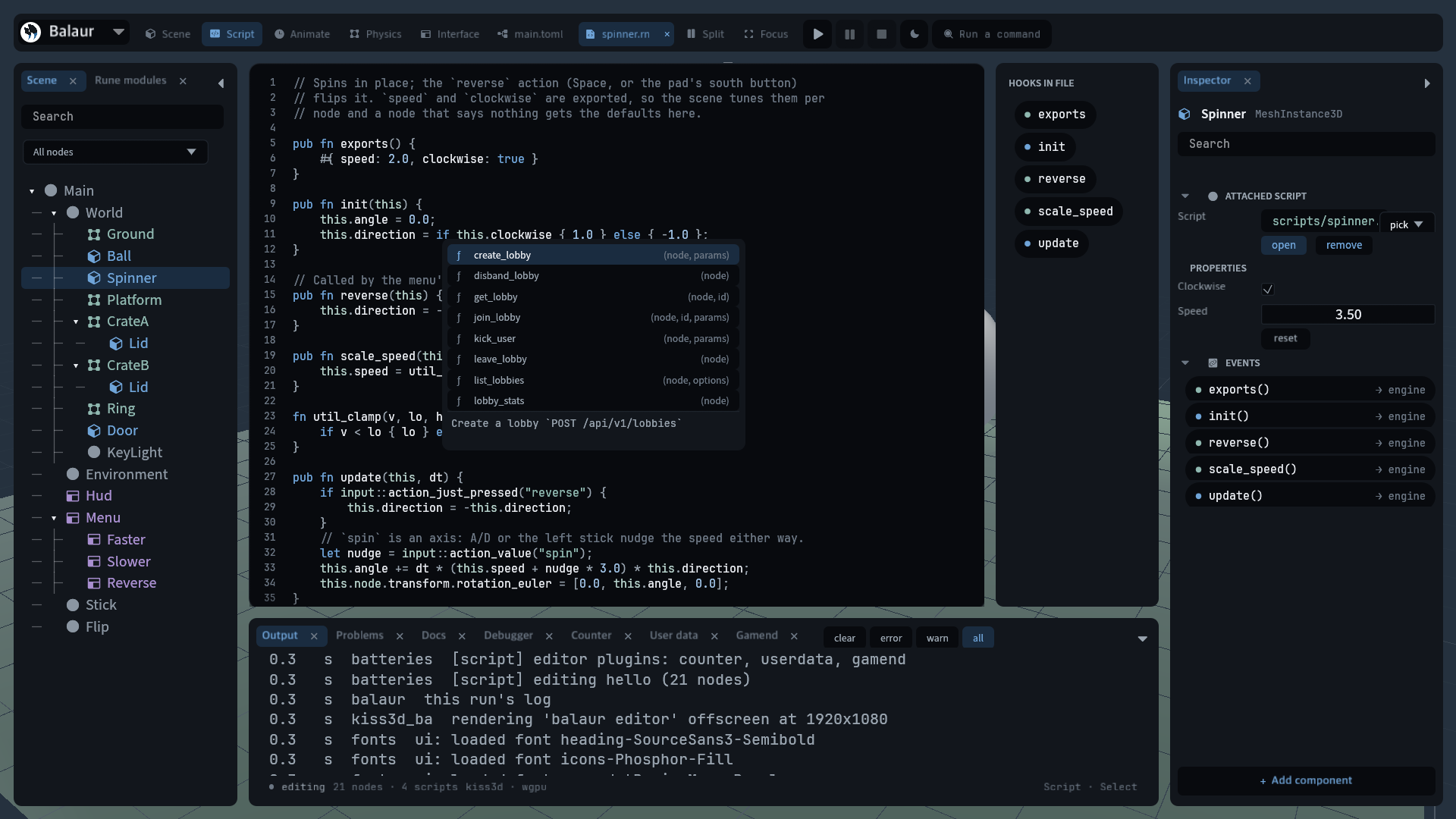
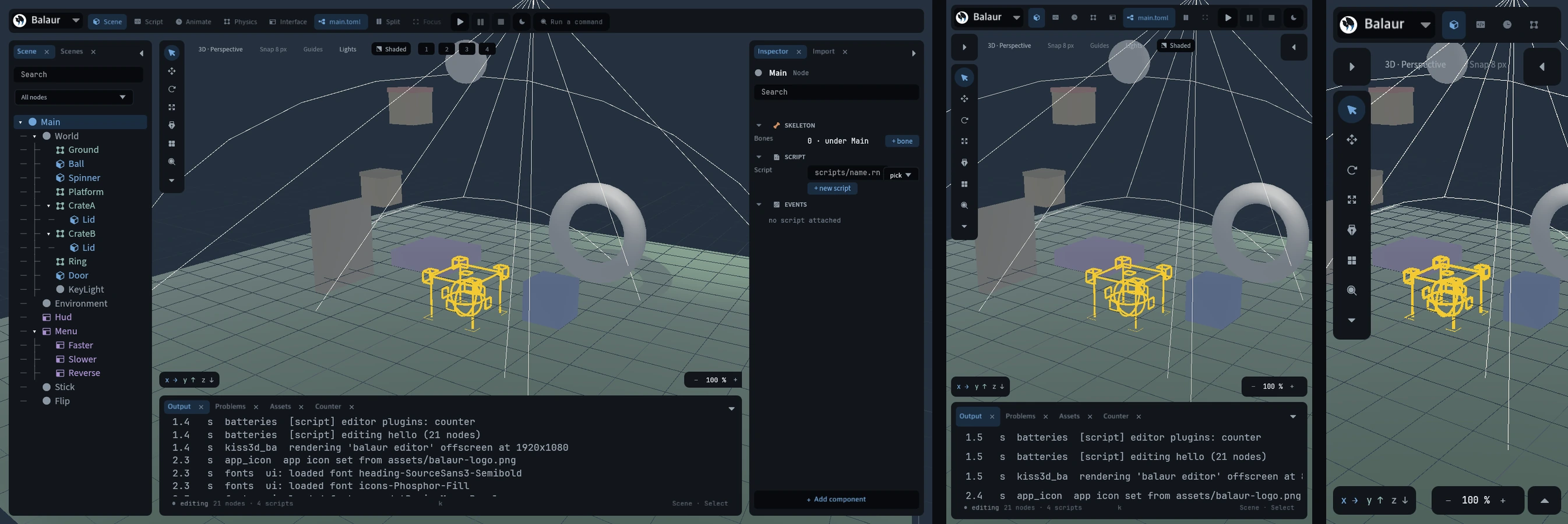
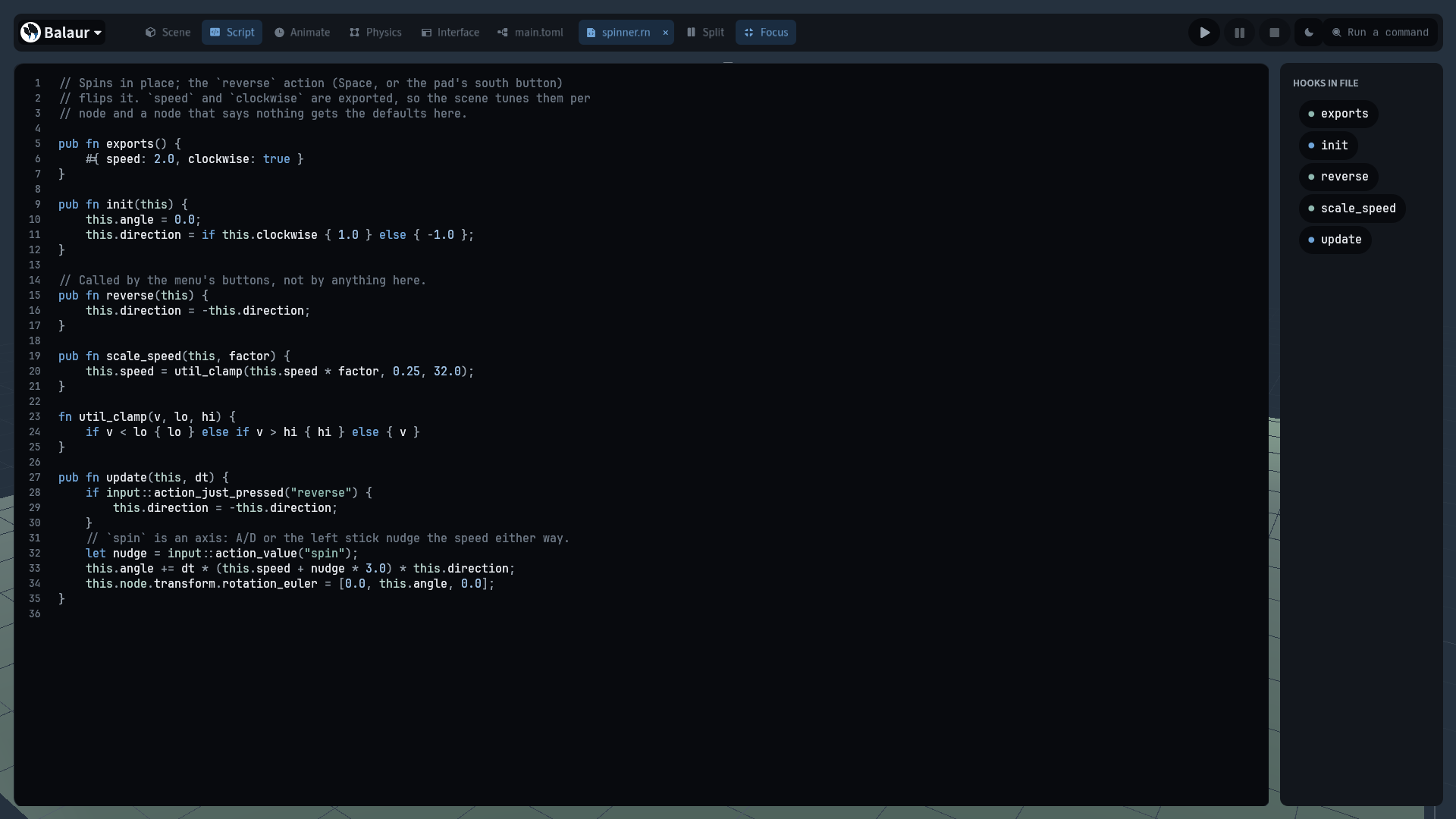
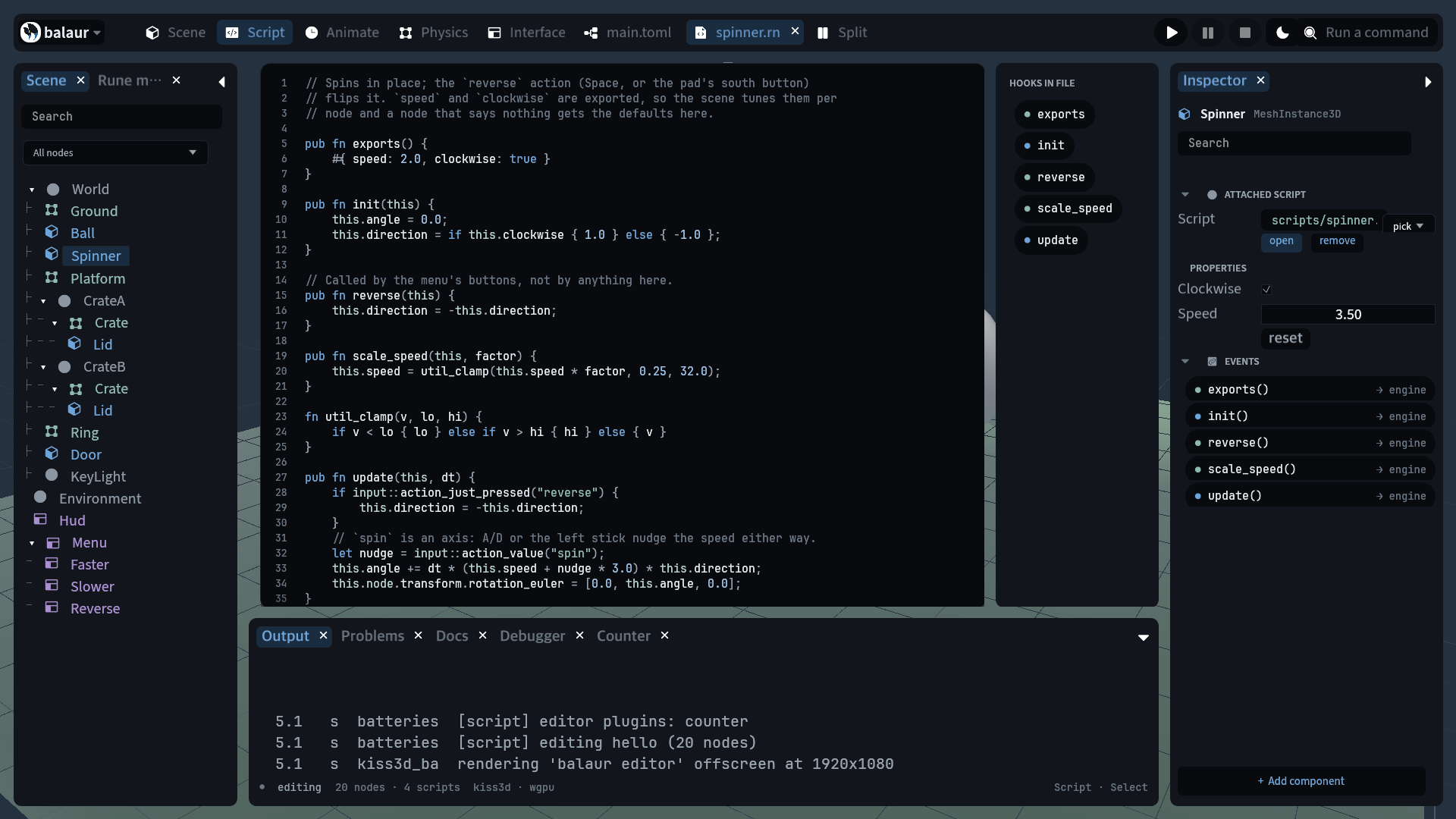
⇧⌘\ gives the code the whole window. The three docks fold, the split goes off, and the file's hooks stay beside the pane. A second press puts back exactly the layout it folded.

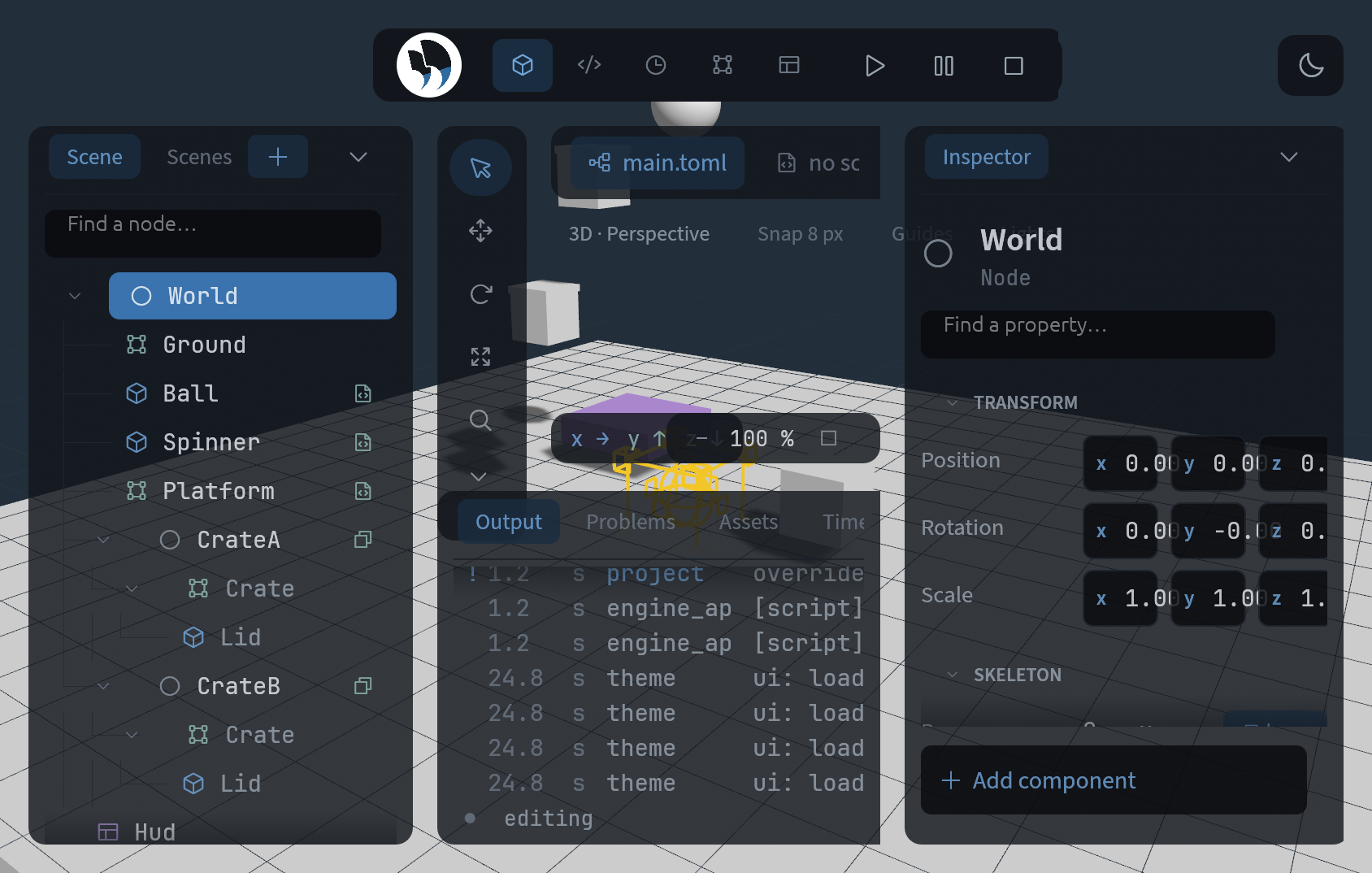
The code pane with the window to itself, the hooks list beside it, and the Focus chip lit in the top bar
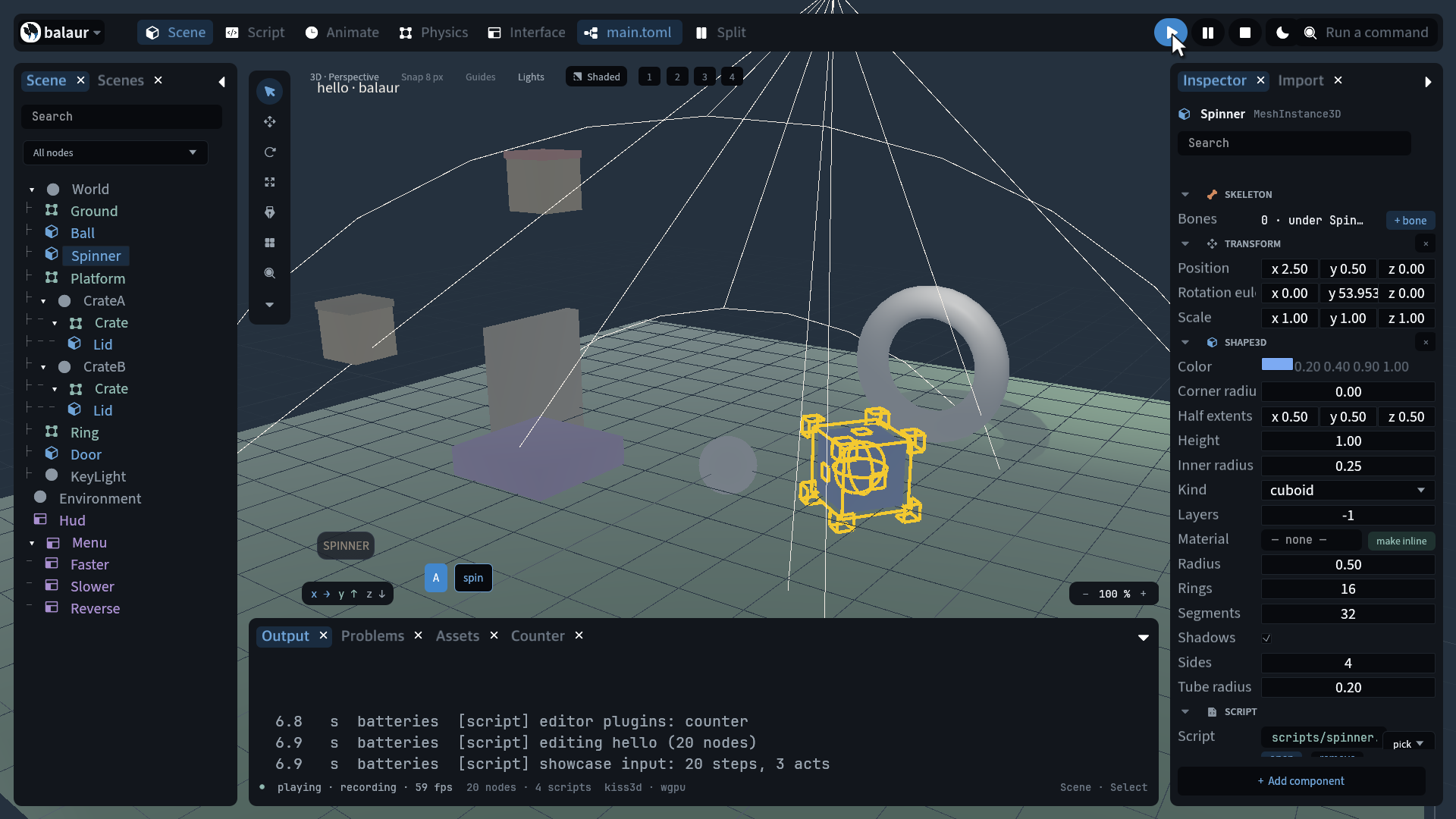
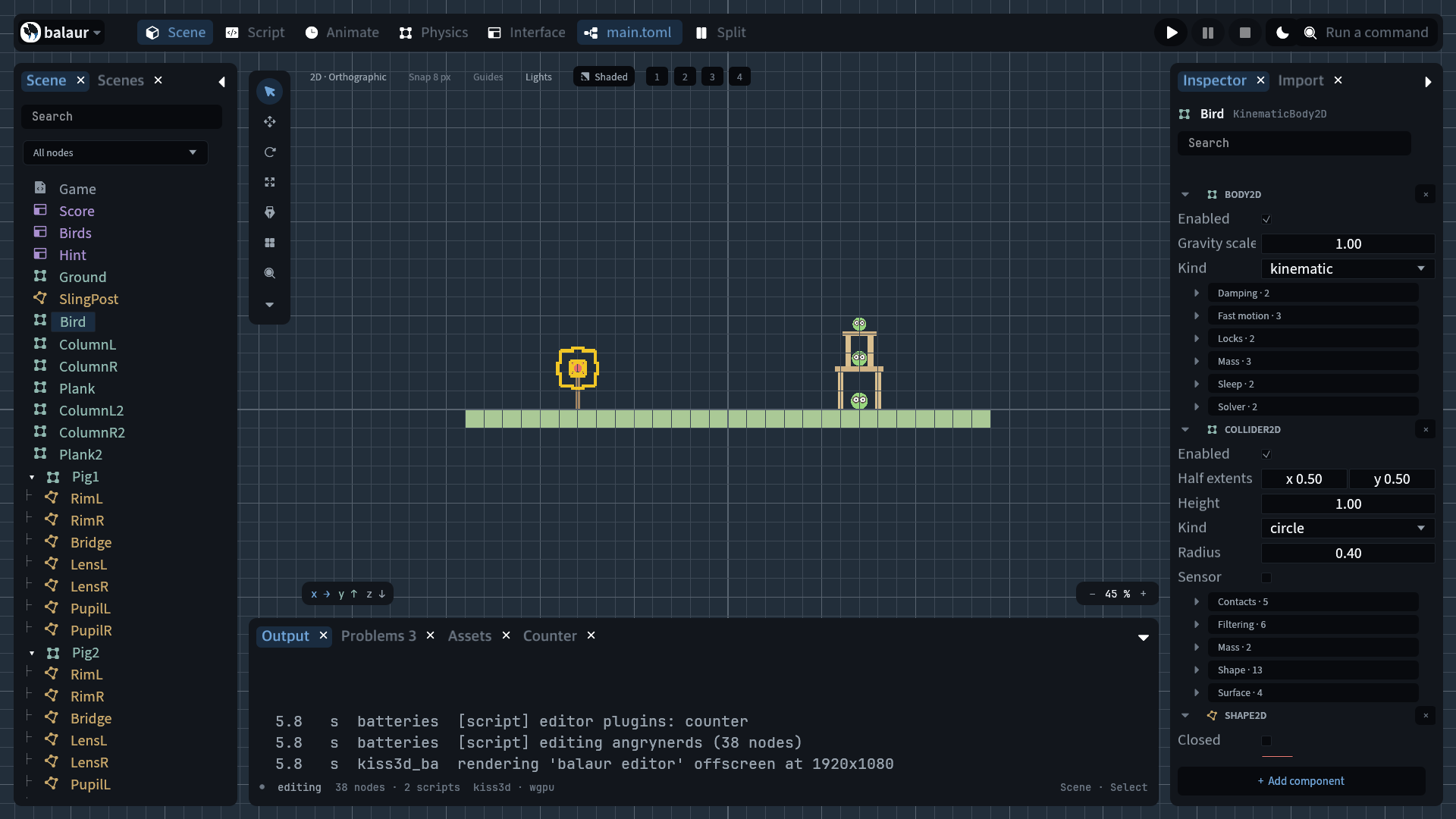
  • What folds. The tree, the inspector and the bottom dock, whatever each was showing, and the split with them. The hooks list stays: the file's symbols are what you are in the code for.

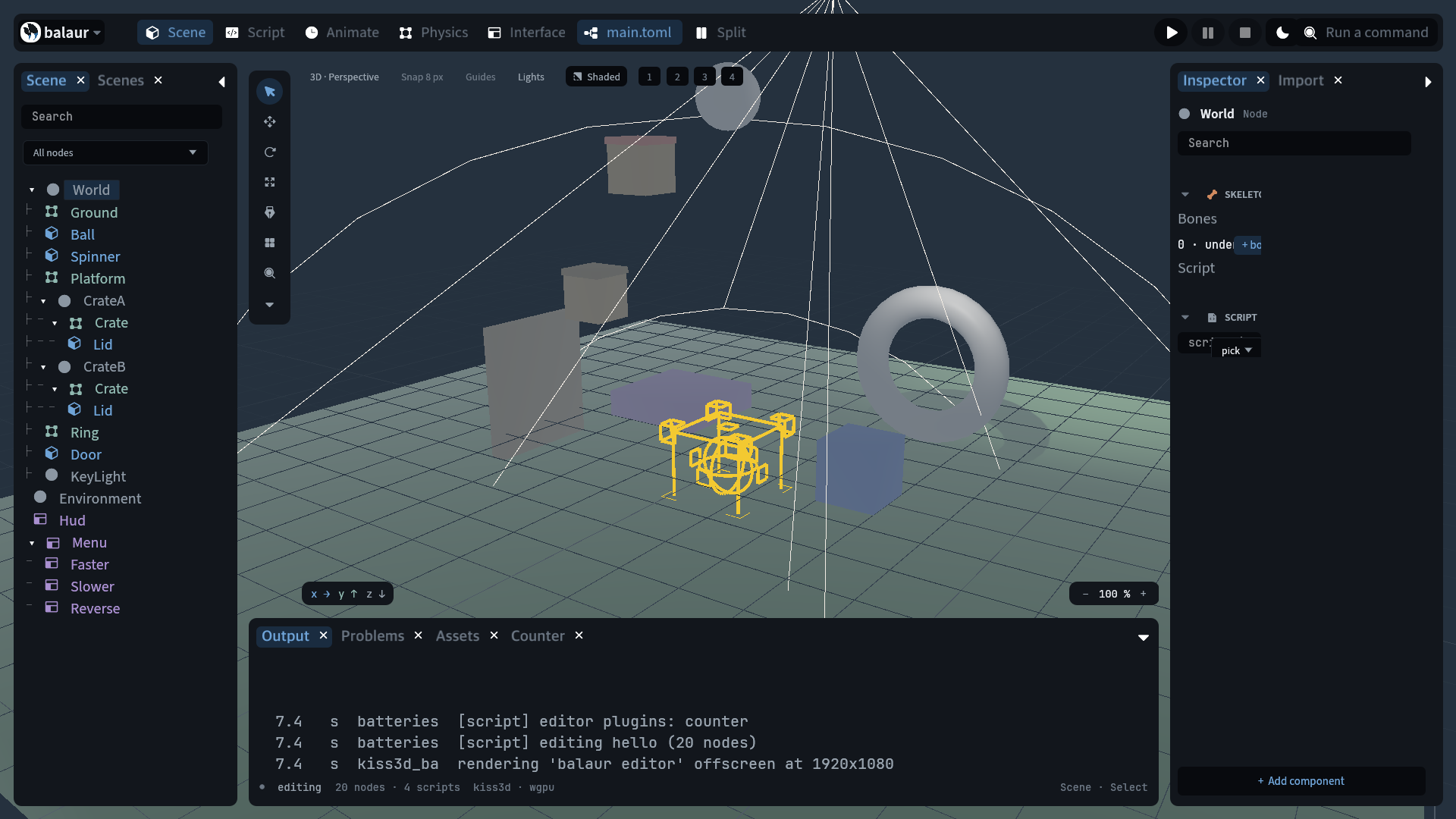
  • What comes back. Focus records the three docks' state and the split before it touches them, so leaving restores what was open rather than a default arrangement.

  • What ends it. Open a panel under focus and the panel wins: it stays, and the record is dropped rather than shutting it again. Leaving the code tab puts the shell back with it.

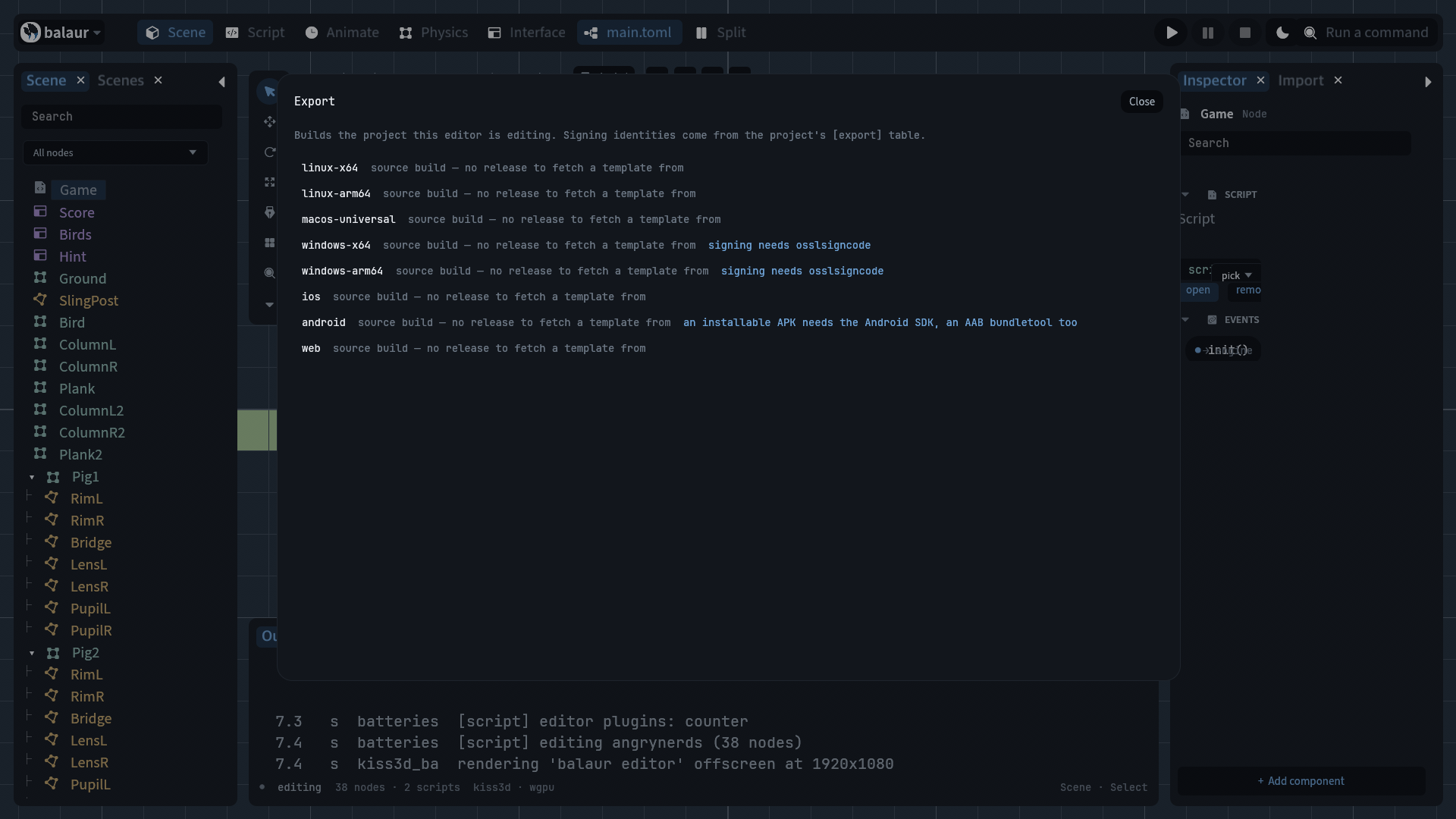
  • Where the verb is. A chip beside Split in the top bar, ⇧⌘\, or the command palette. With no script on the selection the chip is greyed and its tooltip says why.

  • Edge to edge. A box at zero width still took its row's gap, so the code pane stopped short of the window on both sides. The tool rail's slot and the hooks list hide outright now, and the pane reaches the same gutter the top bar sits in. The split and the events view gain those pixels too.

focusdemo is the start-up state that proves it: fold, assert, unfold, assert the layout came back. It runs on every example in the end-to-end script.

What is left is in the roadmap.