Asset hot reload and renaming

· One min read
Balaur
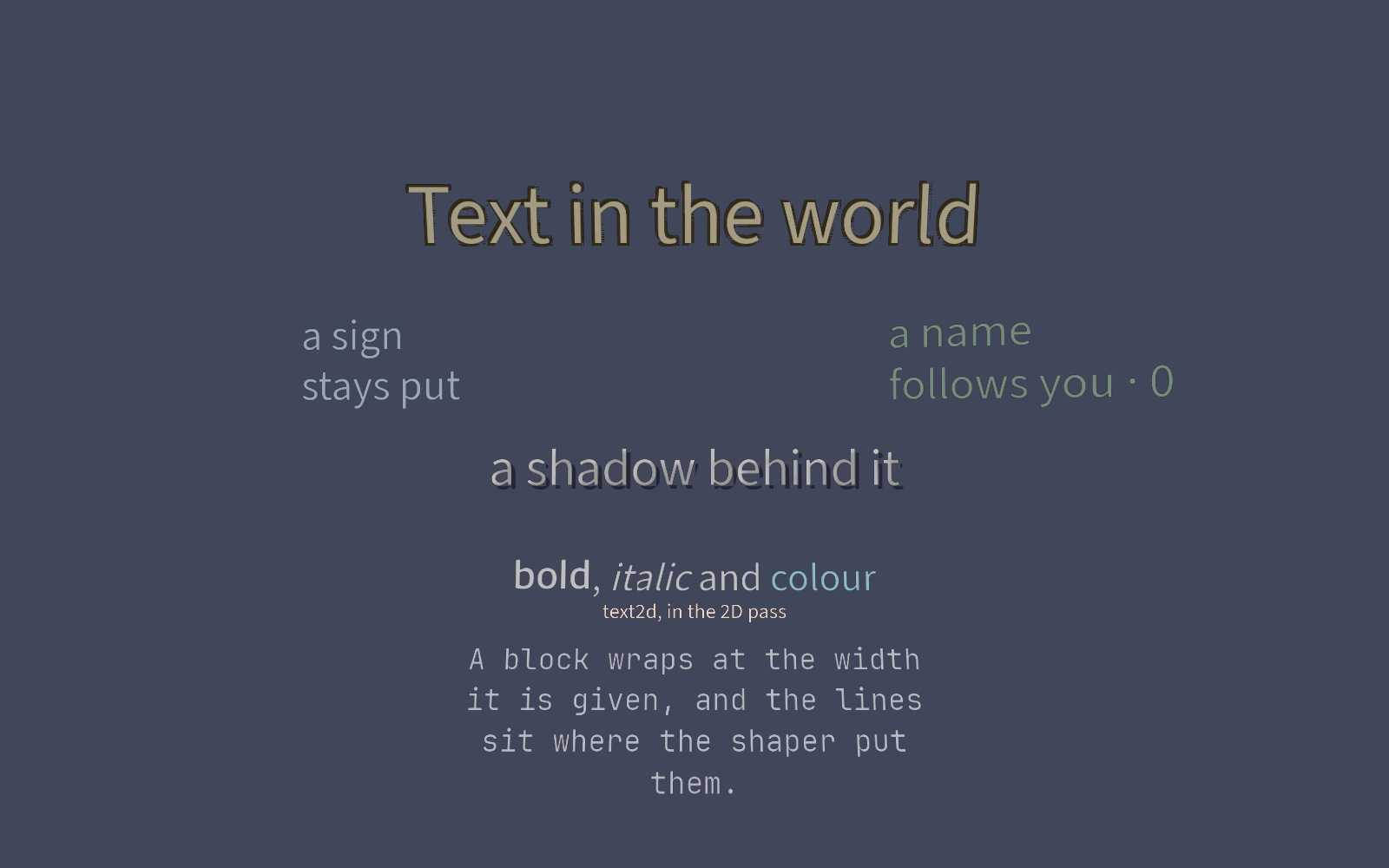
Save a texture and every node built from it is built again. Rename it and every reference follows.

What landed

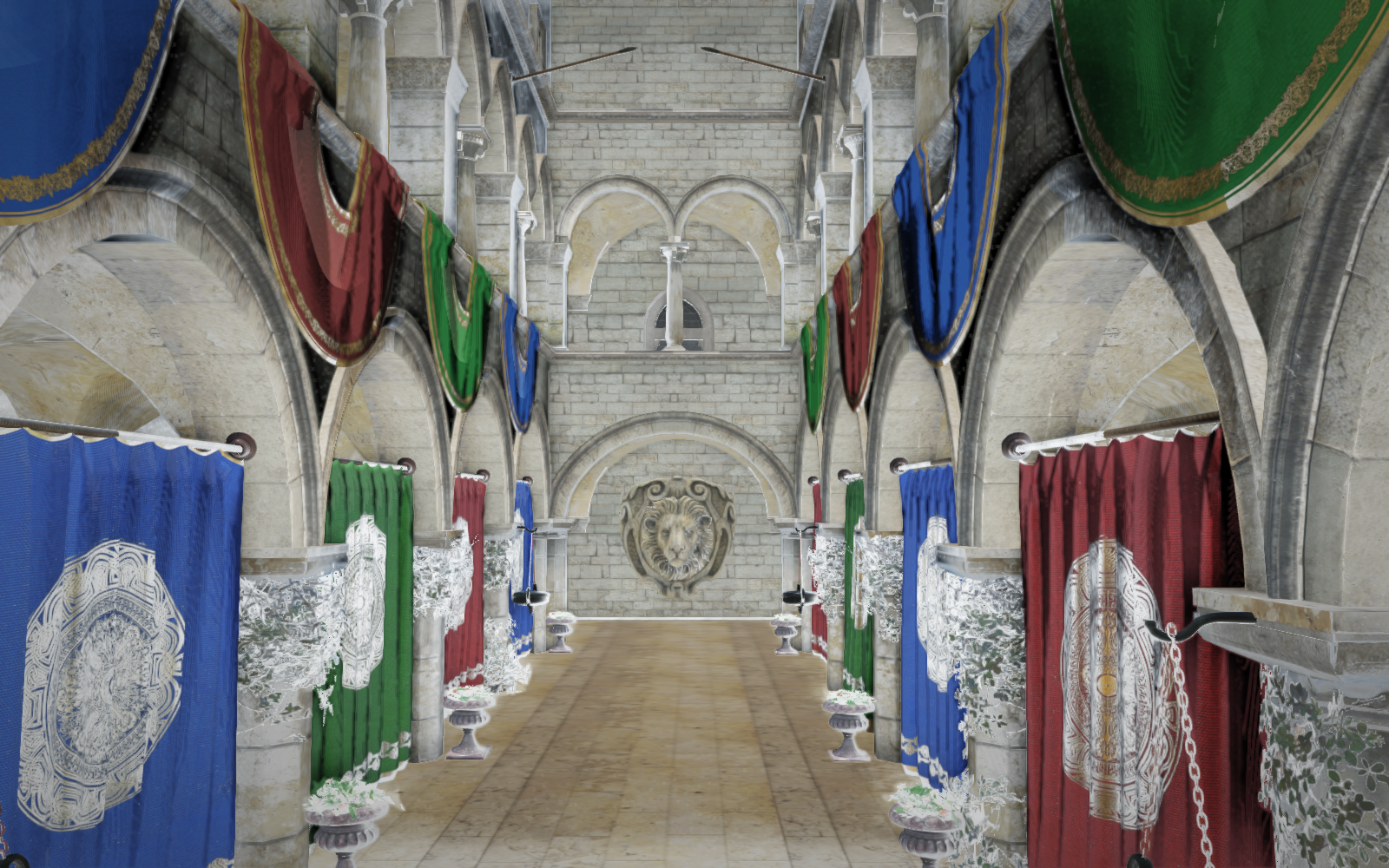
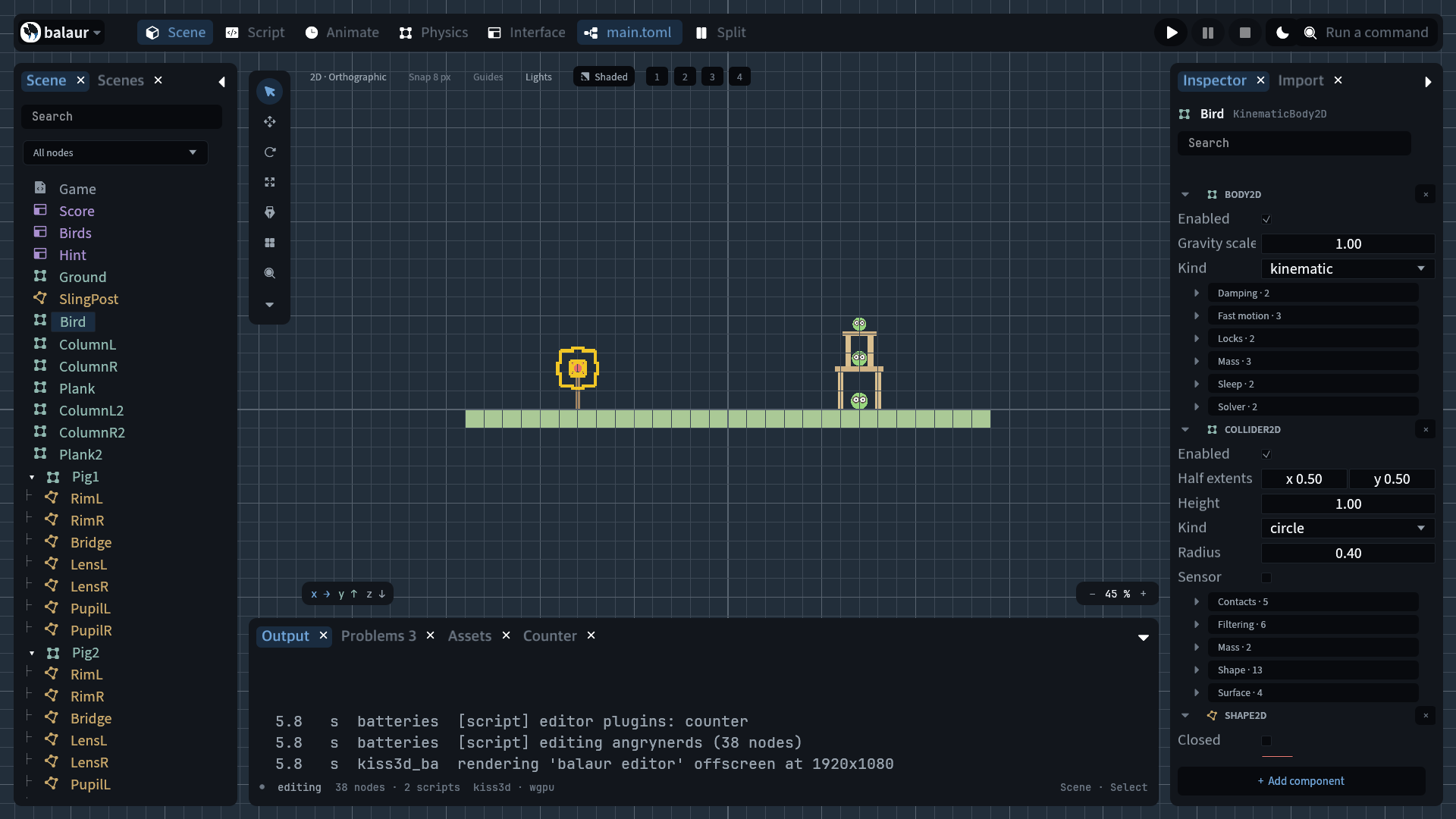
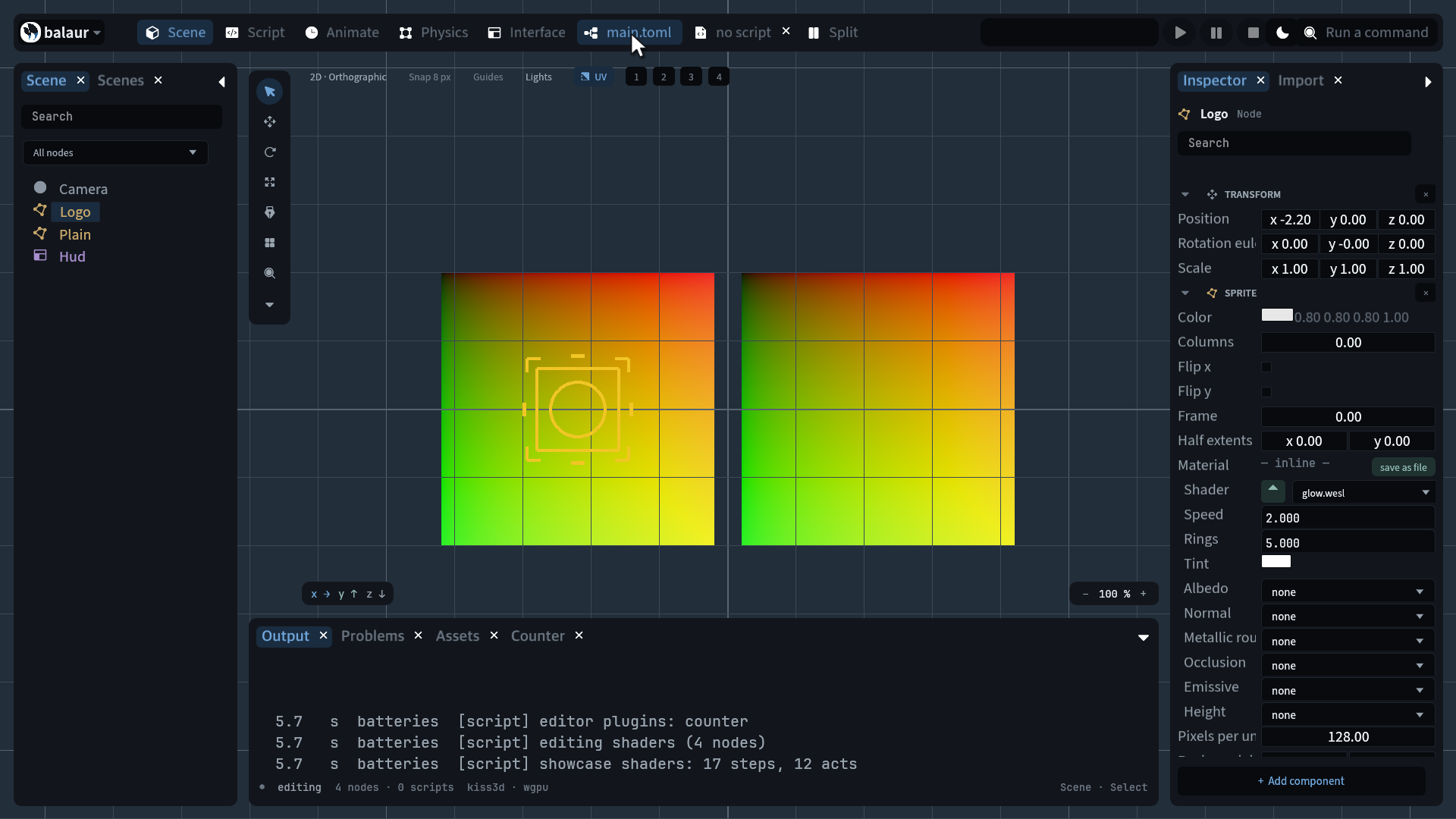
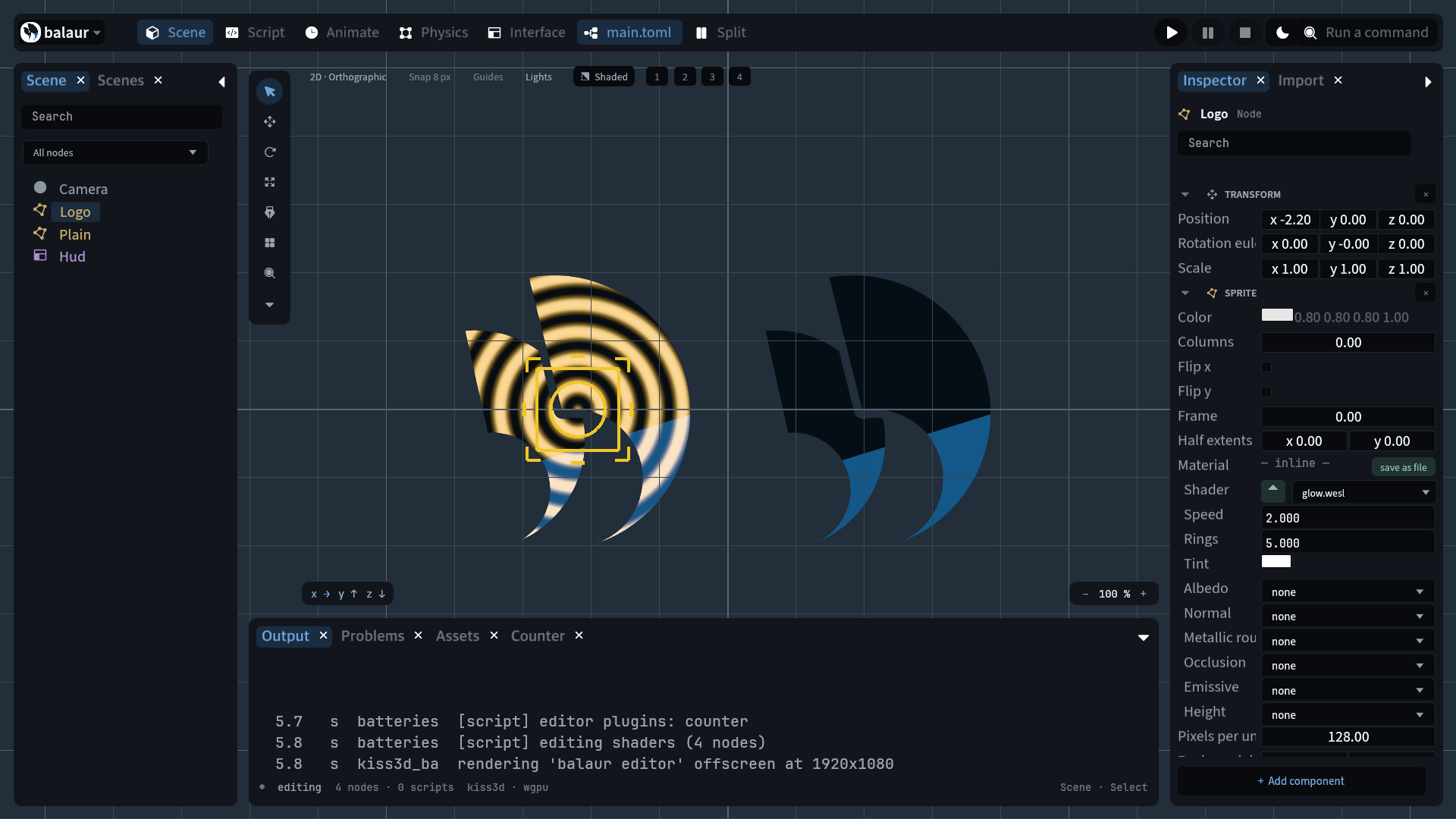
  • Hot reload. A saved texture, model, font or sound moves the asset generation, and every node built from one is rebuilt — scripts already reloaded this way; now the art does too.
  • Stable ids. An id:// reference resolves through assets/index.toml, so a scene can name an asset by an id that survives a move.
  • Rename rewrites. assets.rename in a script, or rename in the Assets dock, rewrites every reference to the moved file across scenes and assets.
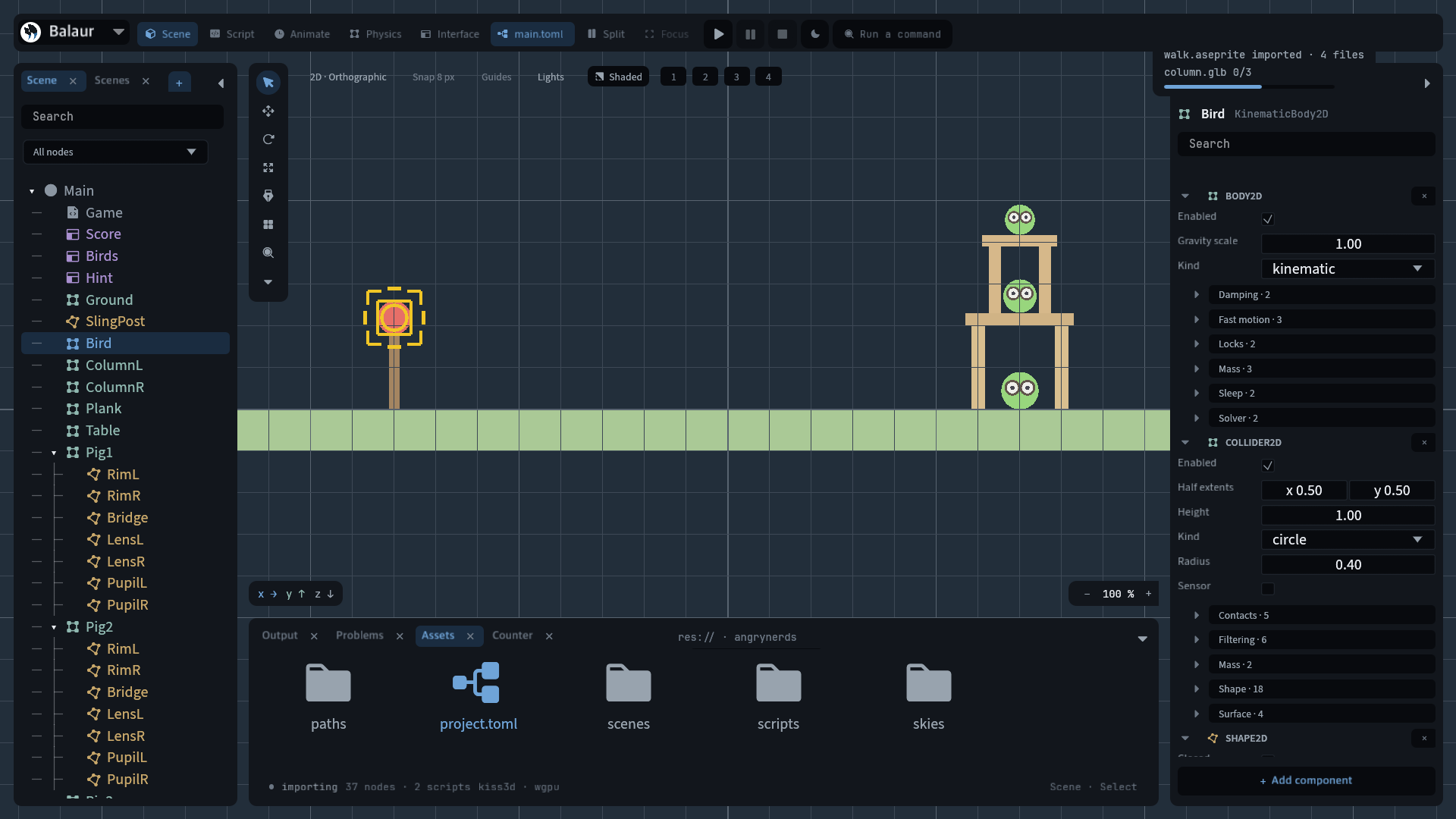
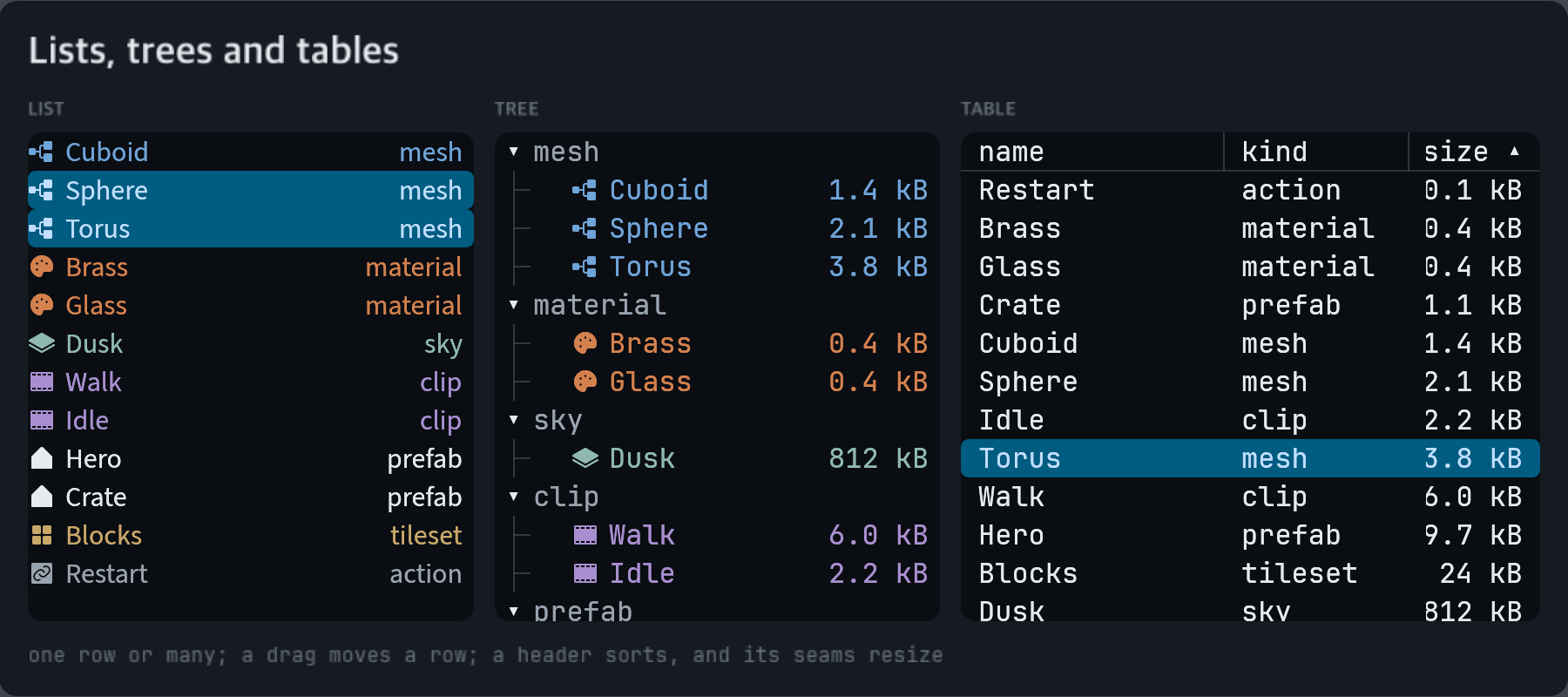
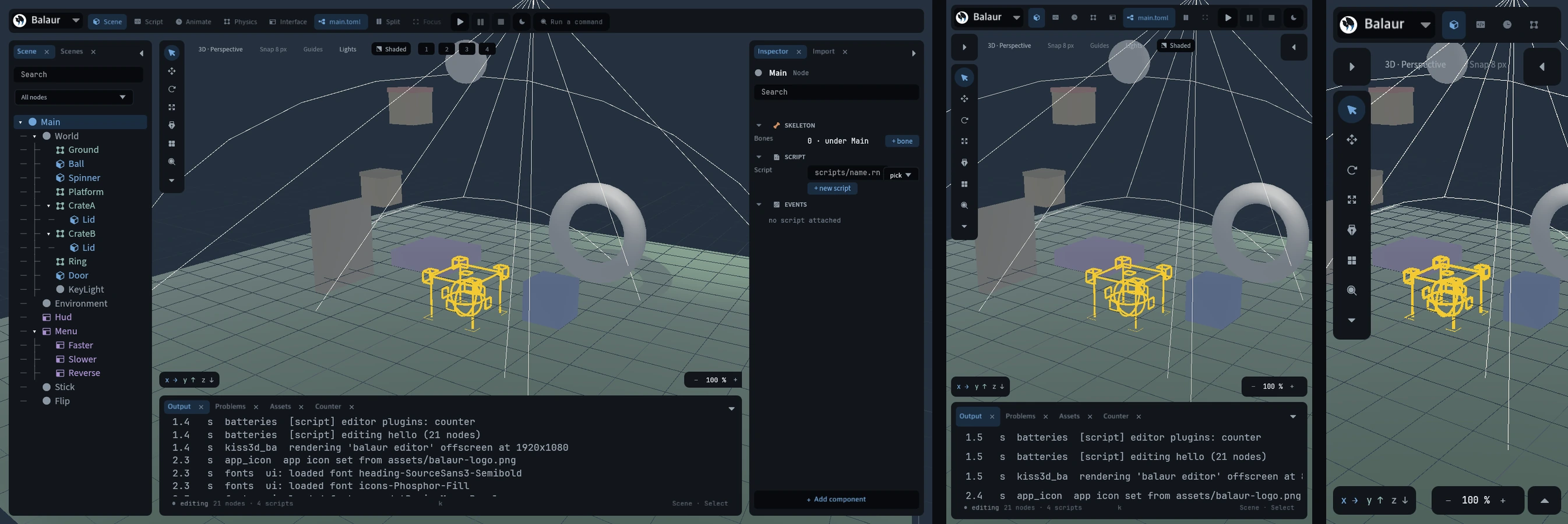
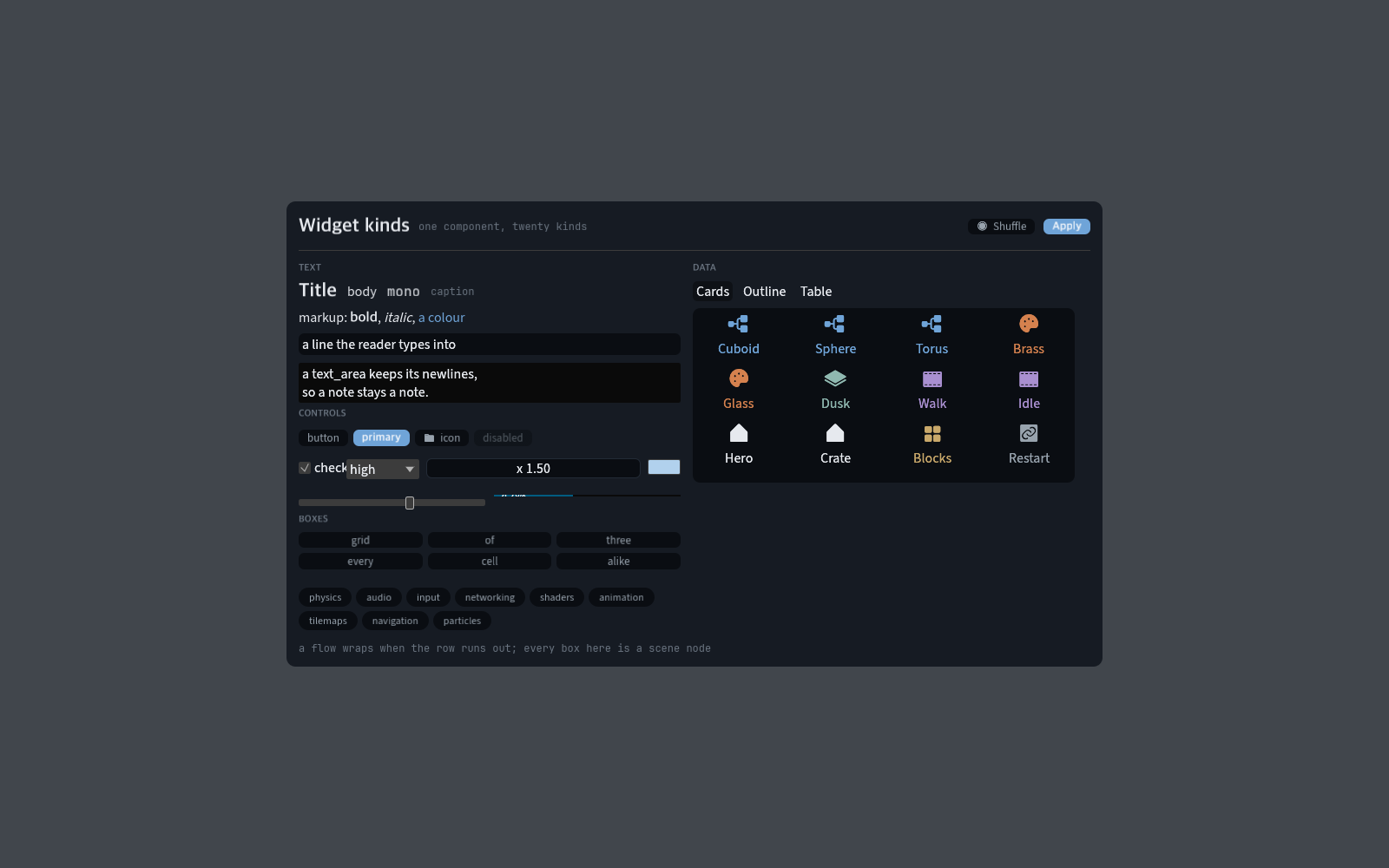
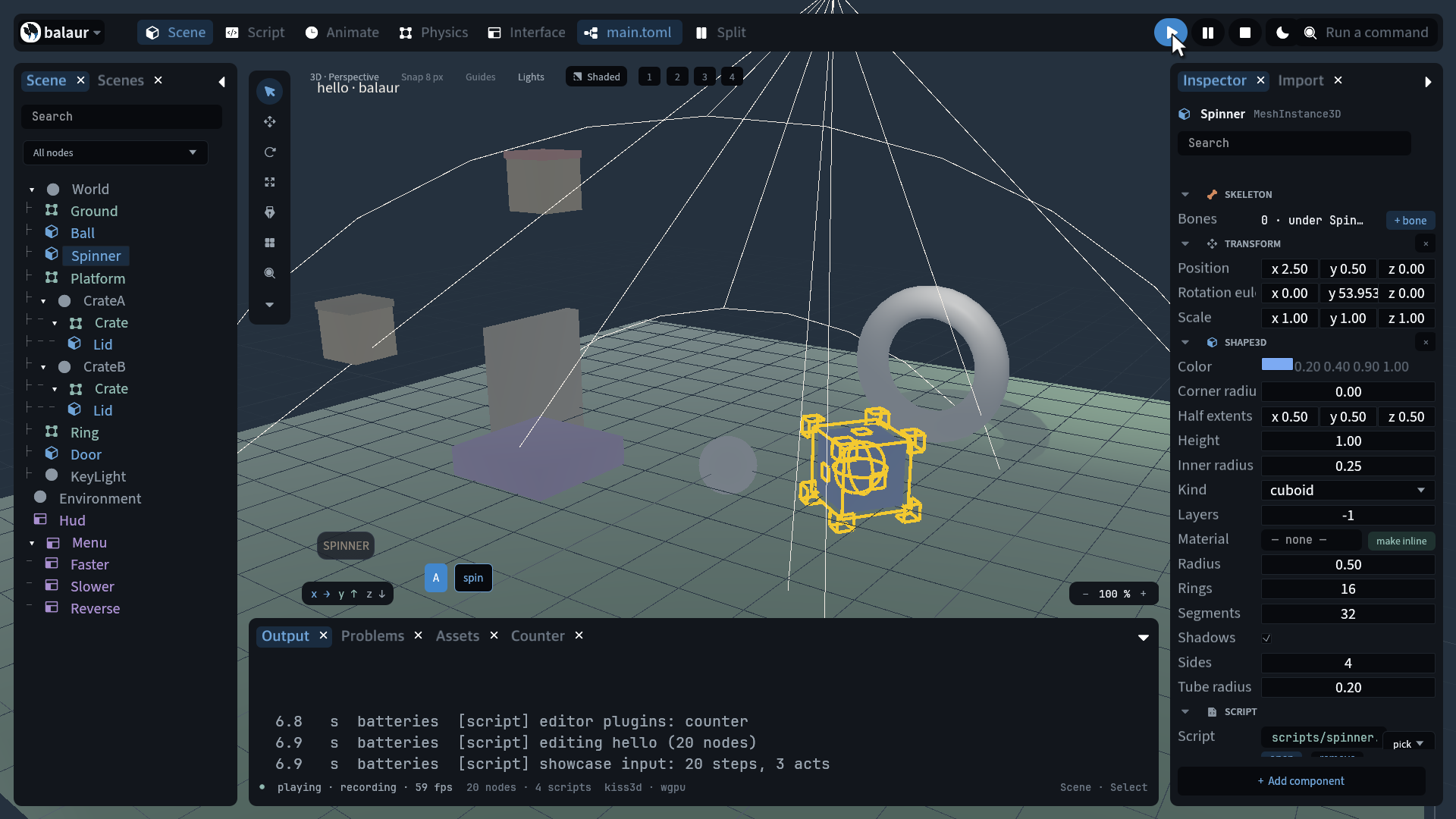
  • The dock. Browse, filter, make a folder, rename, delete; a card selects on the first click and opens on the second.
[nodes.sprite]
texture = "id://hero" # assets/index.toml says which file that is

Scenes and assets in the manual.