A screen made of nodes

A screen made of nodes

· 2 min read
Balaur
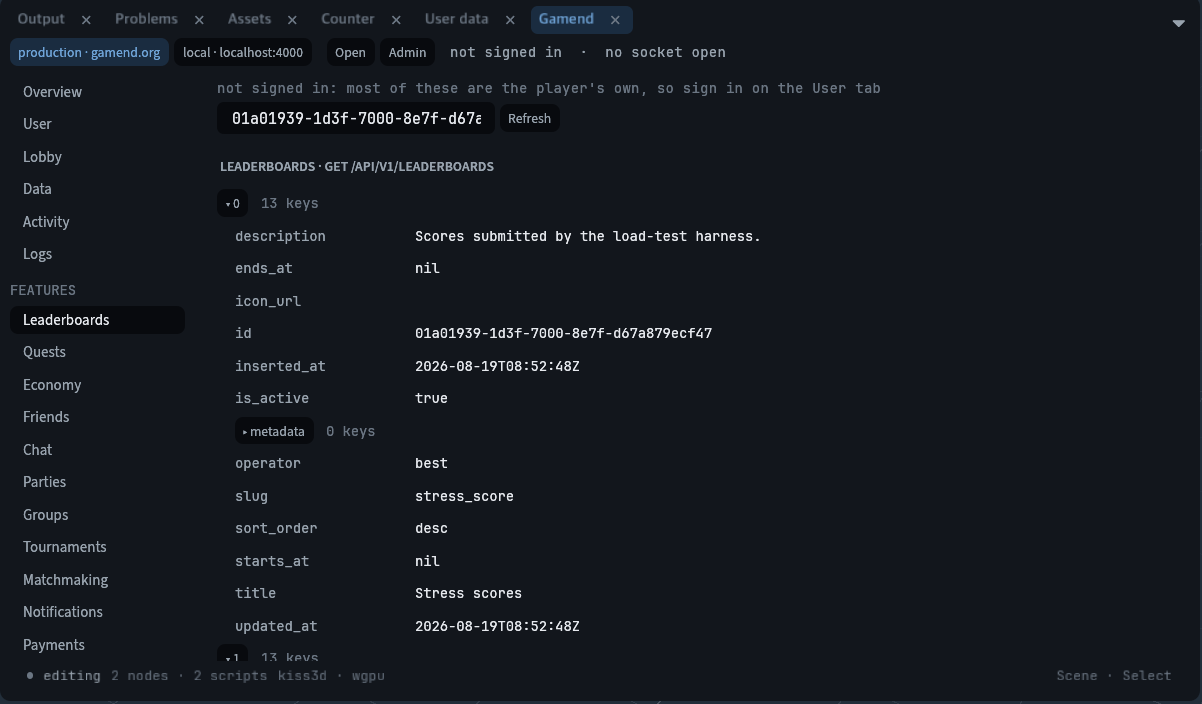
Lists, trees, tables and a code editor are widget kinds now. A theme carries roles and hover states. The whole tree is laid out by taffy before a pixel is drawn.

What landed

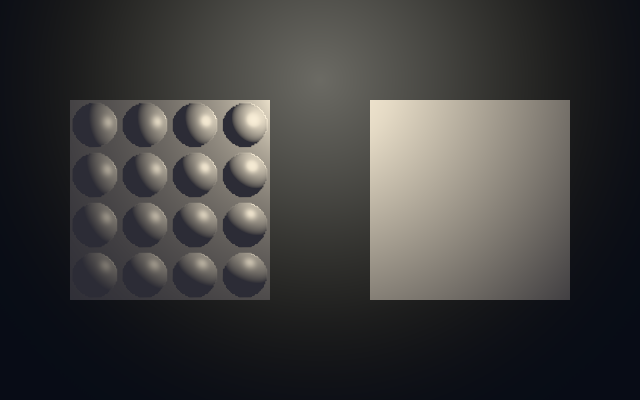
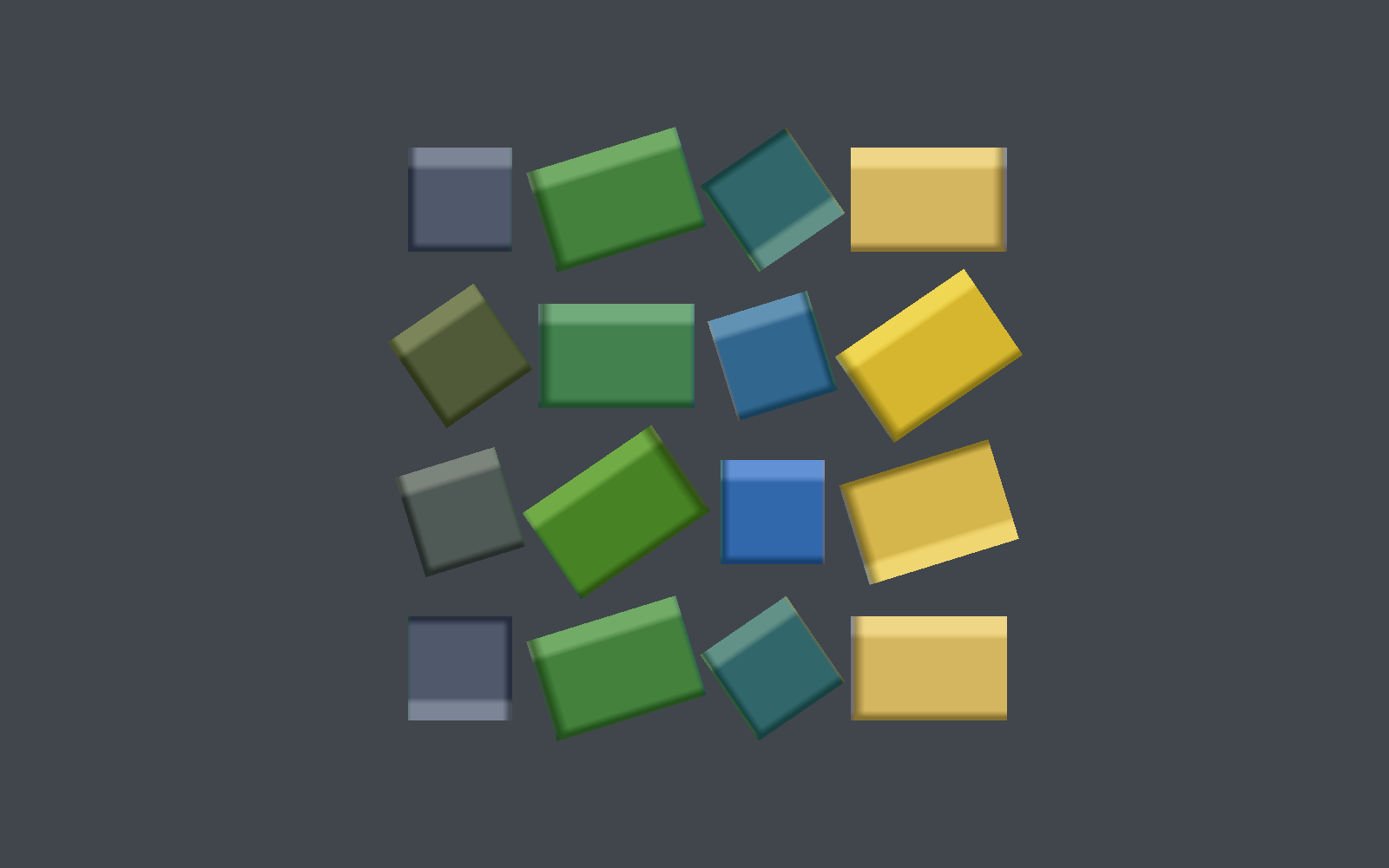
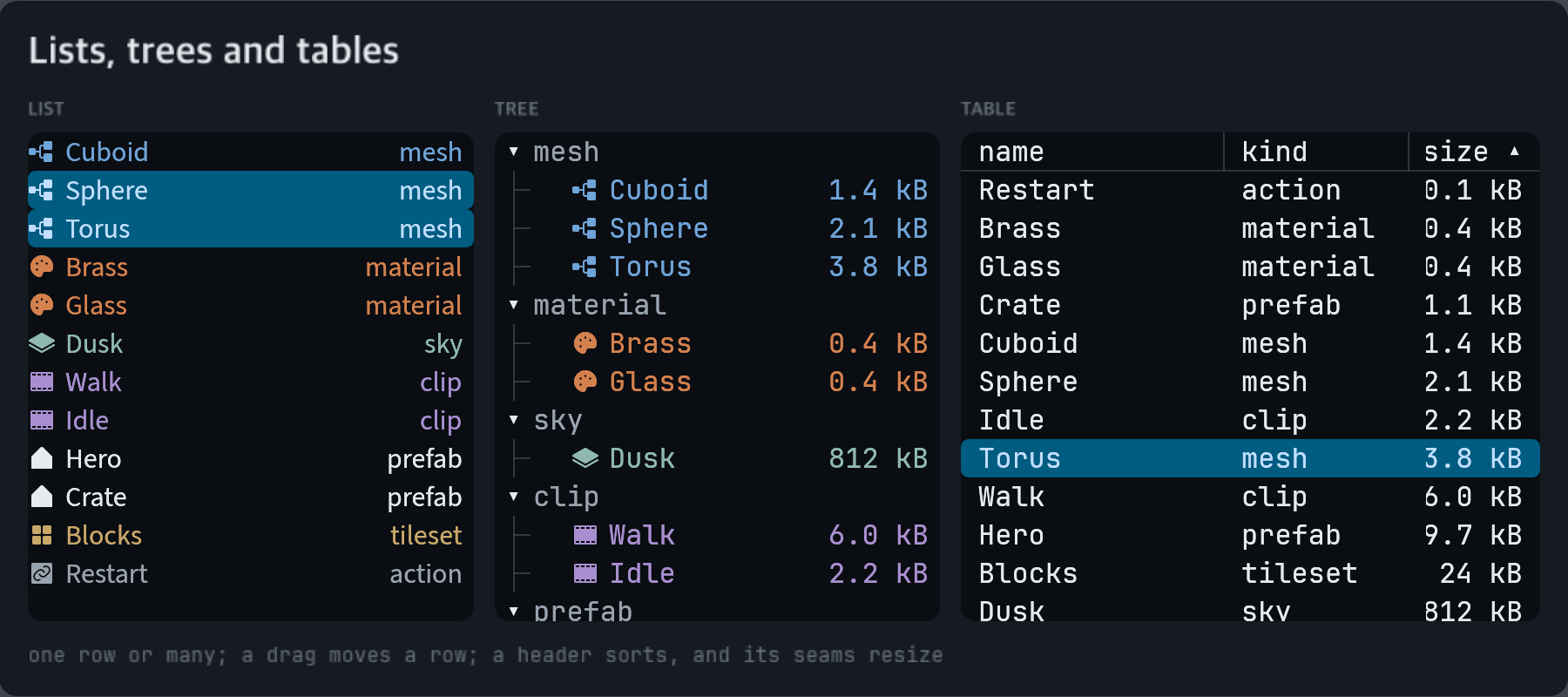
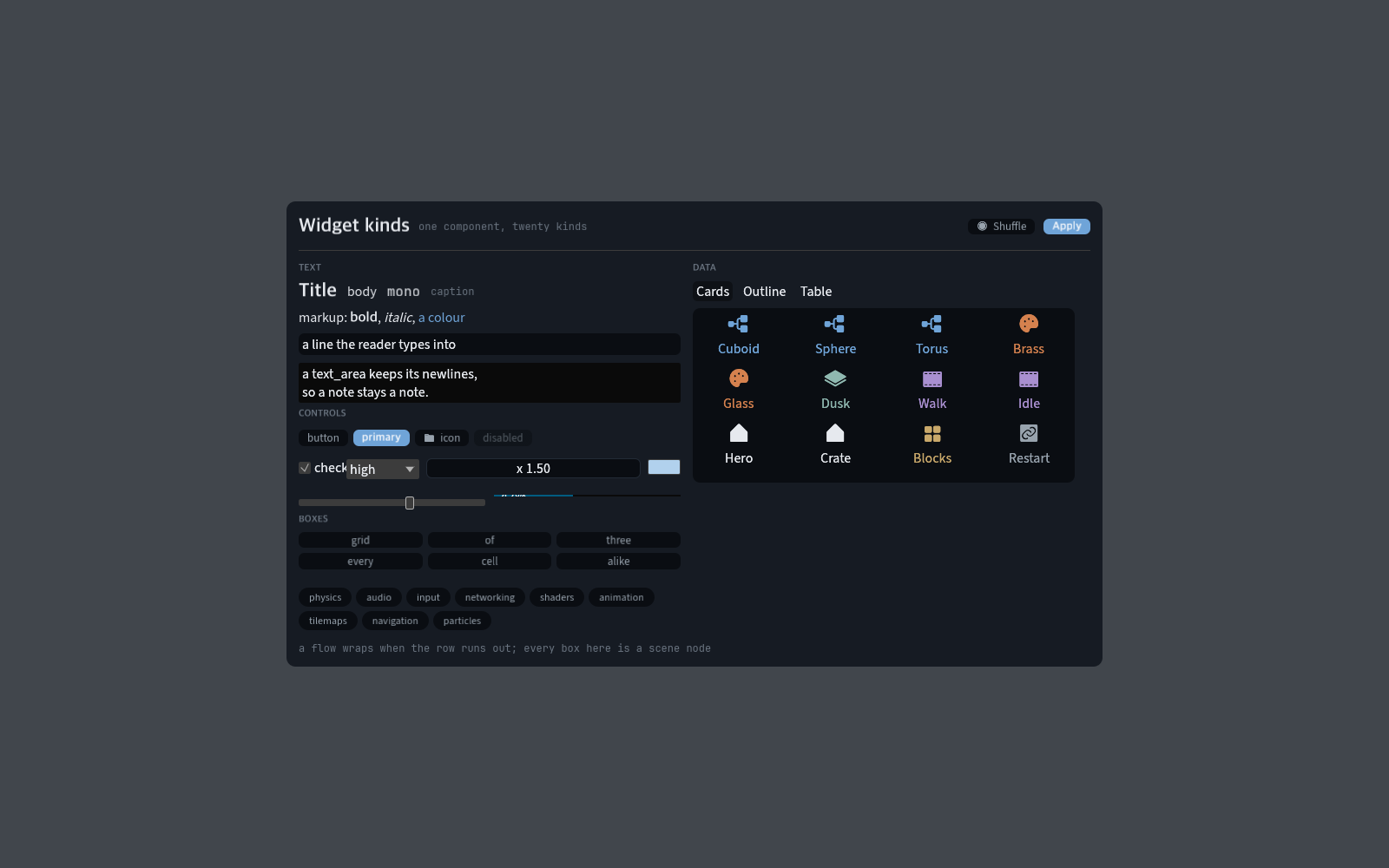
  • Data views. list holds rows and reports the pick; above one columns the rows flow into a grid of cards. tree nests them, one leading tab a level. table splits a row into one cell a column. Only the rows on screen are built.

    A card grid, an outline and a table, all one component

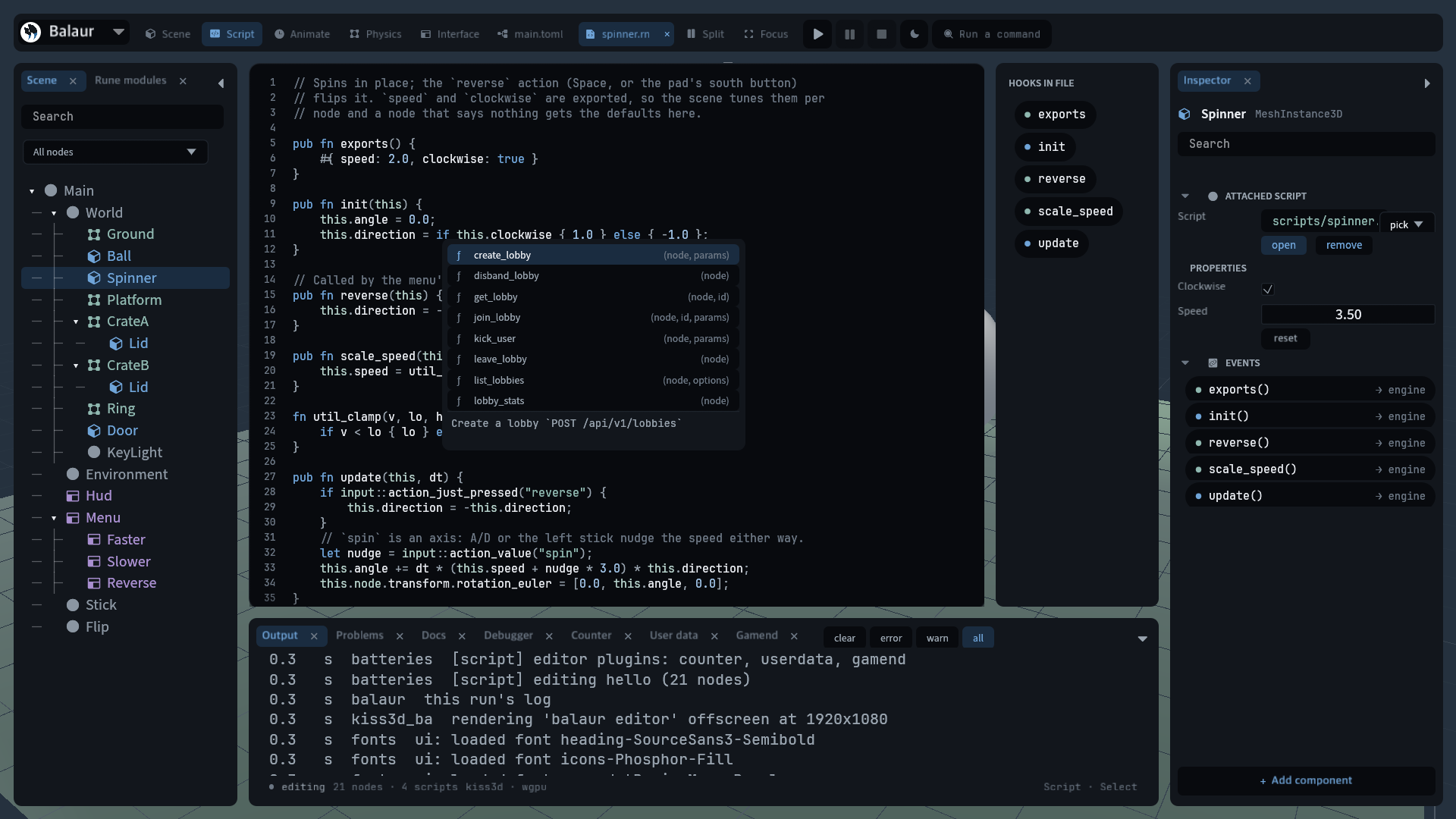
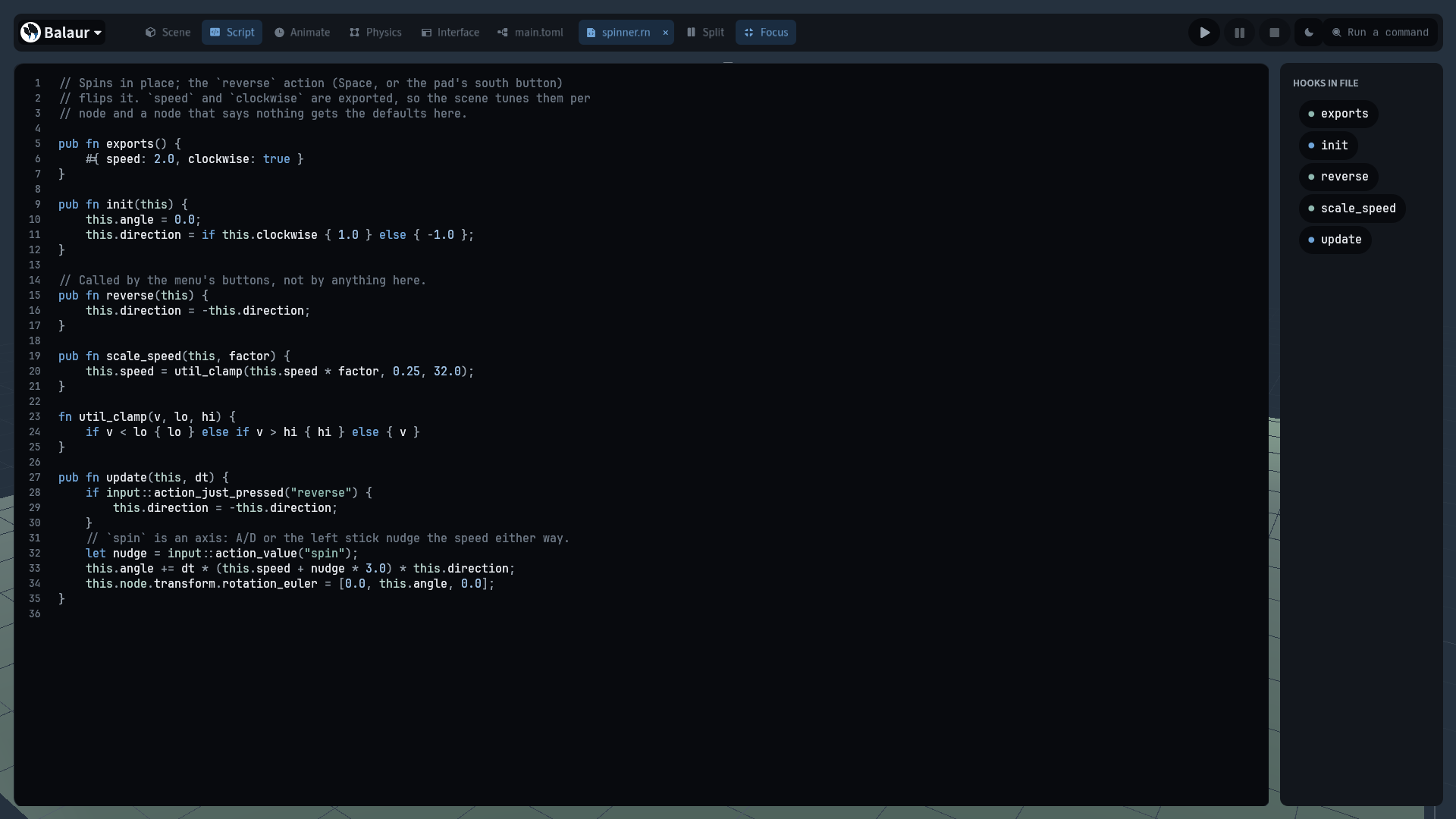
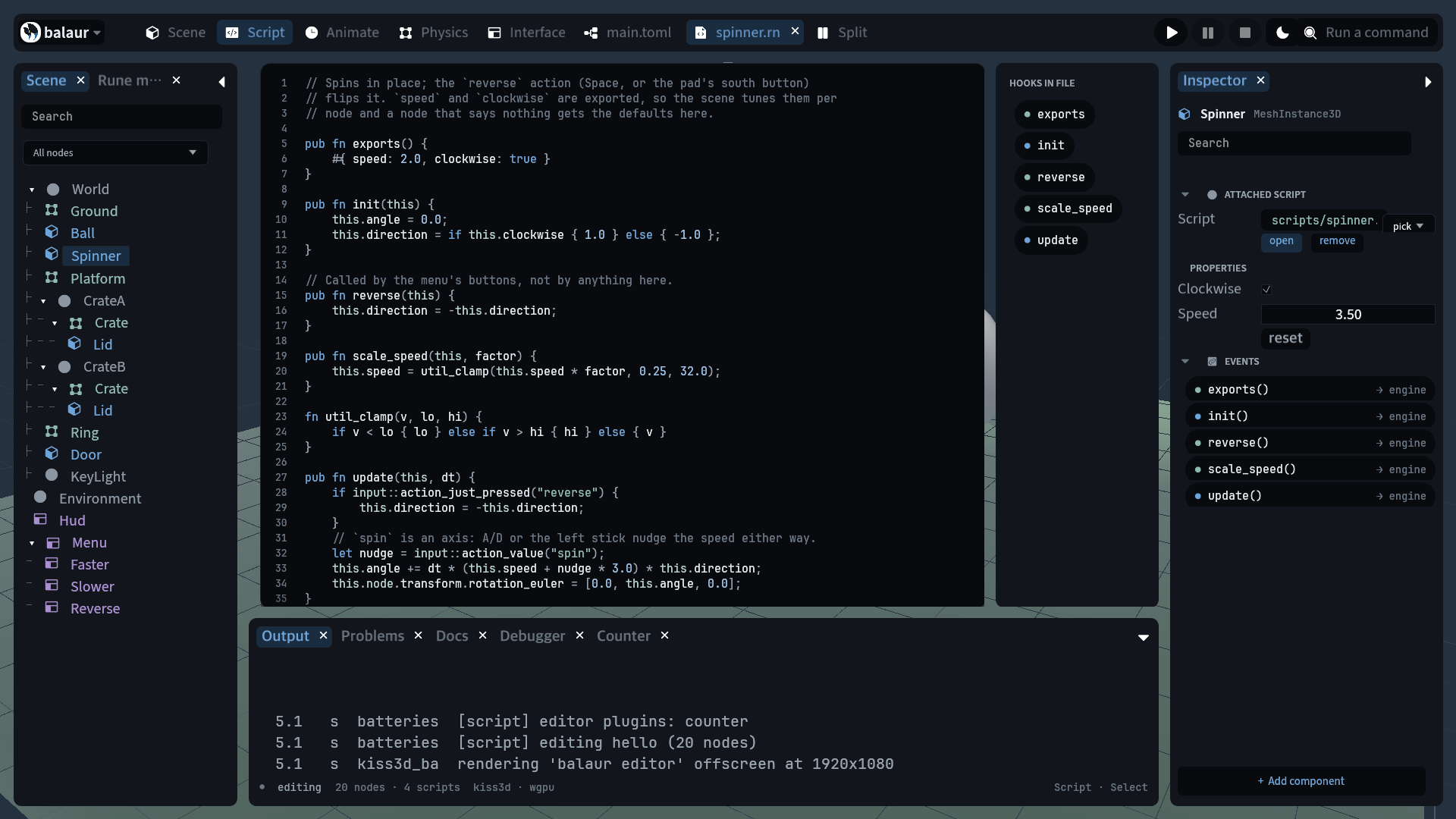
  • code. The file being edited, with its gutter, colours and caret, as a node.

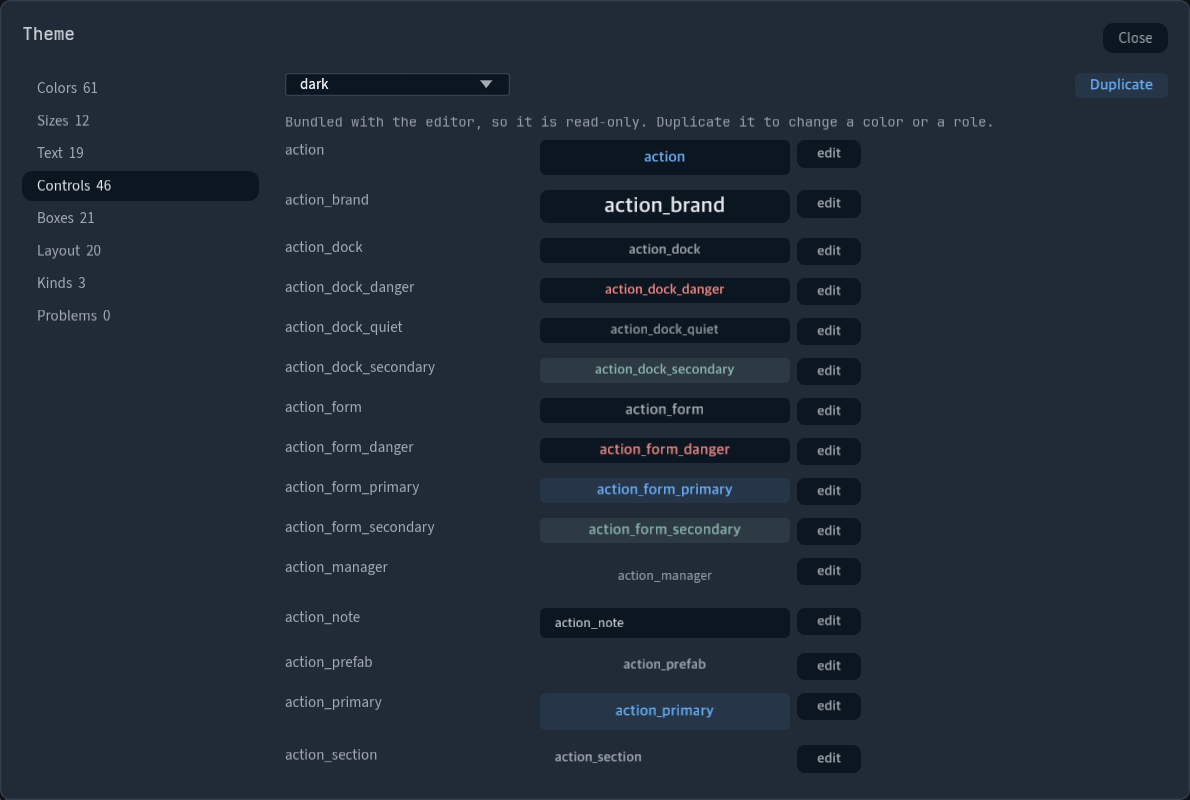
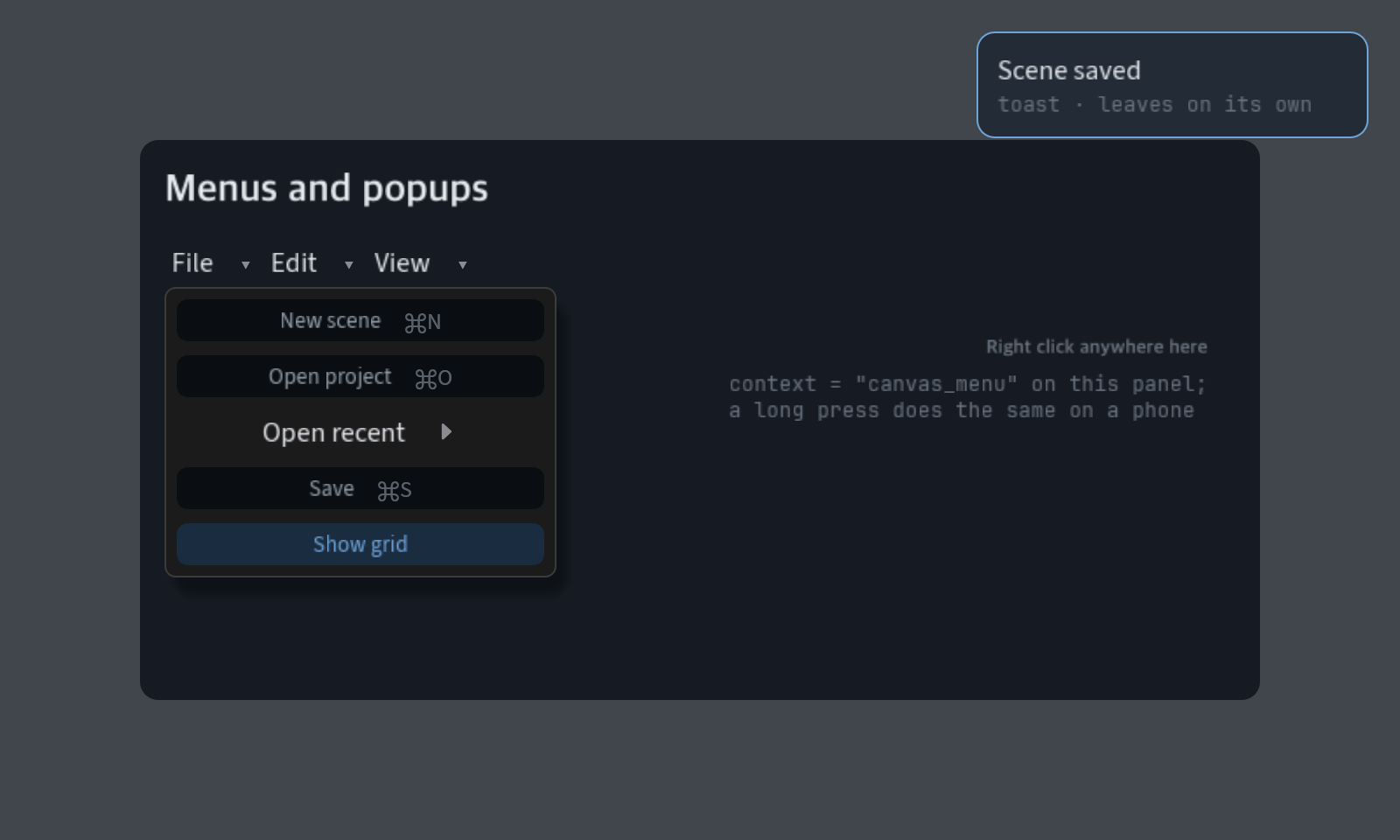
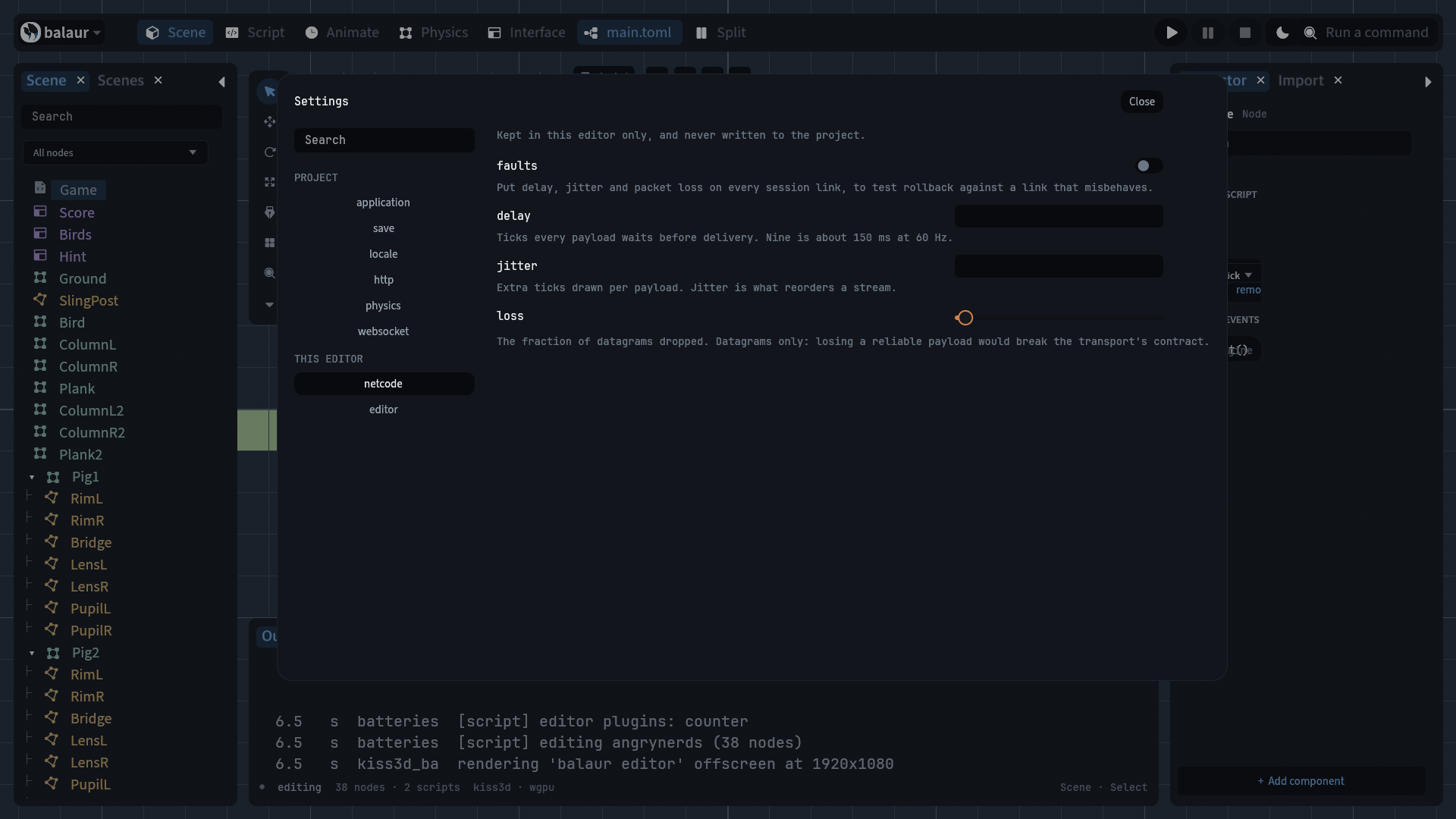
  • Themes with roles. [colors] names the fills, [<kind>] dresses a kind, and [roles.<name>] is a look a widget takes by name. [<kind>.hover] and [<kind>.active] say how it looks under the pointer.

  • Layout by taffy. grow, gap, padding, align, justify and the minimum sizes are taffy's flexbox, which Dioxus and Blitz also use. About 340 lines of arithmetic here went away with it.

The editor is the first user

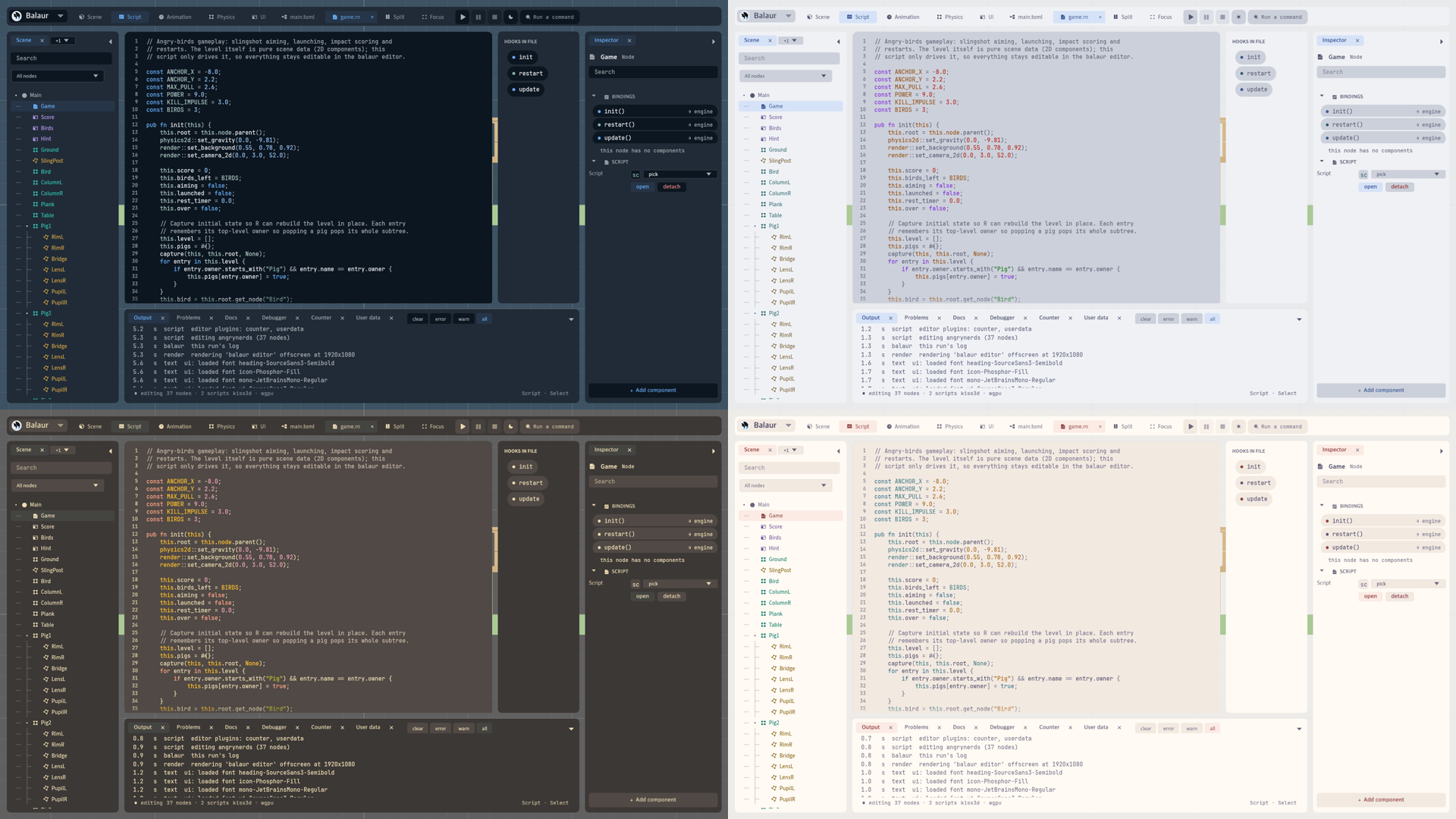
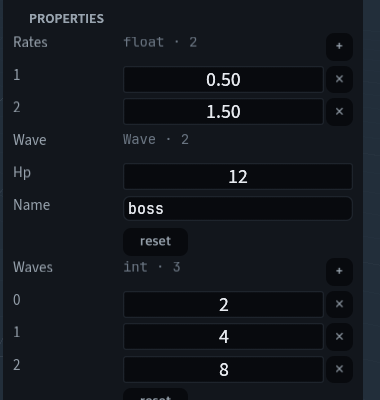
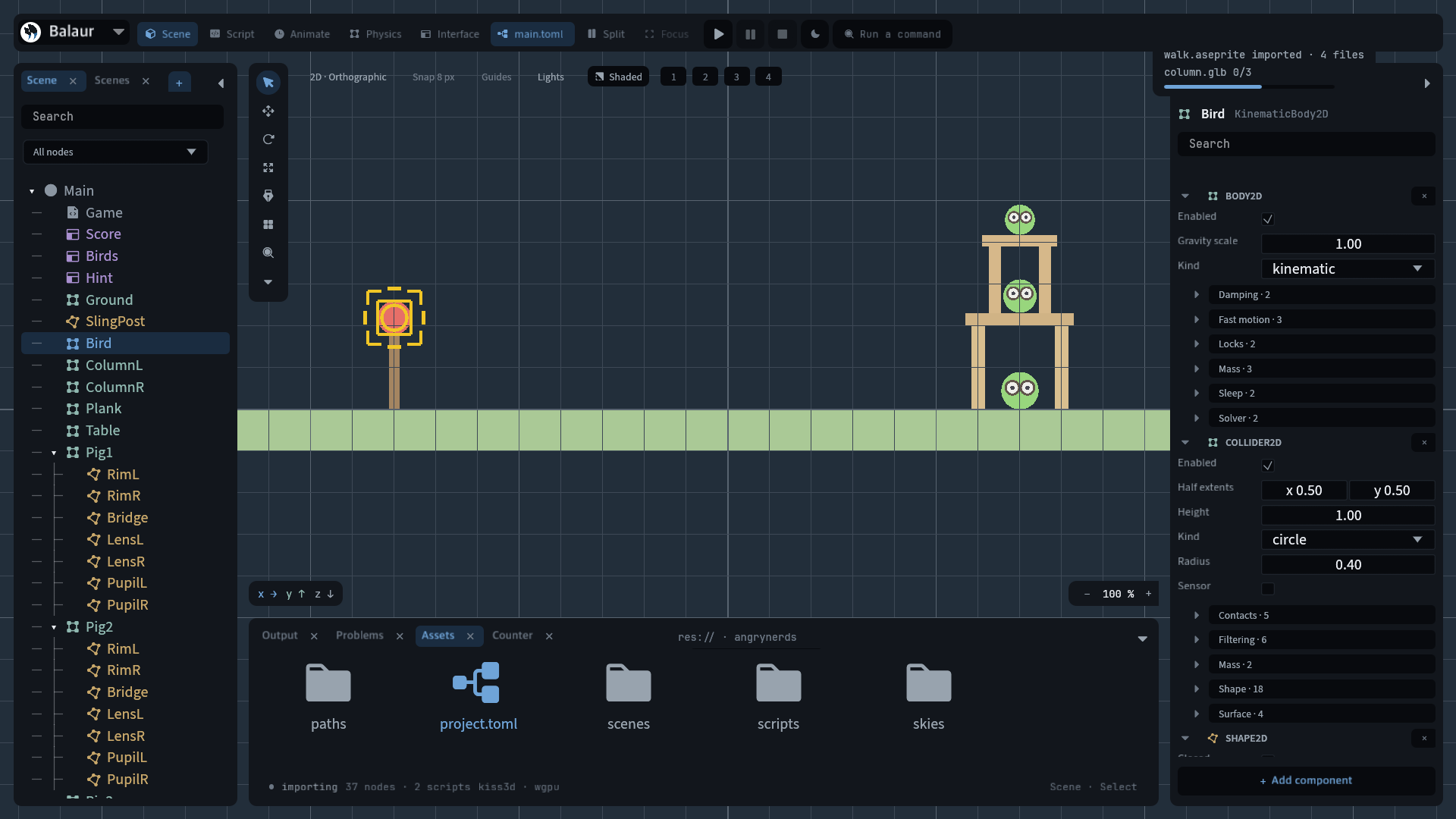
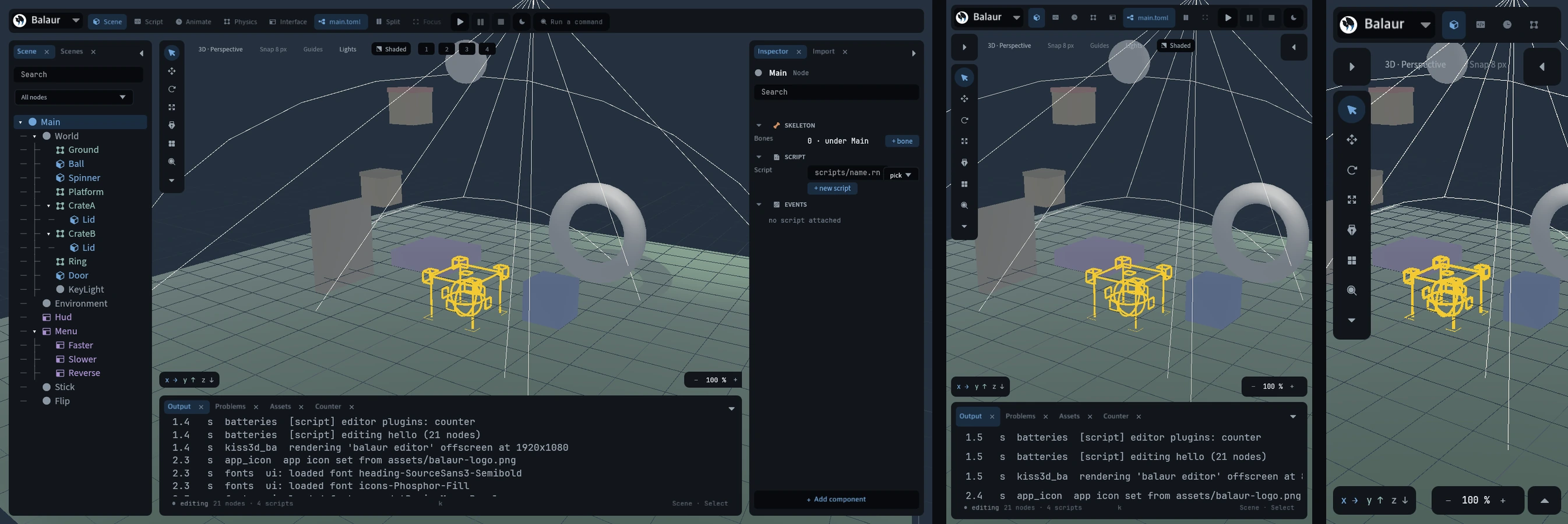
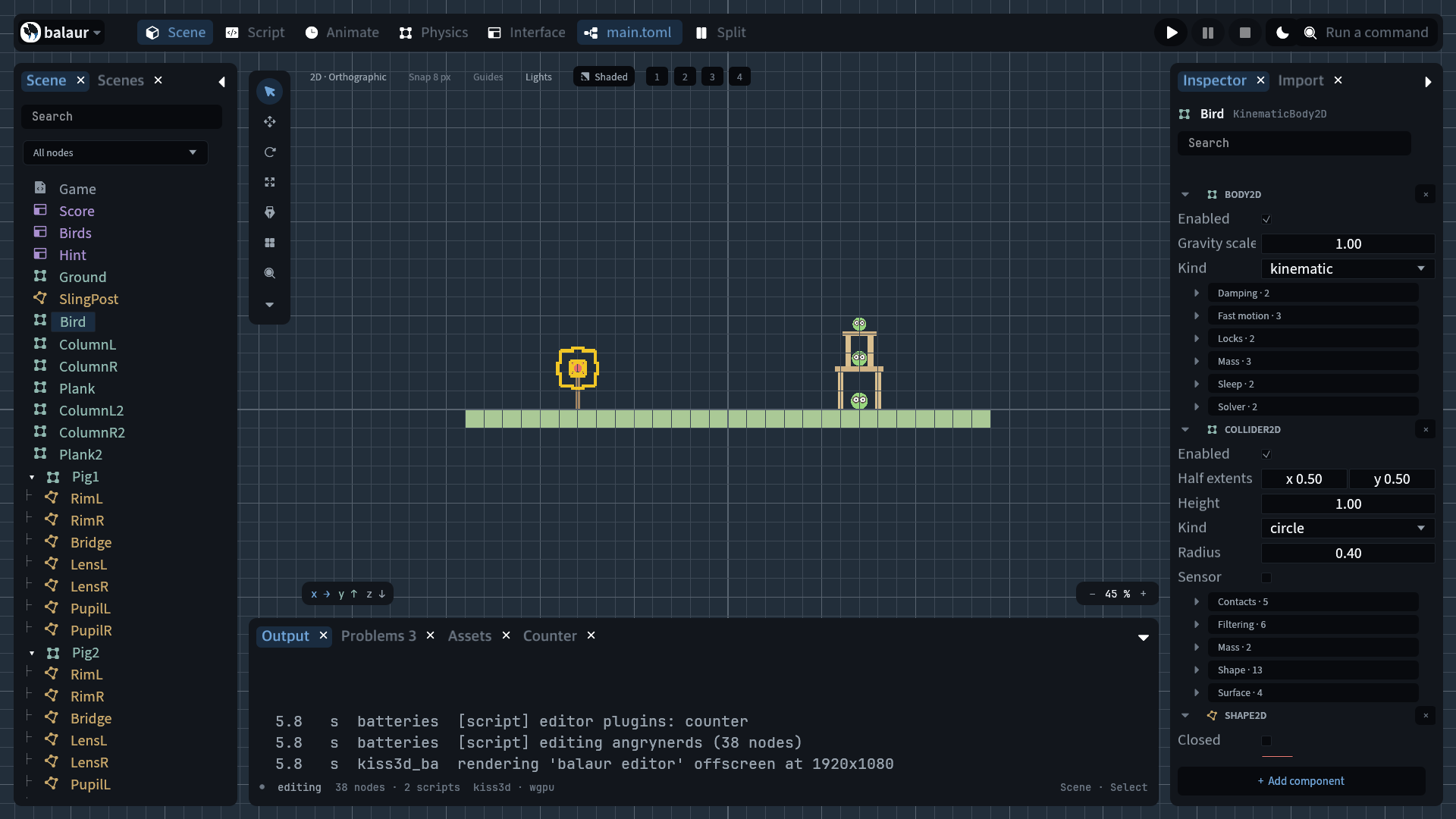
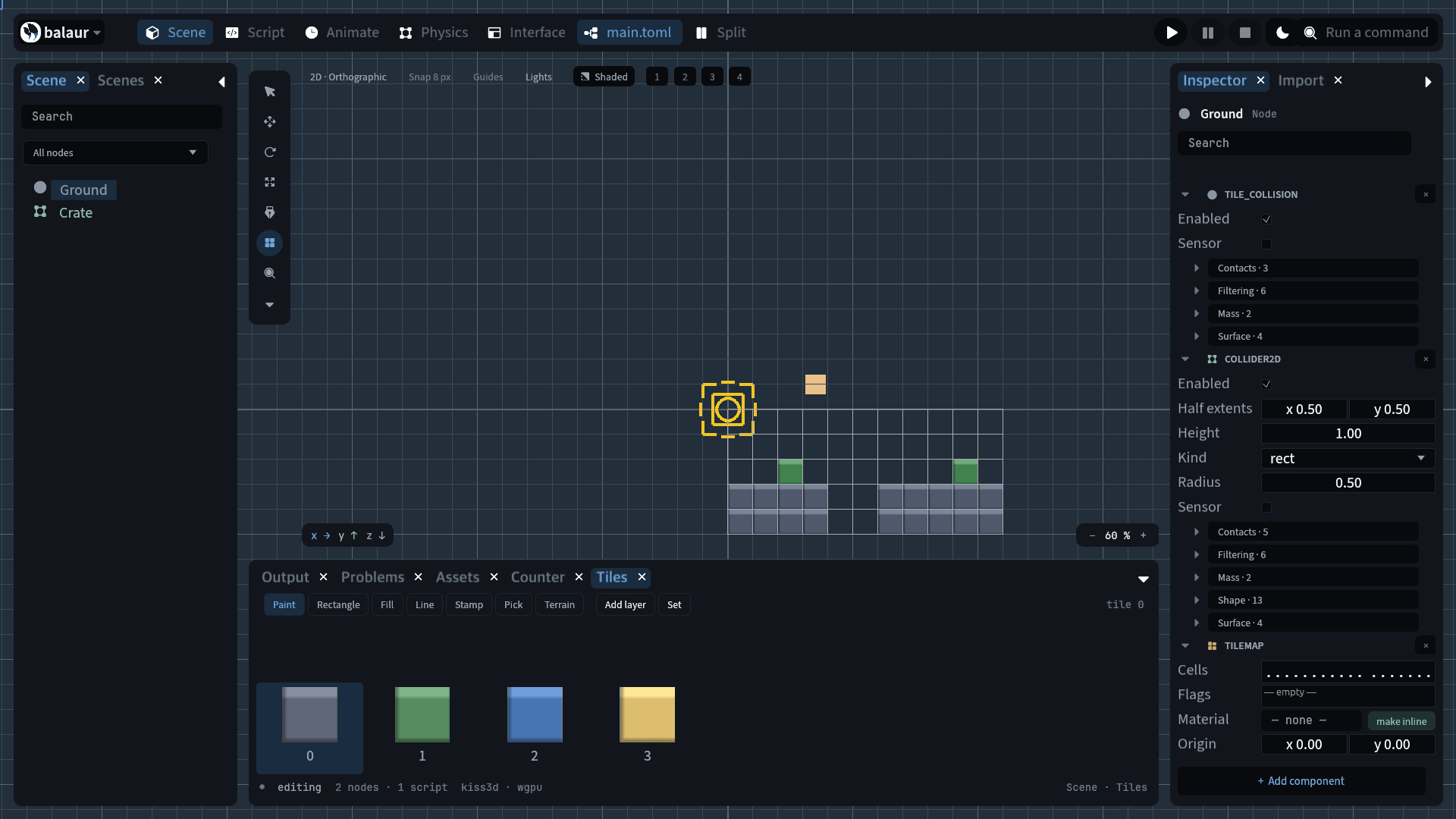
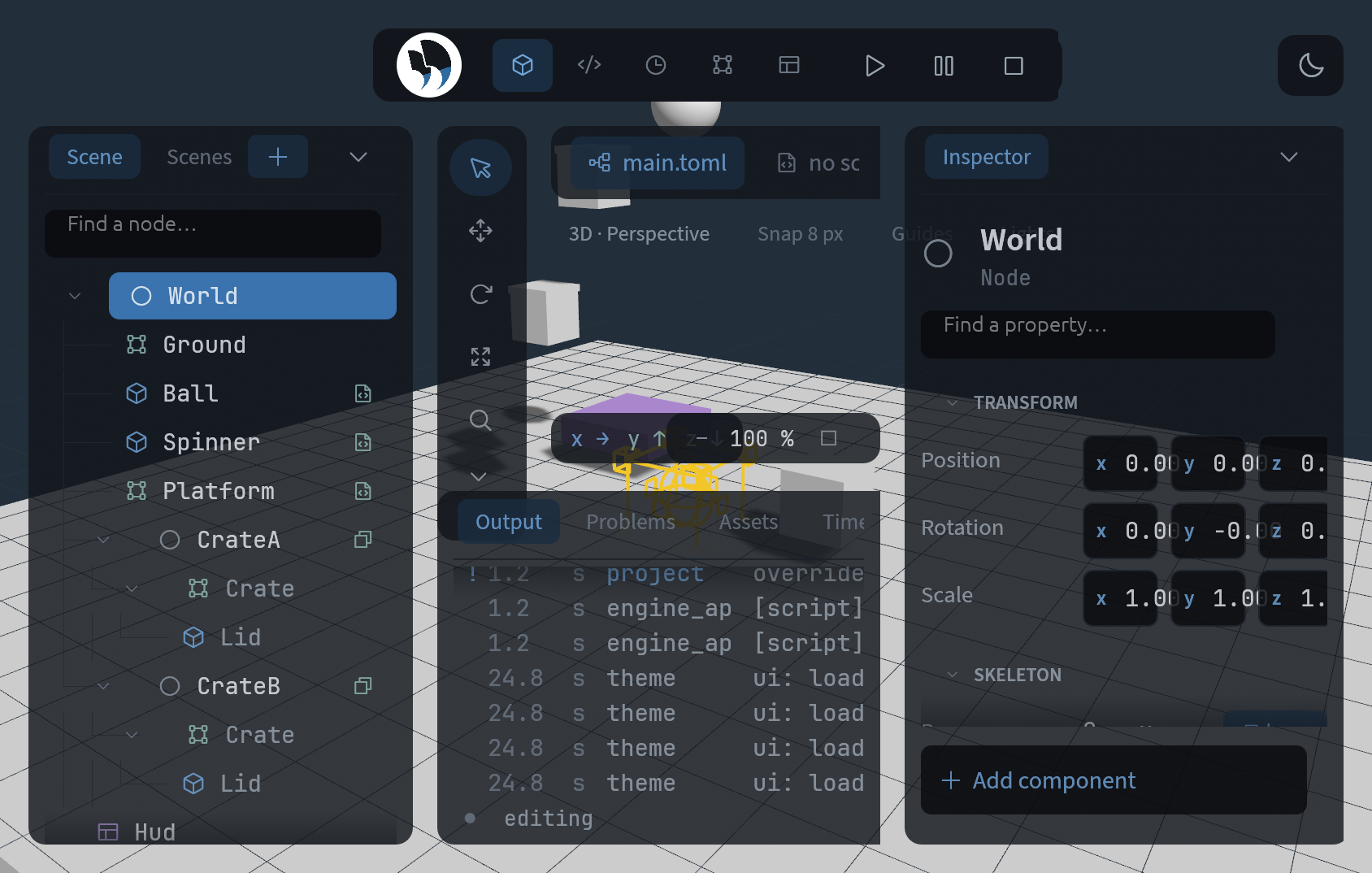
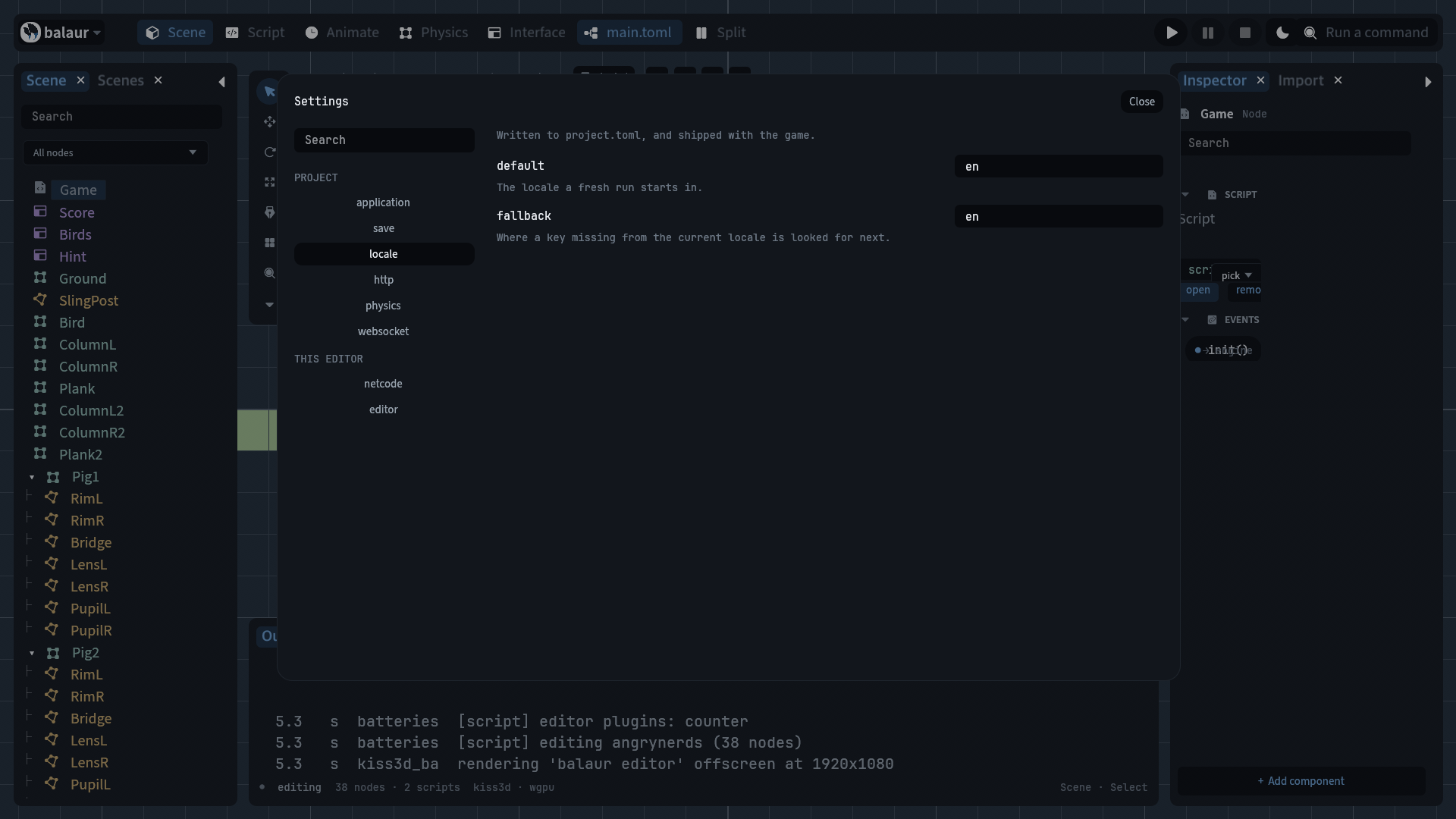
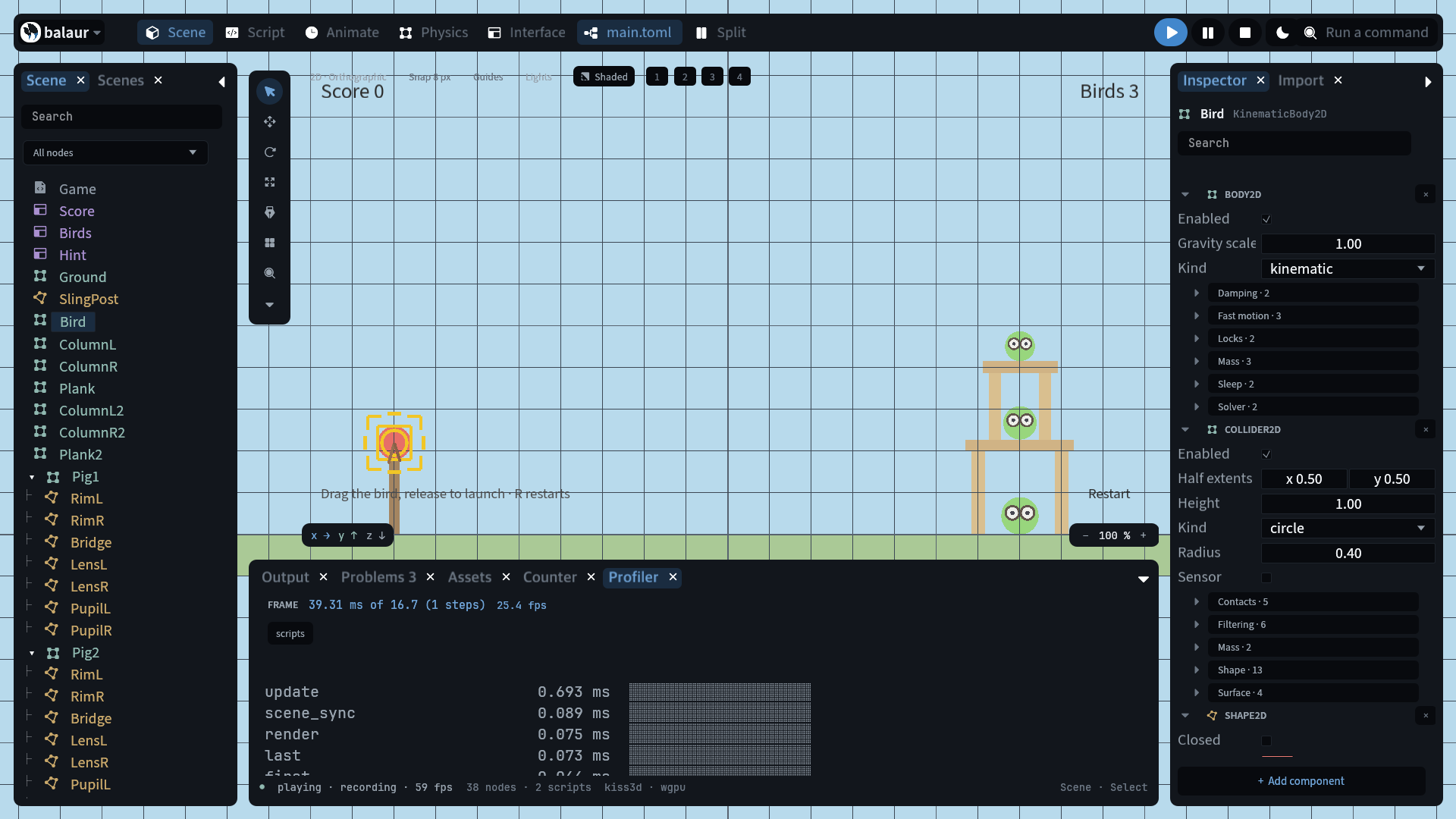
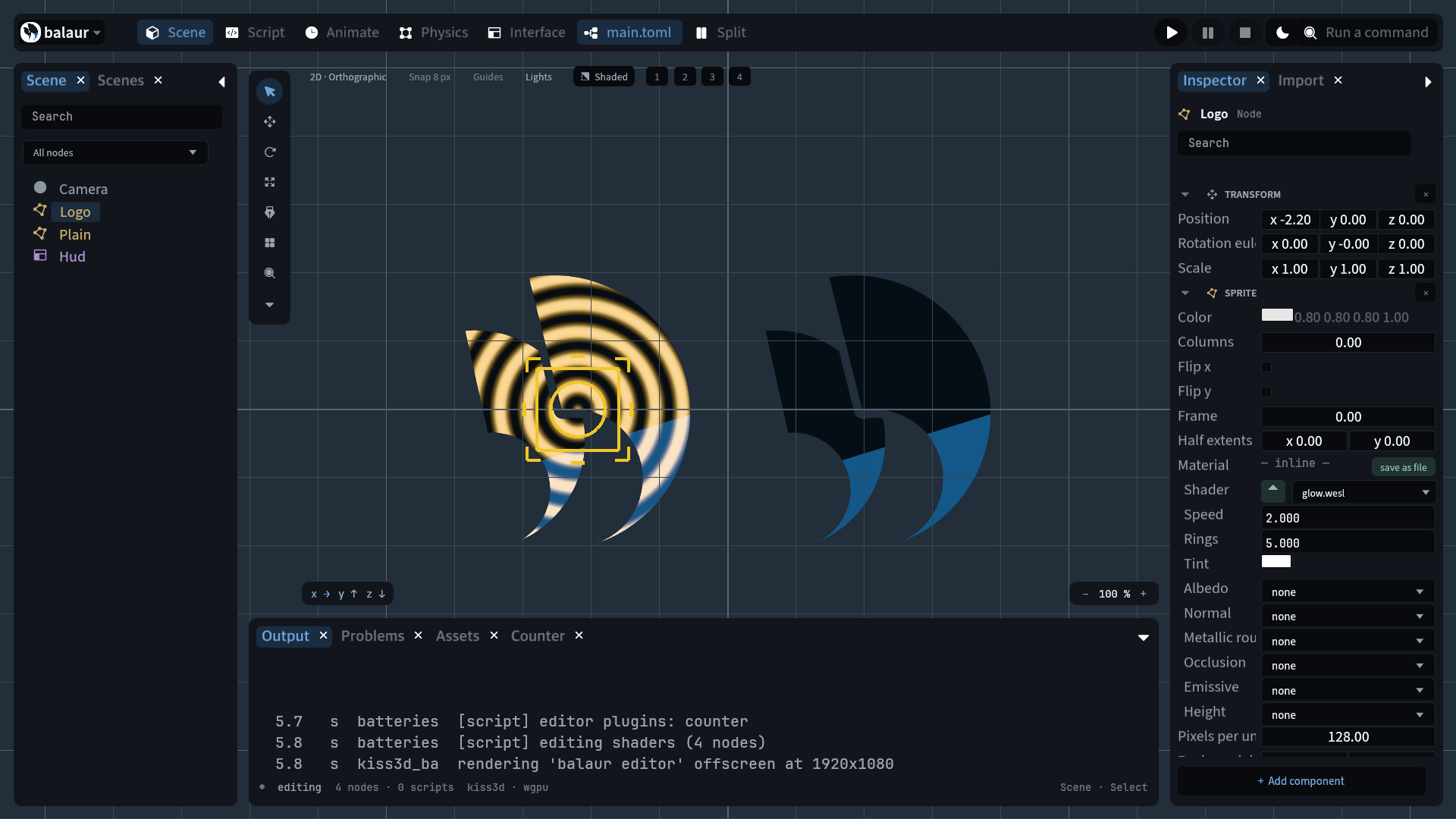
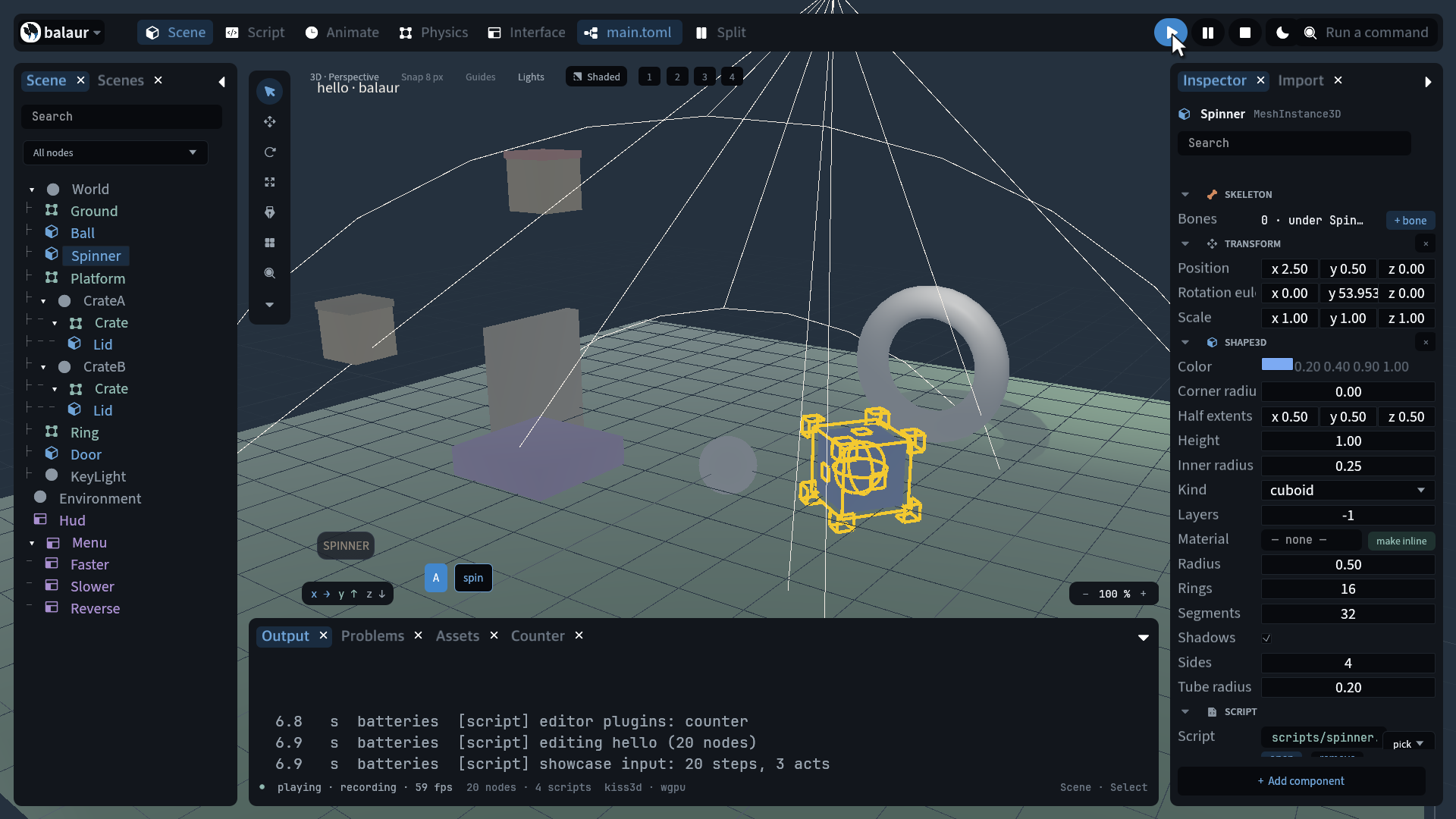
Its shell, docks, tab rows, top bar, outliner and inspector are widget nodes in editor/scenes/main.toml. A form whose fields change with the selection cannot be authored, so a script makes rows and reuses them: the control's kind comes from the property's datatype.

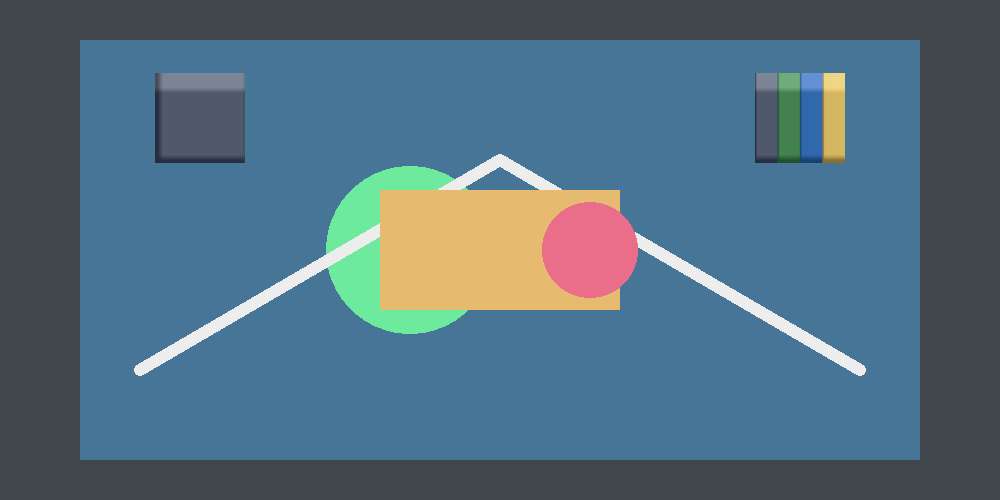
Four views still paint themselves, which is what draw nodes are for. A timeline's lanes, a weight table and two painting tools are where the pointer is the input, and each has a node of its own now.
Why the tree decides first

egui lays out while it draws, a frame too late for a container handing its children rects. A retained tree is solved first, so ui::widget_rect reads back this frame's answer.

[nodes.widget]
kind = "list"
columns = 5
row_height = 84
grow = 1

Try it

  • examples/interface: a whole screen with no draw_ui in it. Its one script fills three views and writes no layout.
  • The manual and the generated component reference.