


Volver
· 2 min de lectura
Inputs
Input actions rebound at run time, gamepads, rumble, gyro and an input overlay.
- Dragos Balaur
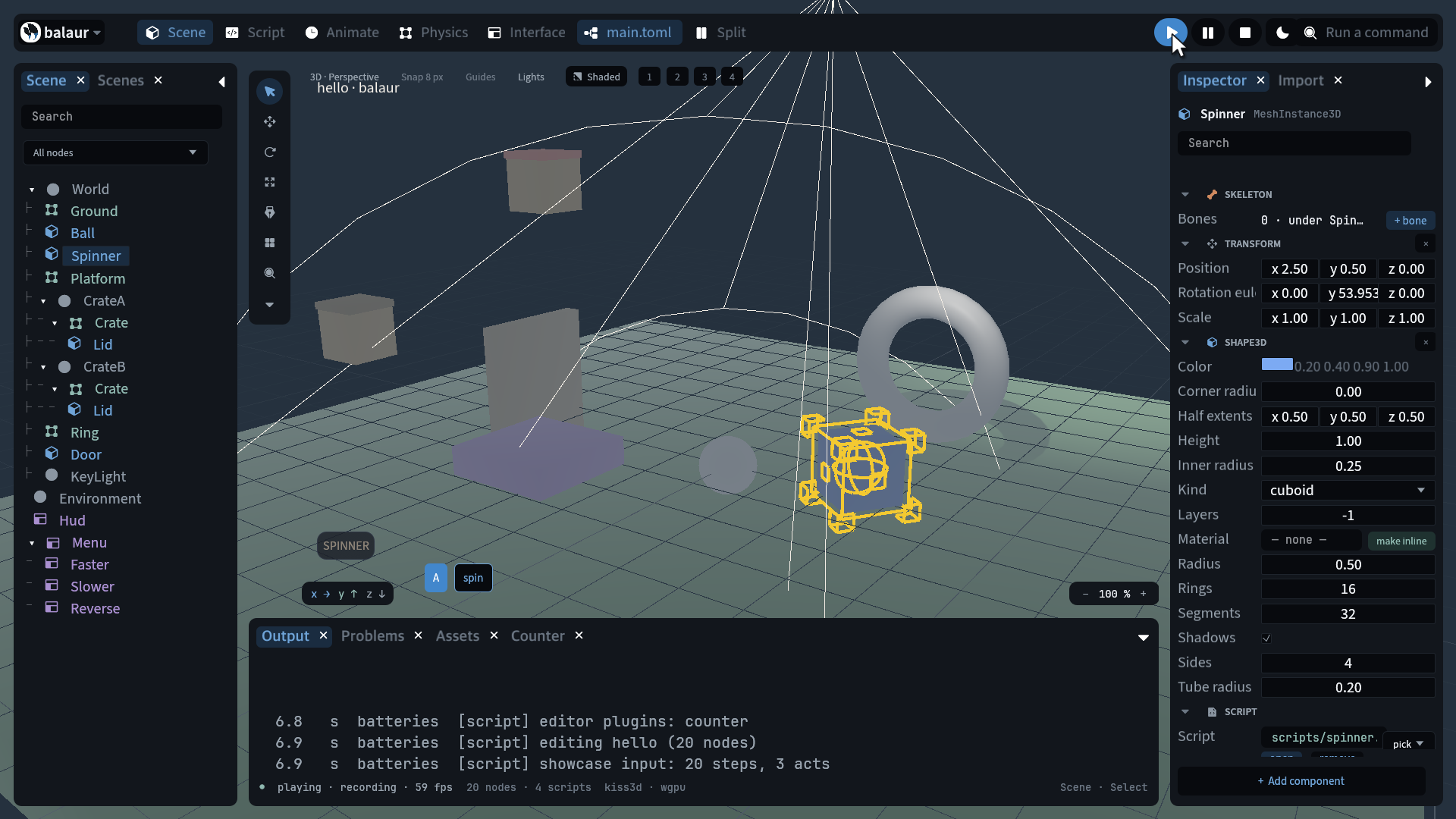
Input actions are declared in project.toml and can be rebound at run time.
Gamepads have named buttons and axes, rumble and gyro, and the editor draws
an input overlay.
action_valueruns −1 to 1: a key answers 0 or 1, a stick or a key pair the whole range.action_down,action_just_pressedandaction_just_releasedare the edges.input::bindrebinds an action and saves it to the user data directory, andreset_bindingsrestores the project's bindings.input::gamepads()lists the pads. Every query takes a pad id and a named constant,GAMEPAD_BUTTON_SOUTH,GAMEPAD_AXIS_LEFT_X.gamepad_rumble(pad, #{ strong, weak, duration })runs the two motors. A PlayStation pad also reportsgamepad_gyro,gamepad_accelerationandgamepad_touches, decoded from its HID reports over USB or Bluetooth.- Rumble also takes
delay,pulseandgap, anattackandfadeenvelope, and apositionthat fades with distance fromgamepad_set_listener.on_gamepad_rumble_finishedfires when one ends. - Pad ids are player slots from 0, and a pad plugged back in gets its slot
again.
[input] gamepad_deadzone,gamepad_pressandgamepad_releaseshape every pad alike;gamepad_pressure,gamepad_repeated,gamepad_infoandgamepad_powerread the rest. input::feed_gamepadstands in for a pad, so a test drives one with no controller attached.- Pads are read on a thread of their own, so a driver that hangs, as Windows Gaming Input can after sleep, stops the pads and not the game.
- The overlay draws a chip per key and button held, the actions they drive, and a ring per press. It reads the game's input snapshot, so in a replay the cursor follows the recording.
[input.actions]
jump = ["Space", "gamepad:south"]
move_x = ["keys:KeyA,KeyD", "axis:left_x"]
fire = ["mouse:left"]
All of it lands in the recorded snapshot; a motion-controlled session replays. Input has the full surface.