Examples
Six projects — seven counting the C twin of the extension — ship in the engine repository. Every screenshot and clip in the manual is taken on one of them, so what you see there is what opens here. Balaur builds from source for now — Getting started has the toolchain — and each card carries the command that opens its project in the editor.
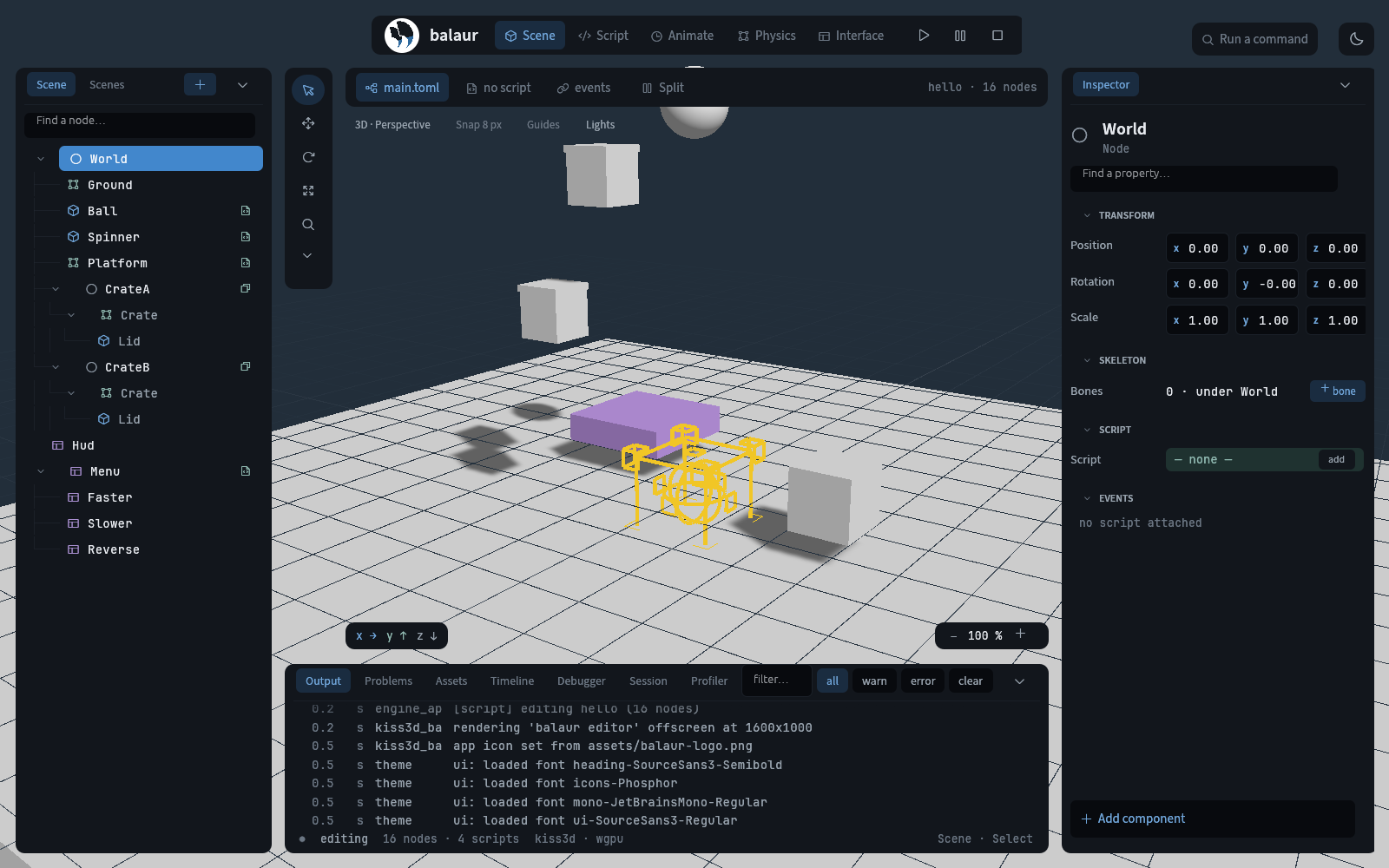
hello Start here
3D: a spinning cube, a bouncing ball, physics and a HUD label. Five short scripts. Open it, change scripts/spinner.rn while it runs, and watch the new code go live with the state intact.
cargo run -p balaur_cli --features window -- edit examples/hello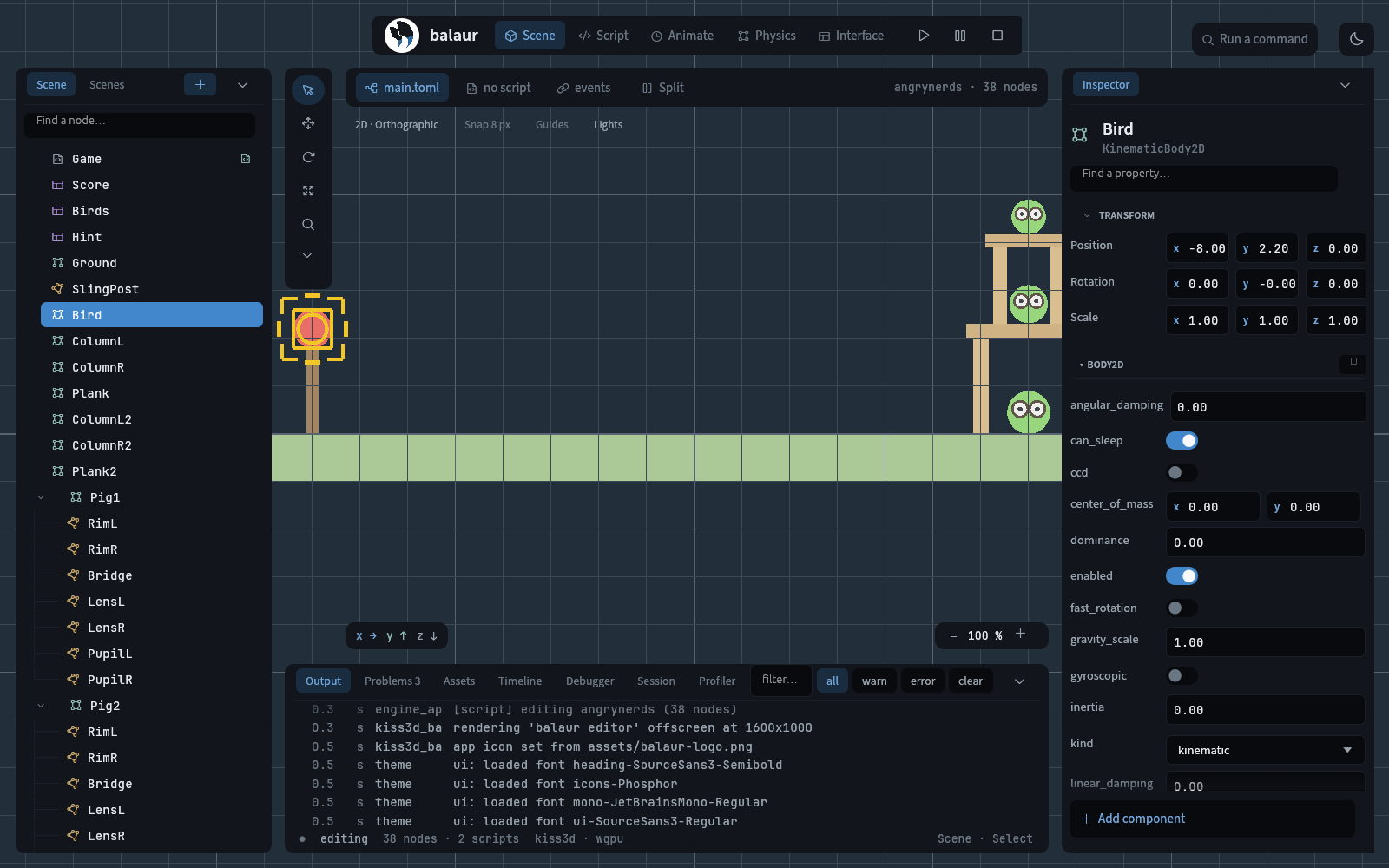
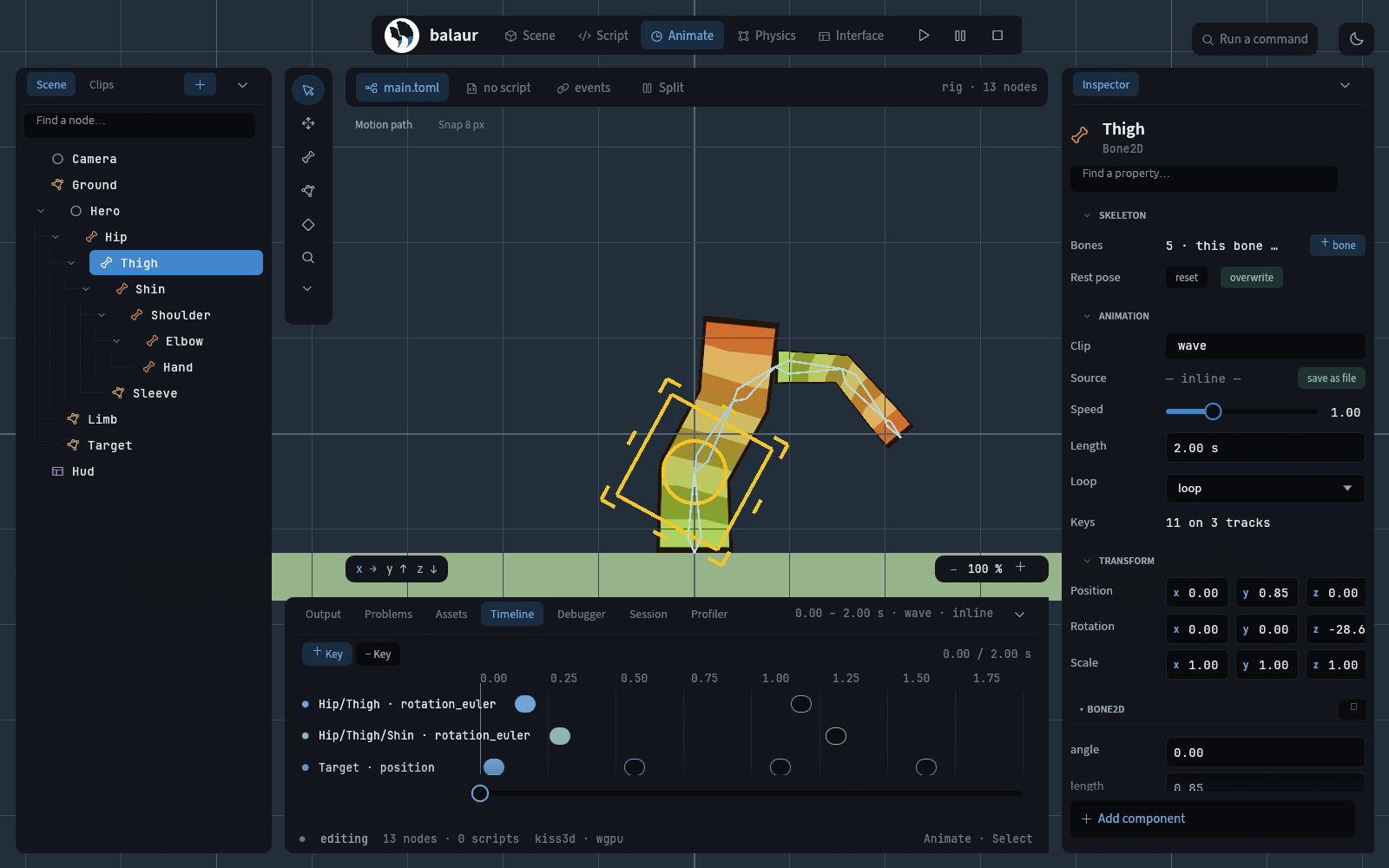
rig A 2D skeleton
One figure: a skinned leg swung by a clip, and an arm branching off its top bone that reaches on two-bone IK. The bone and polygon tools, painted weights, and the timeline, in one scene.
cargo run -p balaur_cli --features window -- edit examples/rig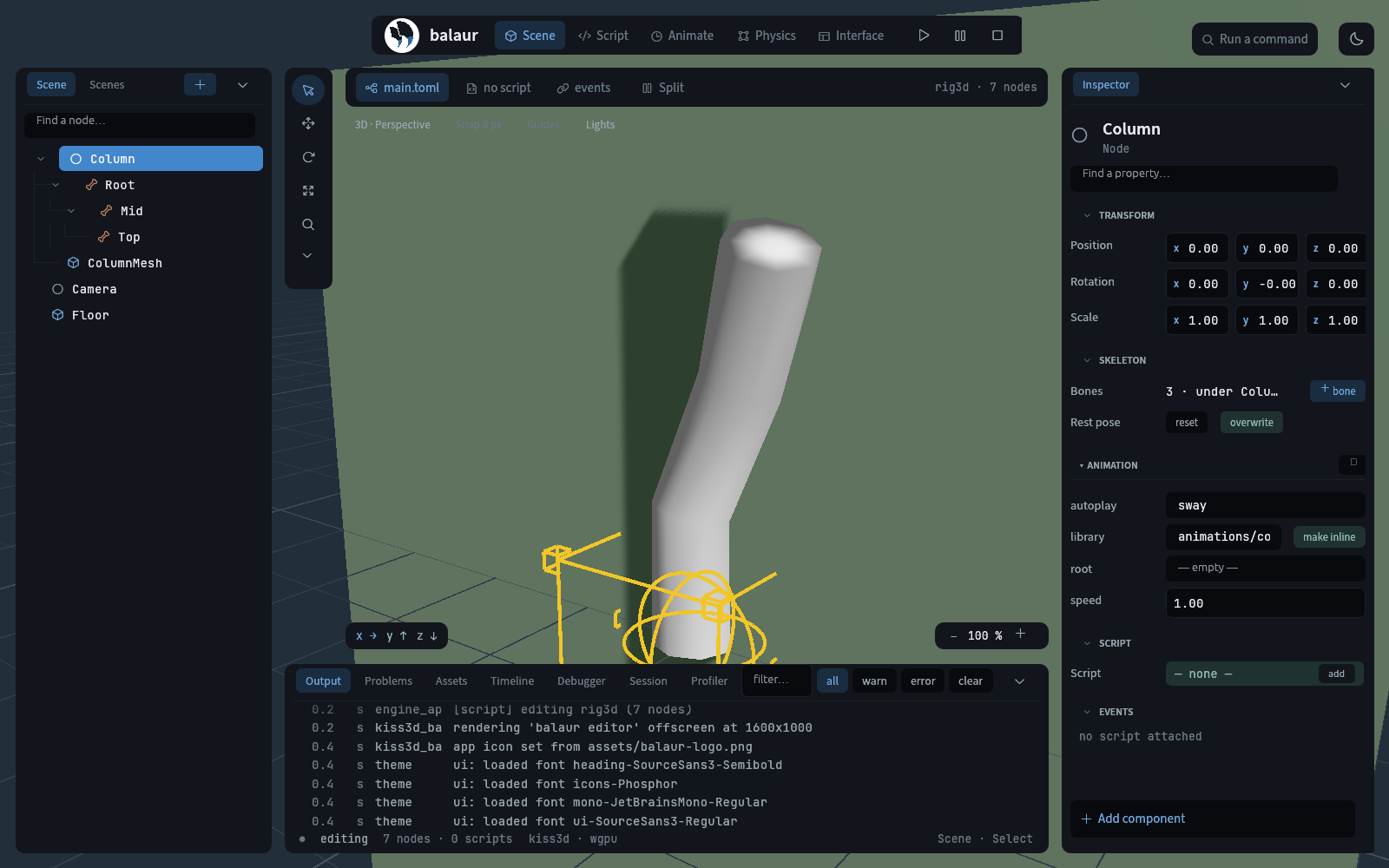
rig3d A 3D rig from glTF
A column imported from a .glb with balaur import: three bones deforming the mesh, bent by its sway clip. The joints, the mesh and the animation land as TOML the editor edits.
cargo run -p balaur_cli --features window -- edit examples/rig3d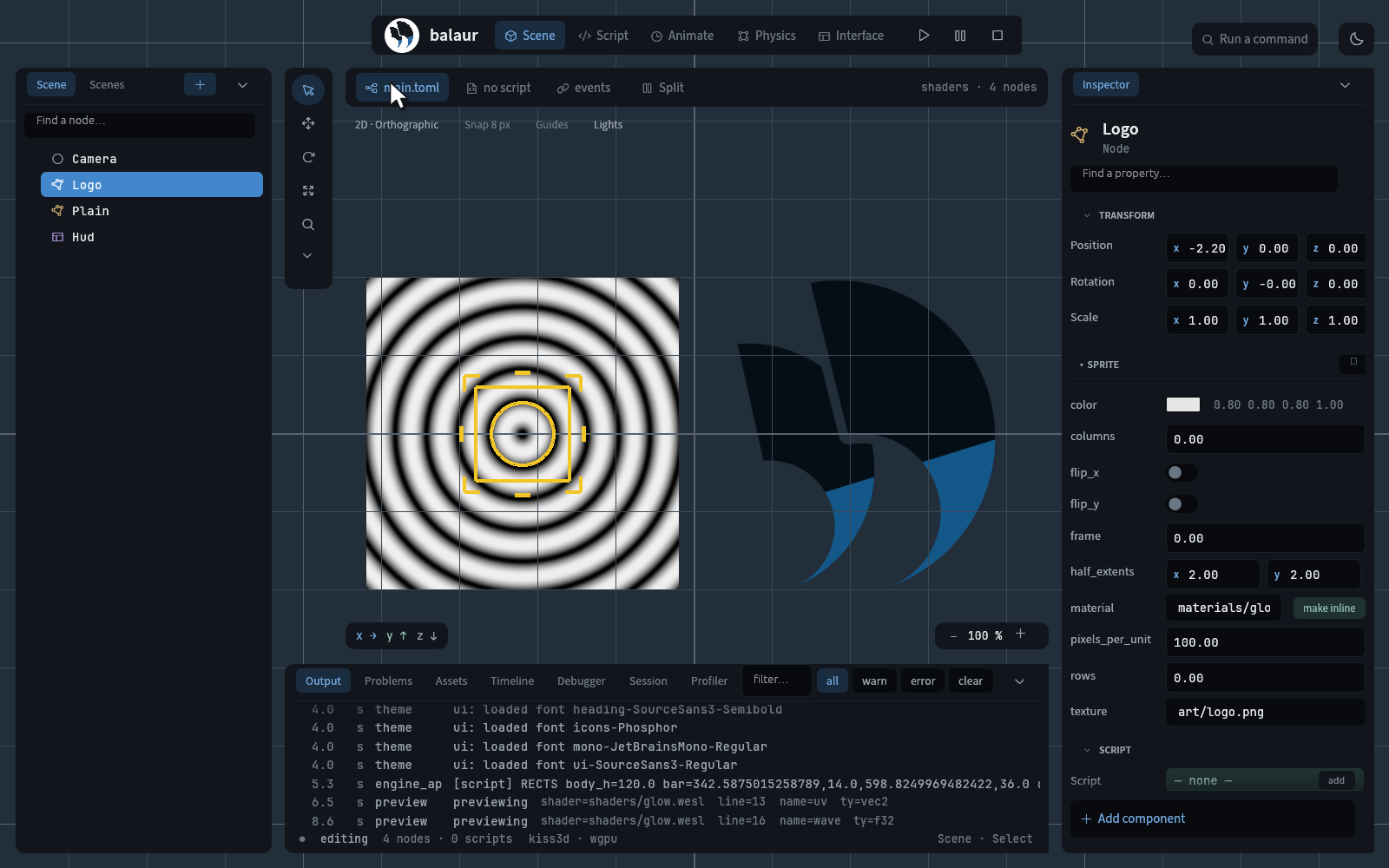
shaders A material and its shader
A glow material written in WESL — WGSL with imports and variants — on a sprite, beside a plain one, with the shader's parameters in the material file.
cargo run -p balaur_cli --features window -- edit examples/shadersextension_greeter Plugins as shared libraries, from Rust and from C
The complete working extension: a Rust crate built as a cdylib, loaded from the project's extensions/ directory, that scripts call as greeter::greet(…) like any built-in module. extension_c_counter does the same from C, in one file — the boundary is C-compatible, so a plugin need not be Rust.
cargo run -p balaur_cli --features window -- run examples/extension_greeterSource →extension_c_counter source →Modules and extensions →
Each example's scene is plain TOML and its scripts are Rune, so the fastest way to learn the engine is to open one and change something. What the editor's own personas look like on them is on the editor page.