Getting started
Download
- Download the editor. One binary is the editor, the CLI and the runtime.
- macOS: open
Balaur.app. Windows and Linux: extract the archive and run thebalaurbinary inside. - It opens the project manager: what you have opened before, a new project from a template, a folder to open, and a Godot project to import.
A project
balaur new my-game
balaur edit my-game
my-game/
├── project.toml        # [application] name, main_scene
├── scenes/main.toml    # the scene tree, in TOML
└── scripts/hello.rn    # a script attached to a node
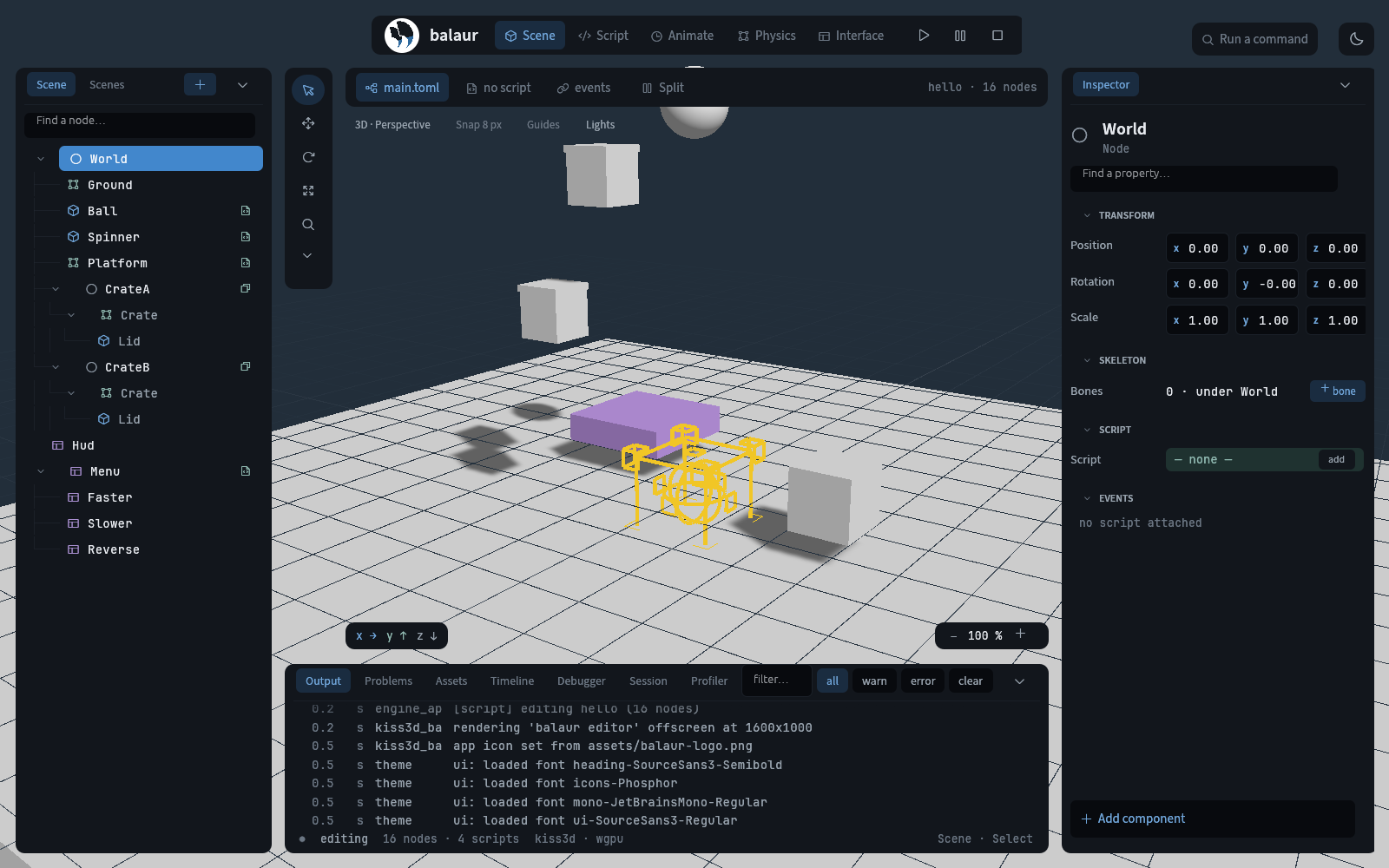
Run
Press Play in the editor, or run the project from a terminal:
balaur run my-game
Edit a script
- Switch to the Script workspace and open
scripts/hello.rn. - Save. The script reloads with its state kept.
Examples
The examples ship in the repository and play in the browser on the Examples page.
balaur edit examples/hello         # 3D: a spinning cube, a bouncing ball, a HUD label
balaur edit examples/angrynerds    # 2D: a slingshot game with 2D physics and widgets
balaur edit examples/rig           # a 2D skeleton: a skinned leg, an arm on two-bone IK
balaur edit examples/rig3d         # a 3D rig imported from a .glb
From source
cargo run -p balaur_cli --features window -- edit my-game
Toolchain and packages: Build from source.
Next
- The CLI: every command and the three run modes.
- Scenes and nodes and Scripting.