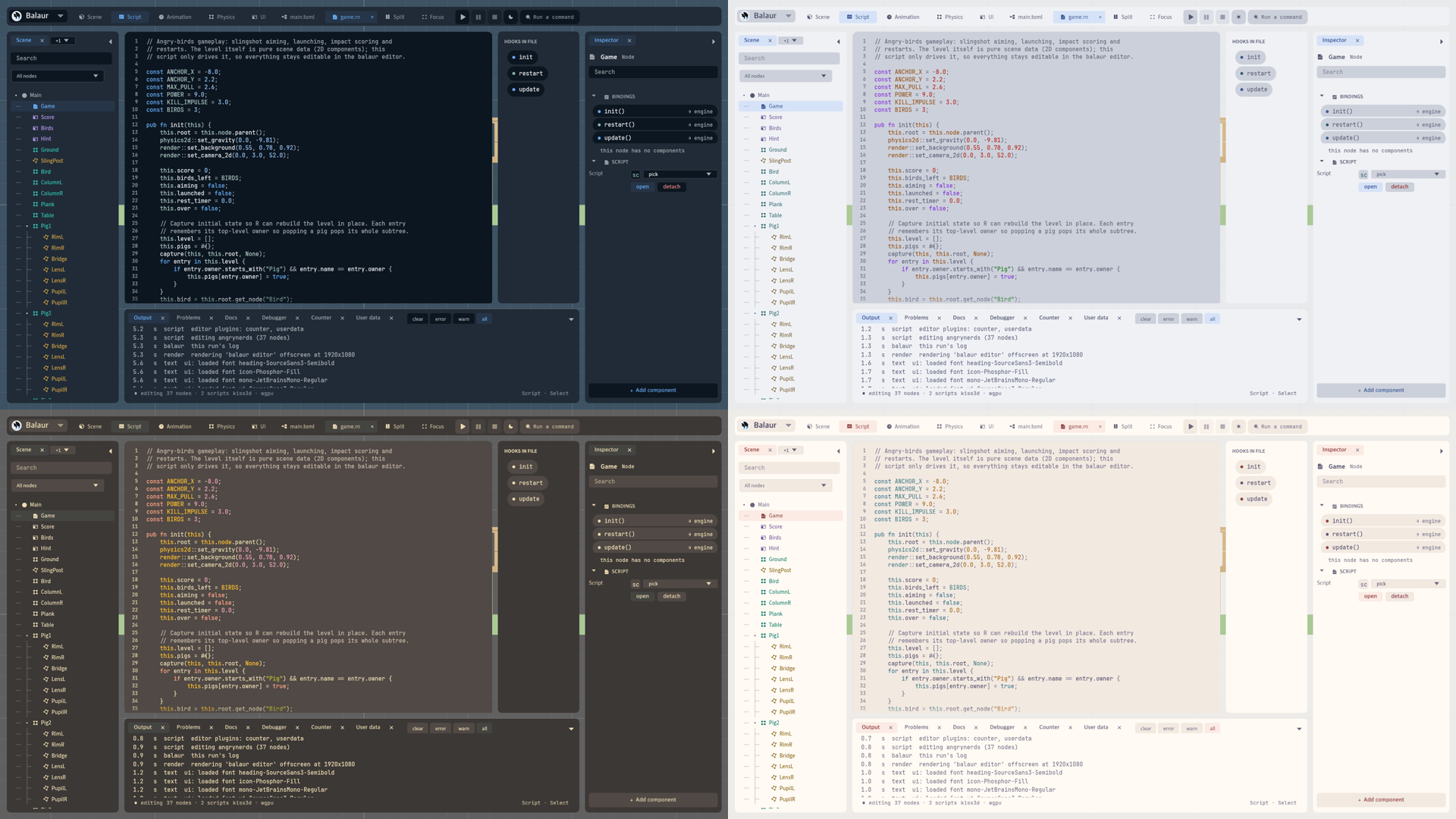
Themes that follow the system
· 2 min read
An editor theme is a pair of a dark half and a light half. The editor wears the half the system is in, and switches when the system does.
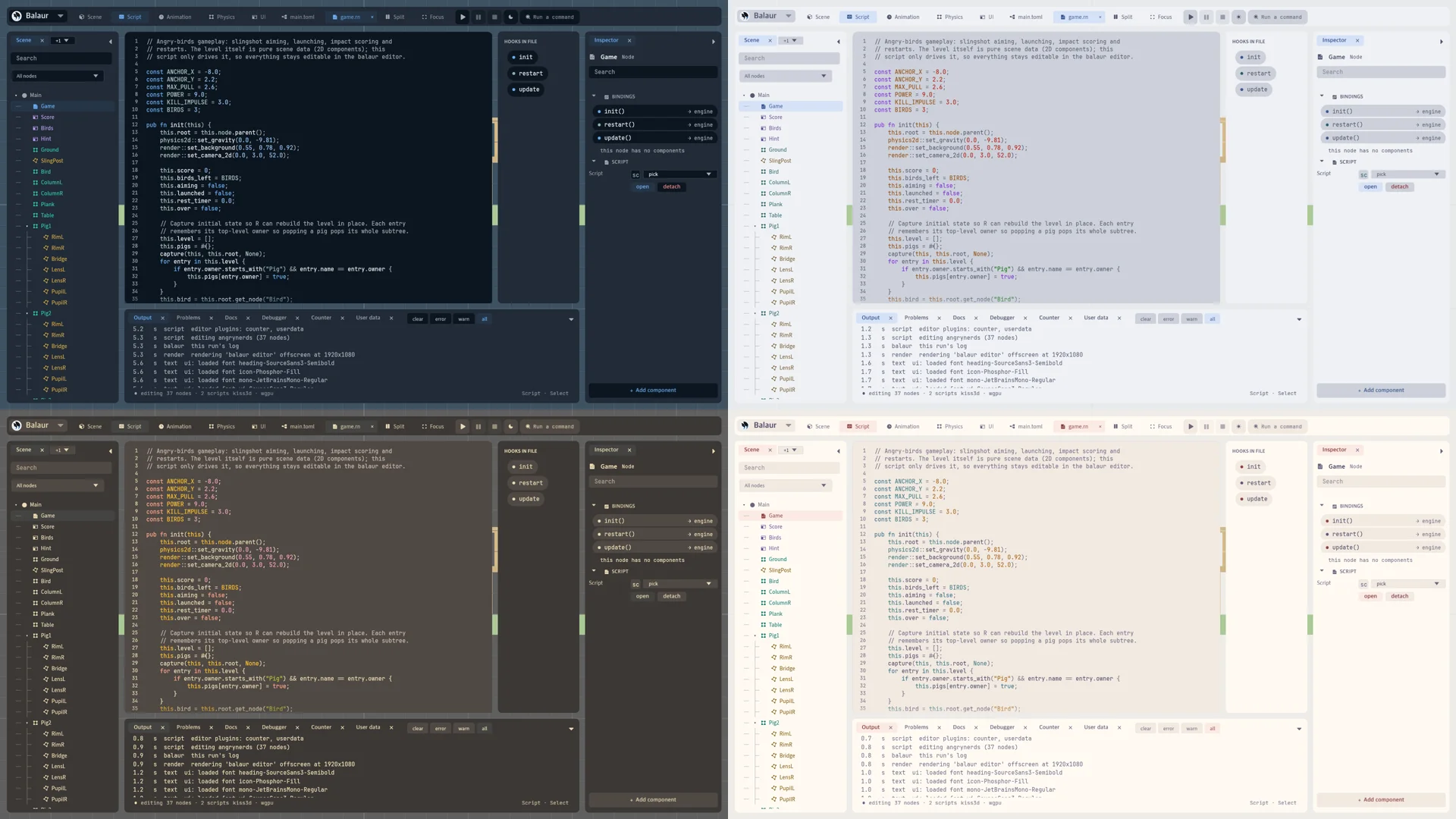
Pairs and the mode
- A theme is a folder holding
dark.tomlandlight.toml.editor/appearance/themenames the pair,balaurby default. editor/appearance/modeissystem,darkorlight, andsystemby default. The ☾ button writesdarkorlight.- Duplicate writes
themes/balaur-custom/in the editor's data folder, holding the half you wear. A half the folder lacks comes from its base.
Bundled schemes
- Solarized, Gruvbox, Catppuccin, Tokyo Night, Atom One, Rosé Pine, GitHub, Everforest, Dracula and Kanagawa ship with the editor, both halves each. The largest half is 621 bytes.
- A half states the scheme's surfaces, text, accents and syntax colours, read off the scheme's own palette file. Its header names the licence and the source.
- Every half reads at WCAG AA. A colour under 4.5:1 keeps its hue and moves in lightness, with the scheme's value beside it: Catppuccin Latte's keyword went from
#8839efto#771dda. - Nord has no light half, so it is not bundled.
Dark mode in a game
engine::dark_mode()andon_dark_mode_changed(bool)answer on Windows, Linux, iOS and Android, as on macOS and in a browser.- Linux asks the desktop portal's
color-schemethrough the system'slibdbus, loaded on first use and asked every two seconds.