The screen before the editor
· 2 min read
Started with no project, the editor opens on a screen rather than a usage line. It has three tabs: your projects, the examples that ship with it, and the engine build itself.
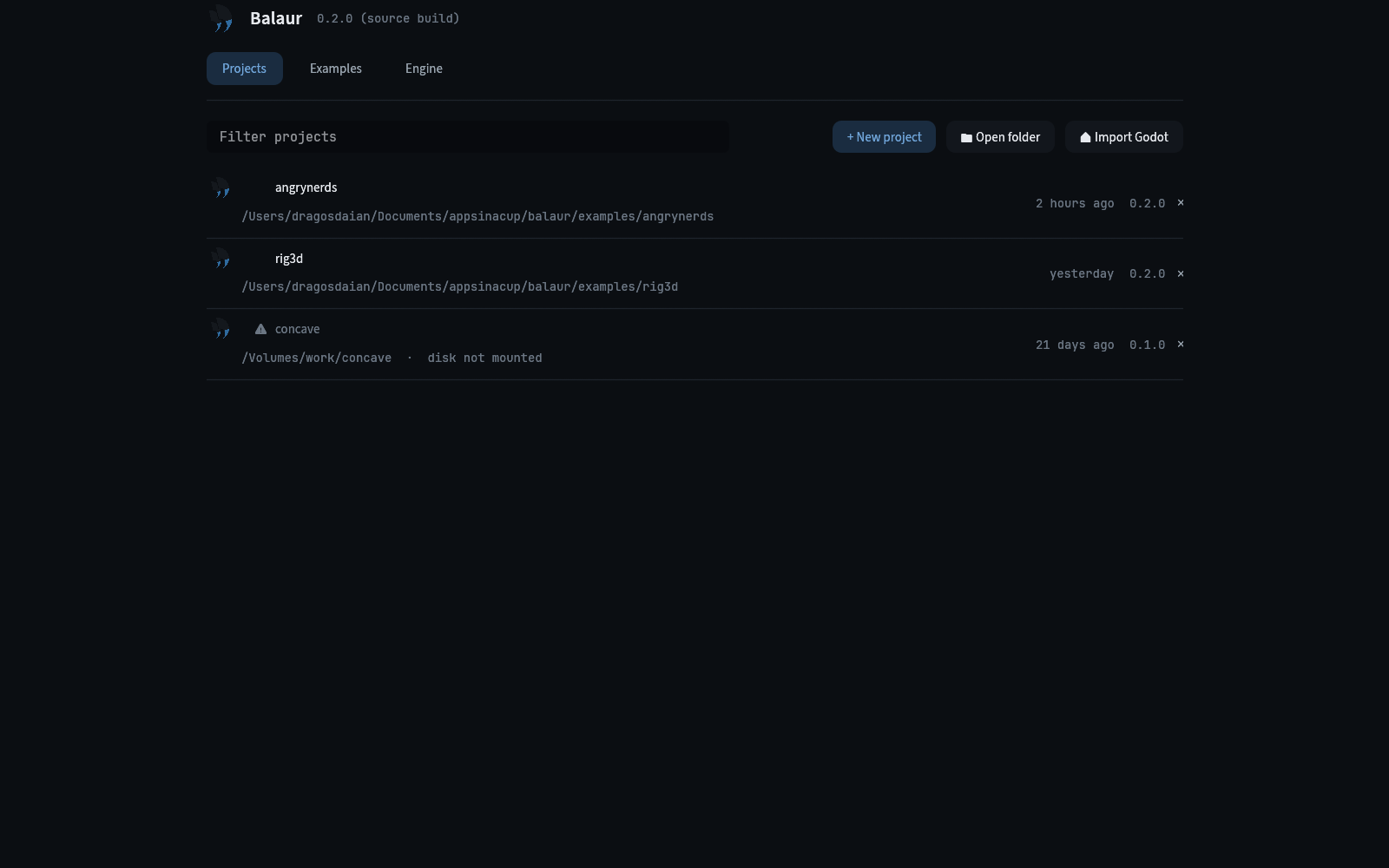
- A screen, not a window. The same widgets draw it, editing its script hot reloads it, and it folds to one column on a phone. Godot opens a separate window for this; there was nothing to gain from a second one.
- A row remembers more than a path. When it was last opened and which engine opened it. A folder that has gone stays in the list saying so, because it is usually an unplugged disk.
- Opening one closes the one you came from. One process is one project: the export and import modules and the file root are built for the one the editor booted with.
Examples, not an empty state
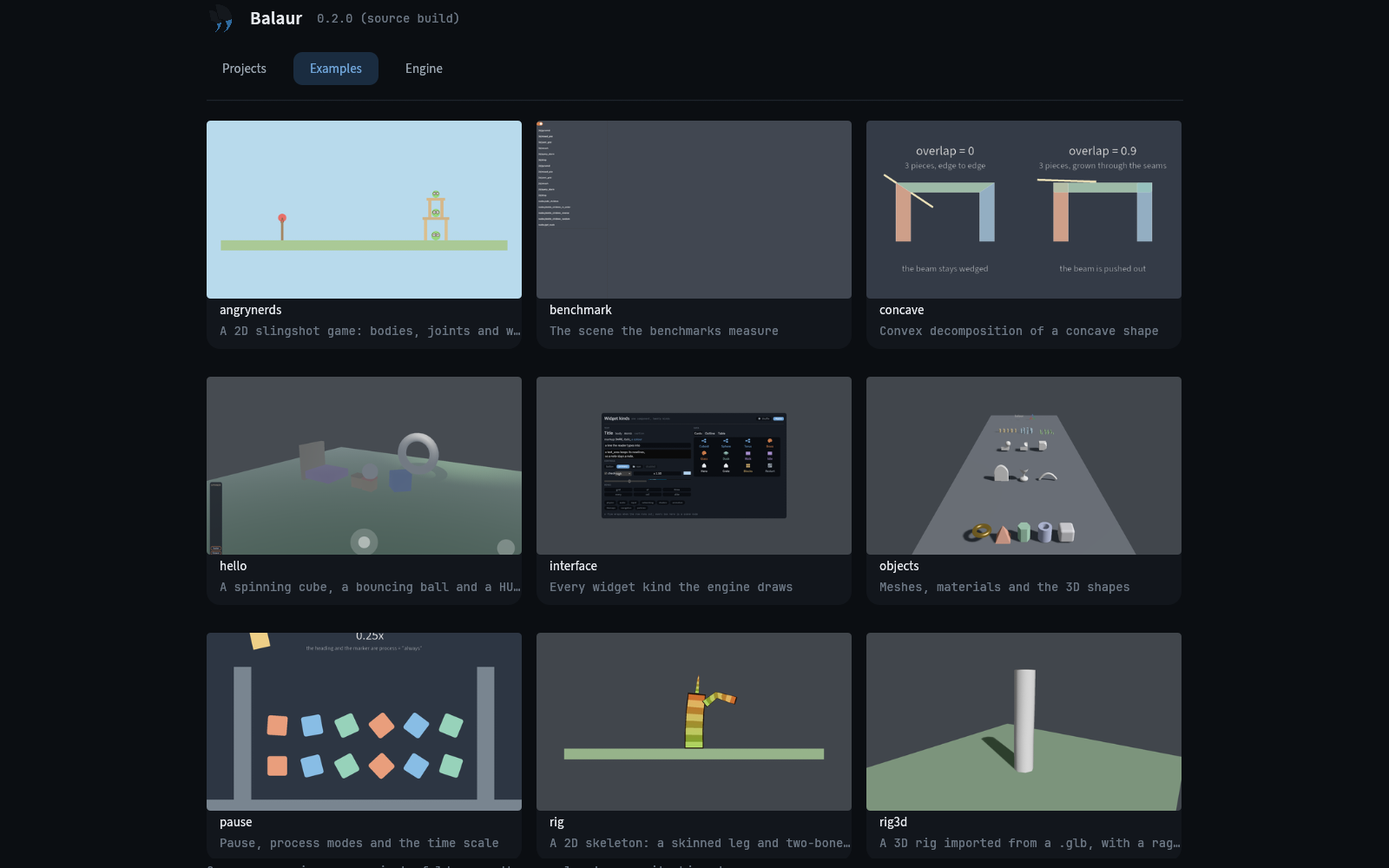
The twelve example projects ship beside the editor, each with a picture of itself running. Opening one copies it into your projects folder and opens the copy, so the shipped example stays as it was.
Which engine this is
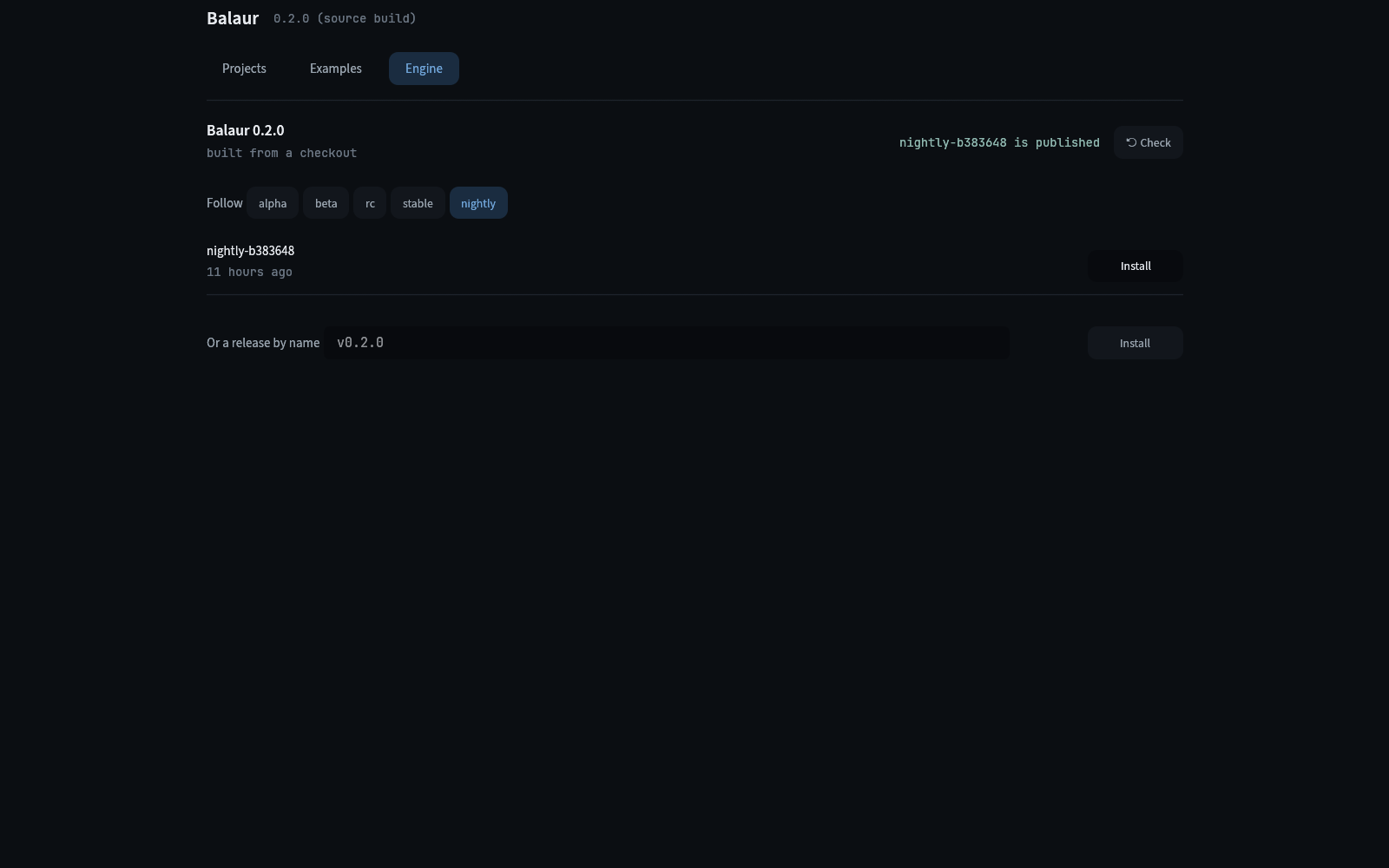
- One line at a time. Follow picks
alpha,beta,rc,stableornightly, and the releases under it are that line's, newest first, with the installed one marked. - The feed is read once, when the tab opens, rather than a press per channel.
- None of it is new code.
balaur updatehas followed channels and tags for a while, and the screen calls the same functions.