Text in 2D and 3D
· 2 min read
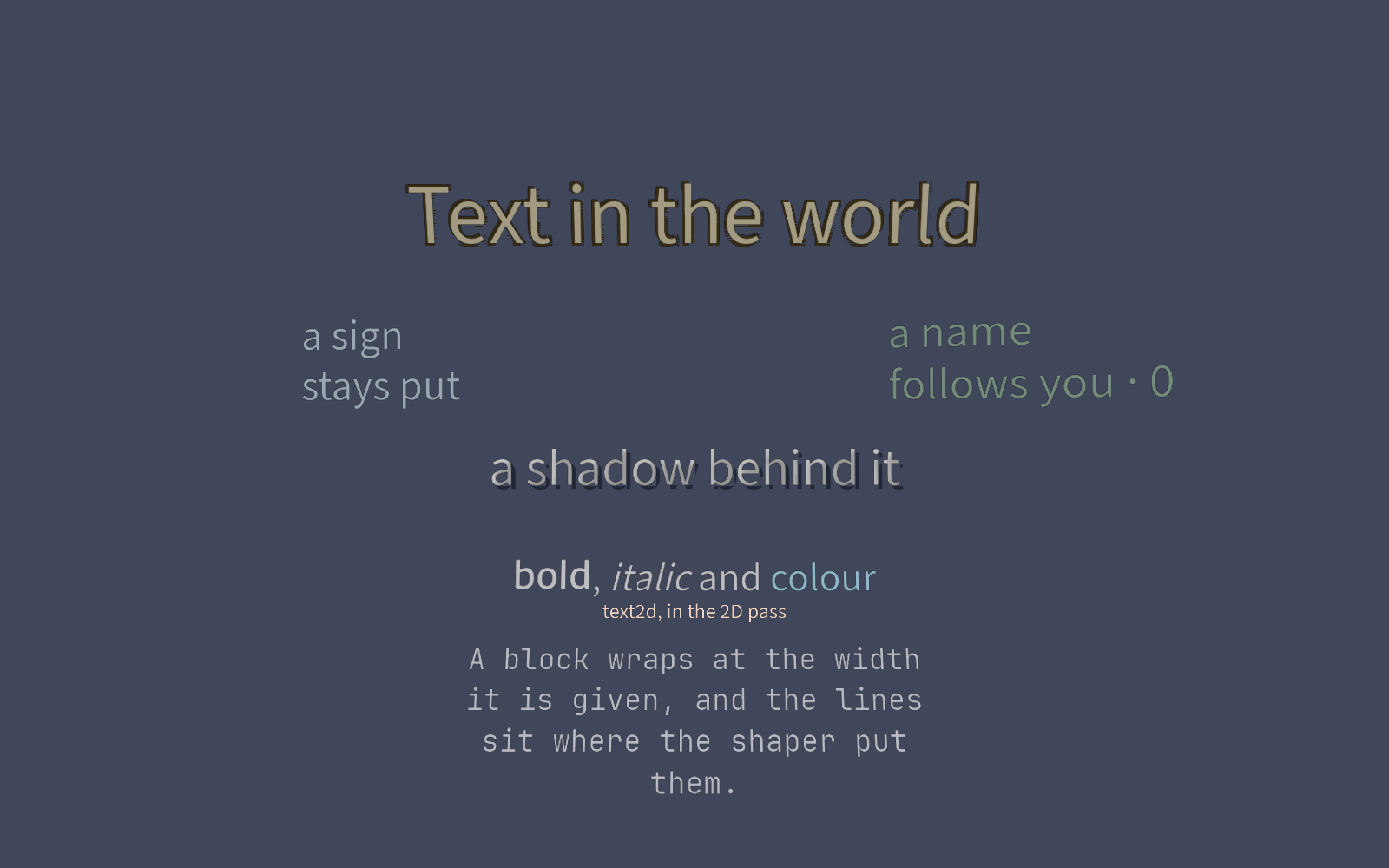
text2d and text3d put text in the scene, shaped by the same engine the
widgets use. They come with outline and shadow, markup, bitmap fonts, and
editing in the viewport.
- One component serves both passes, with the keys a label takes plus
pixels_per_unit. In 3D there are alsobillboard,double_sided,depth_testandalpha_cut. - Outline and shadow are the same quads offset and tinted, each layer a thousandth of a unit in front of the last.
- Markup covers
[b],[i],[color=…]and[wave], with one mesh per colour. - A bitmap font is an AngelCode
.fnt: one glyph per character, no shaping, its page in the same atlas. - A block is rasterised at the size it covers on screen, in geometric buckets 8.7% apart.
- Emoji come from a colour face per platform in the fallback chain.
render.draw_textanddraw_text_2ddraw for one frame with no node. The Rig tool names bones with them.render.text_sizemeasures against the project's and bundled faces, never a system face, so the width is the same on every platform. The glyph mesher reads the same faces, and akind = "text"mesh and its colliders match everywhere too.- Double-click a text node in the viewport to edit it in place.
[[nodes]]
id = "sign"
name = "Sign"

[nodes.transform]
position = [0.0, 1.6, 0.0]

[nodes.text3d]
text = "A score on a sign"
font_size = 64
color = [1.0, 0.85, 0.3, 1.0]
pixels_per_unit = 110
outline_size = 3.0
outline_color = [0.1, 0.05, 0.0, 1.0]
No distance fields: a glyph is scaled by up to 8.7% between buckets.
Text is the manual page;
examples/text
runs from Examples.