Pausing a game
· 2 min read
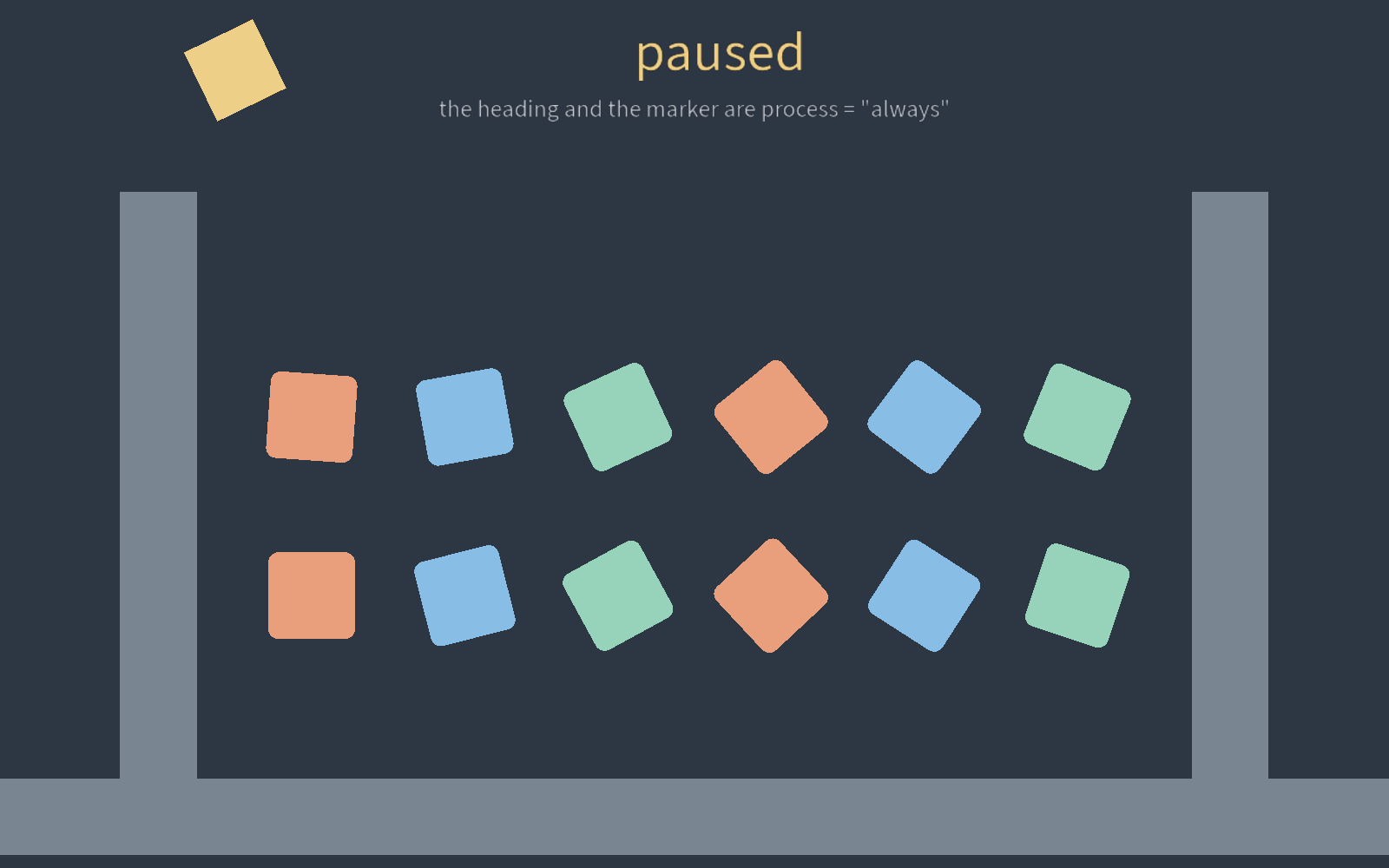
engine.set_paused(true) holds the tree. A node set to process = "always"
keeps its own subtree running, which is what a pause menu is.
process is a key on a node like visible, and the subtree under it
inherits the answer:
pausablestops while paused. The default, and what everything above gets from the root.alwaysruns either way. A pause menu, a loading screen, the script that lifts the pause.when_pausedruns only while paused.disablednever runs.inherittakes the nearest ancestor's answer.
That one key stops everything that ticks per node:
- Scripts, animation players, tweens, state machines and the
timercomponent. - Physics is one world and is held whole, so a body under an
alwaysnode stops with the rest. Godot draws the line in the same place. - Every script's
on_paused(bool)is called when the state changes, the scripts the pause just stopped included.
Slow motion, and the frames between ticks
engine.set_time_scale(0.25) multiplies wall-clock time before the
simulation is owed it. Half speed takes half the fixed steps, double takes
twice, and each step is still the same length. The cap on catch-up steps
scales with it, so fast forward is not quietly clipped. Three settings come
with it:
[window] max_fpscaps the loop where vsync does not.[time] tick_hzreplaces the built-in 60. A recording carries the rate it was made at.[time] interpolatedraws bodies andfixed_updatenodes between steps, so they move on every frame of a 144 Hz display. Off by default: it costs one tick of latency, which a run taking one step per frame pays for nothing.