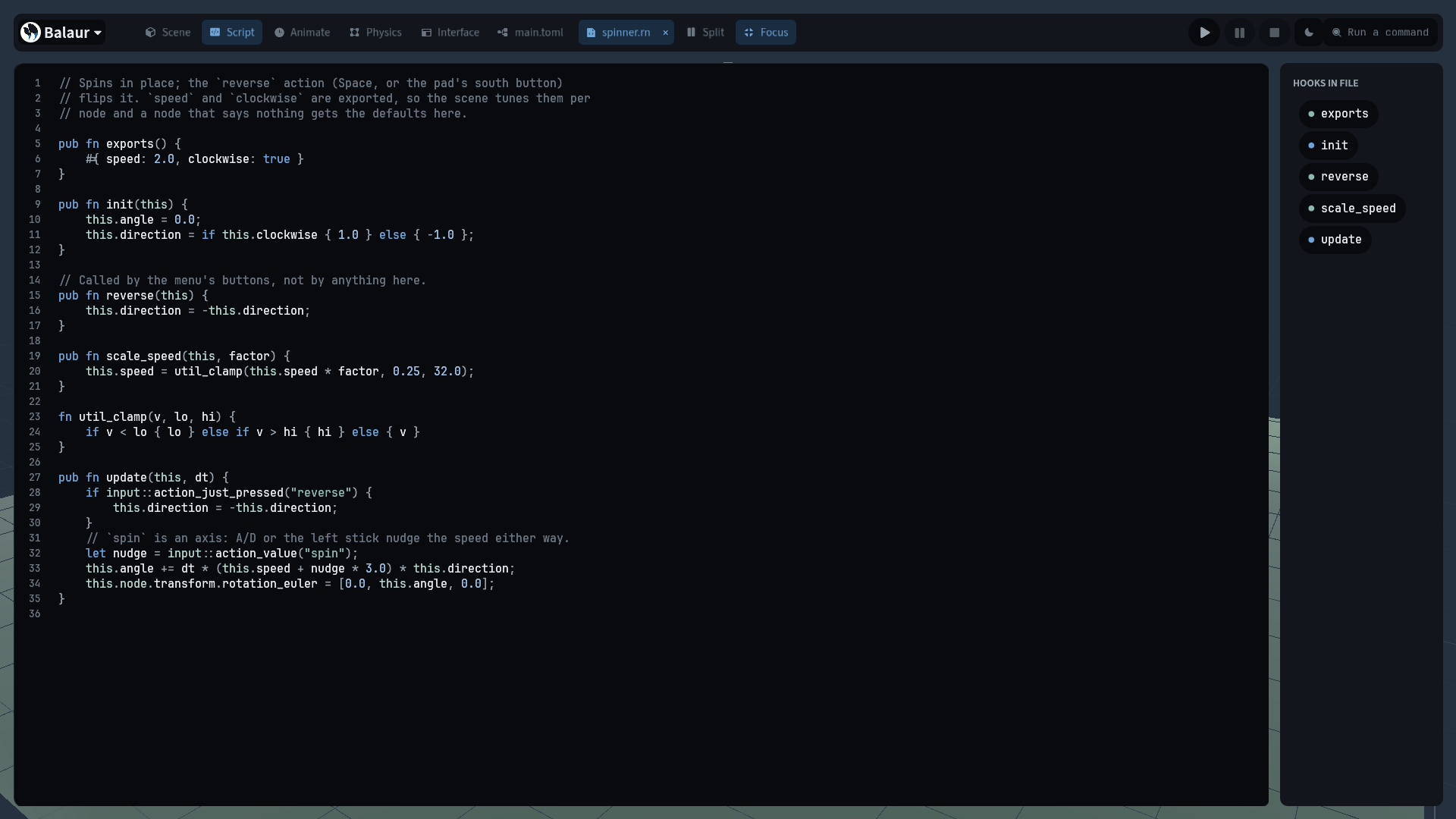
Focus mode
· One min read
Focus mode gives the code pane the whole window. ⇧⌘\ folds the three docks
and the split; the file's hooks stay beside the pane. A second press restores
the layout it folded.
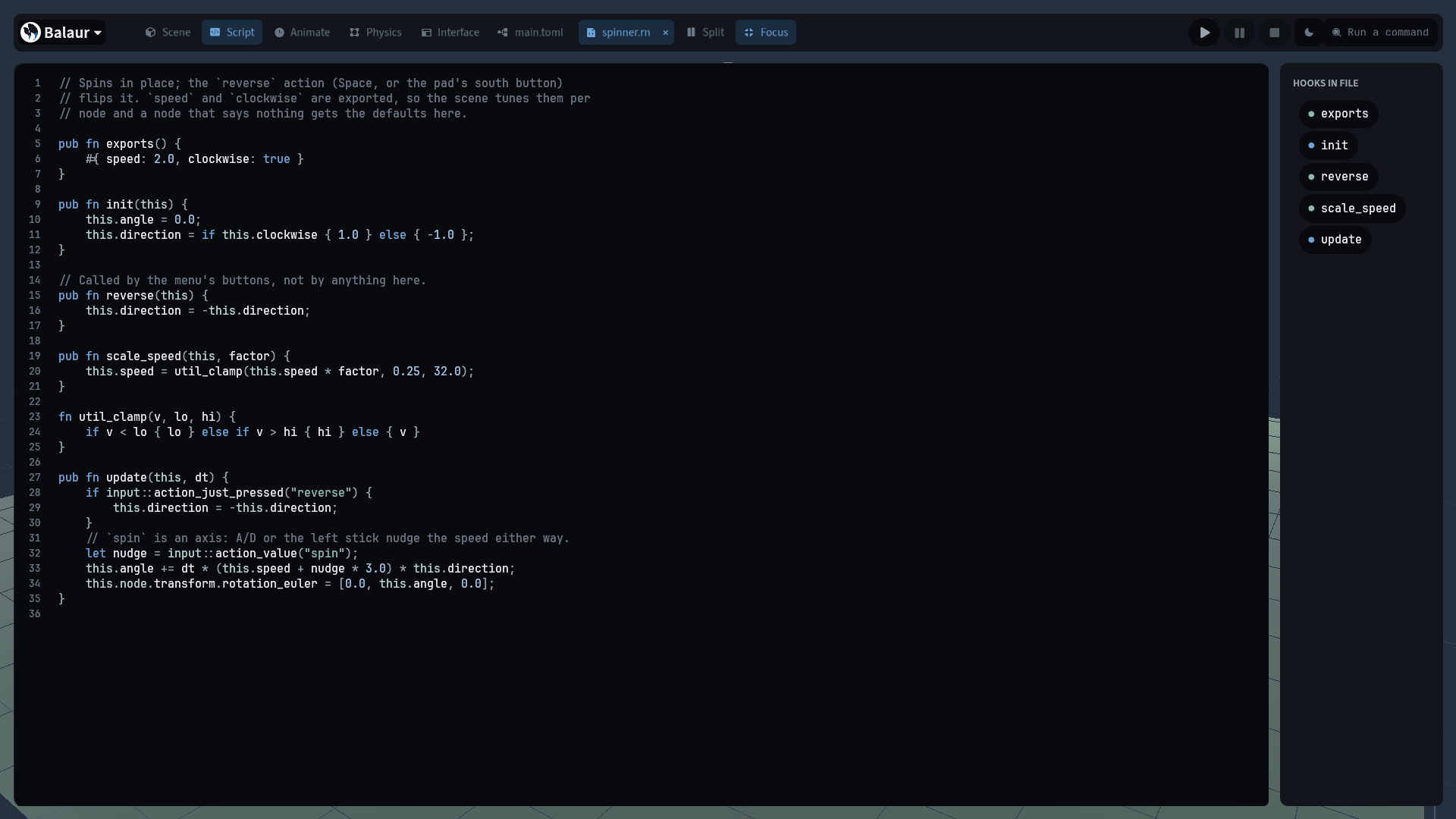
- It folds the tree, the inspector and the bottom dock, whatever each was showing, and the split with them. The hooks list stays.
- Focus records the three docks' state and the split before folding them, and leaving restores what was open.
- Opening a panel under focus ends it: the panel stays and the record is dropped. Leaving the code tab restores the shell.
- A chip beside Split in the top bar,
⇧⌘\, or the command palette turns it on. With no script on the selection the chip is greyed and its tooltip says why.