Checking a script against its scene
· 2 min read
balaur check resolves each component method a script calls against the same
table the run time reads from. A misspelled one fails the check rather than
waiting for its line to run, which for a death animation or a shop screen can
be weeks.
The check needs both halves. A script alone says this.node.animation, which
is a name and nothing more. The scene says which components that node carries,
so reading the two together is what turns the name into a table of methods.
- Every scene in the project is walked for the scripts it attaches, and each script is compiled with the node it will run on in hand.
- A call on a component resolves against the modules that drive it.
animationis driven by two of them, and a method either declares itself in one or it does not exist. - A finding names the file, the line and the column, and says what the component does have nearby.
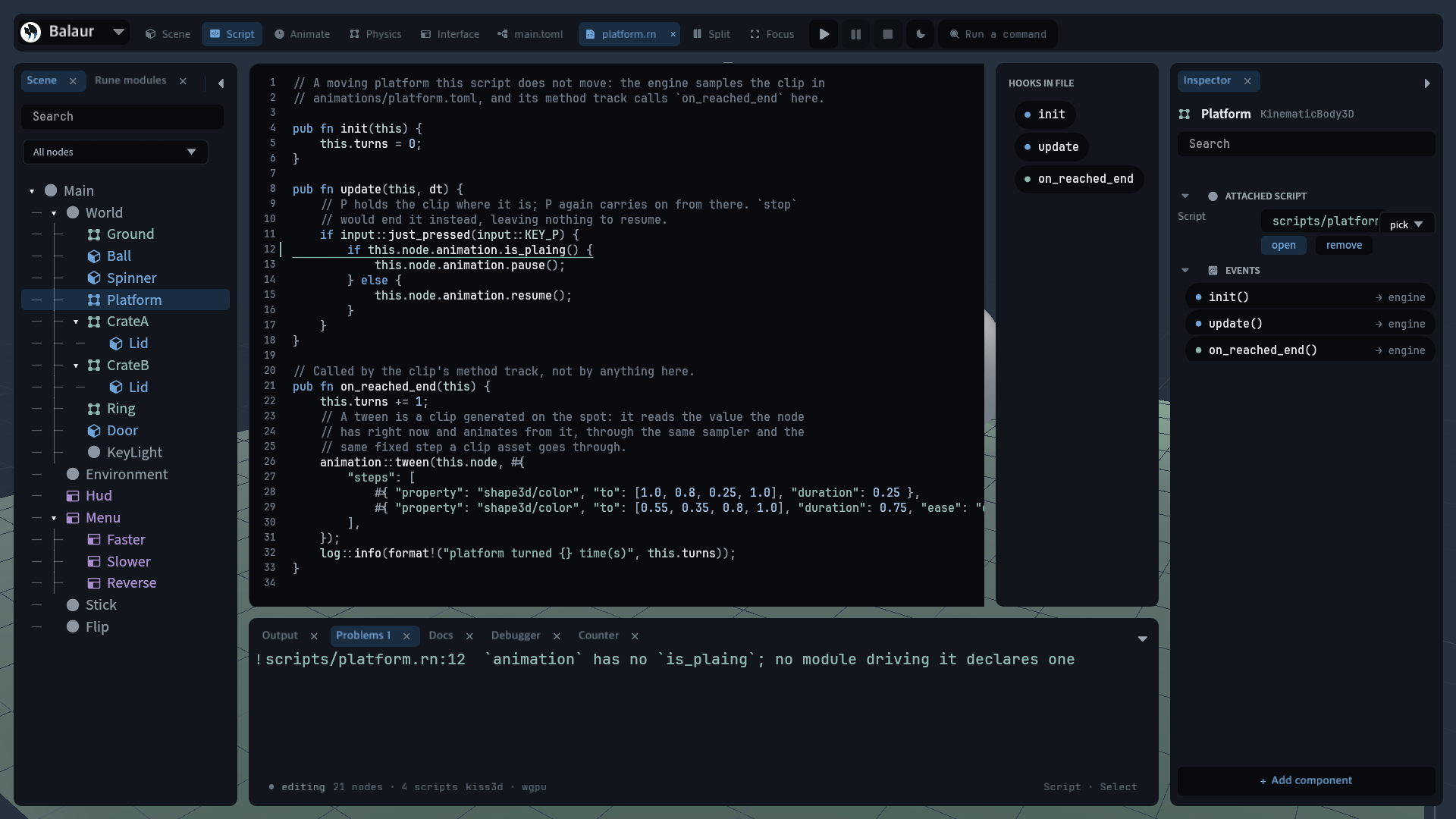
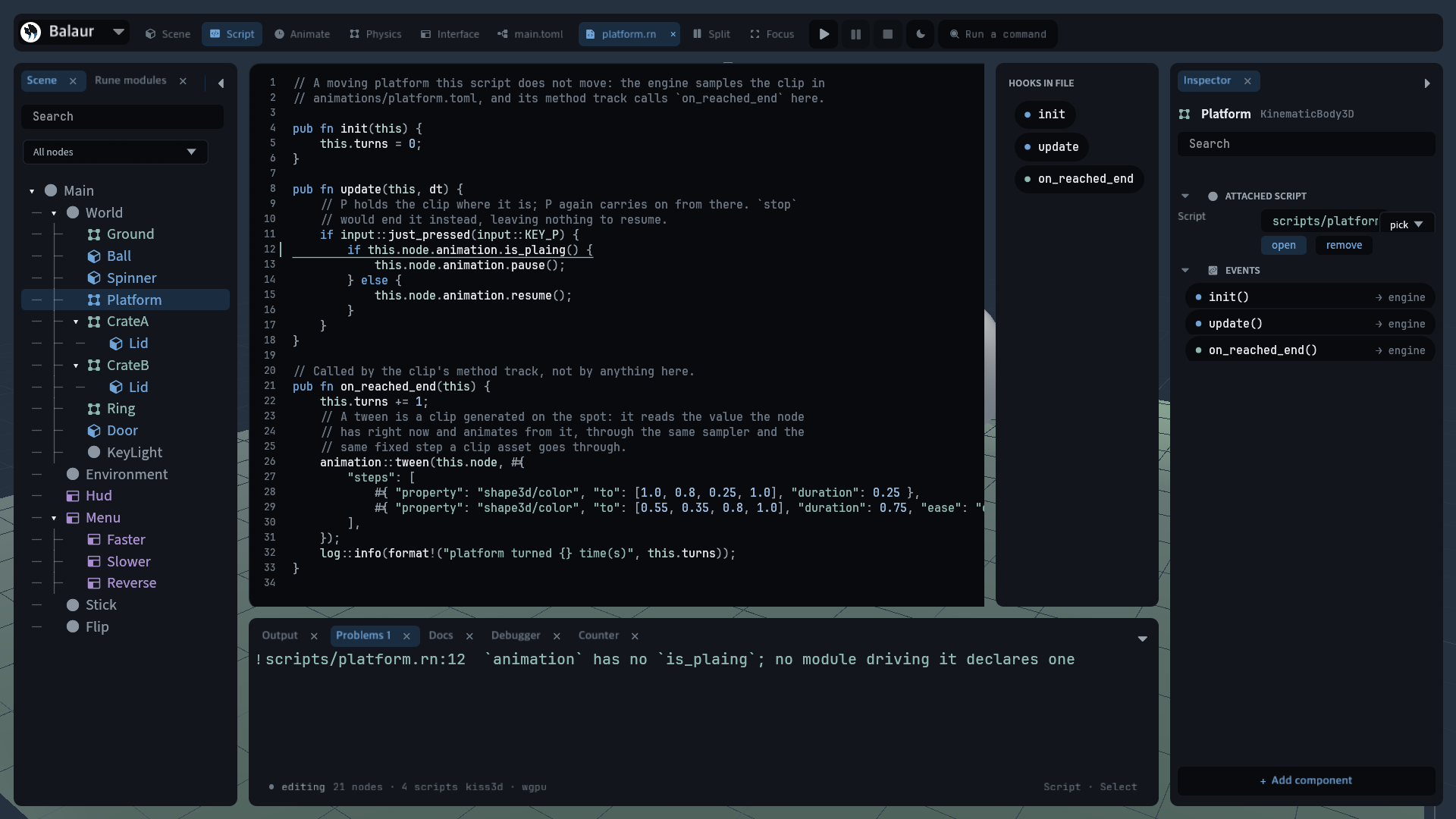
- The editor reads the same pass. The Problems dock lists what it found and a click goes to the line.
- Rune is dynamically typed and stays that way. This resolves component methods against the scene, and nothing wider.
Findings are warnings, so a tree with one still runs. --strict turns them
into errors, which is what this project's own CI runs over every example:
balaur check examples/hello --strict
scripts/platform.rn:12:32: warning: `animation` has no `is_plaing`; no module driving it declares one
The command is in the CLI reference.